Traffic Bike Racing Moto Rider

Traffic Bike Racing Moto Rider

Racing

| Gen Dev Studio

Play on PC with BlueStacks or from our cloud

  • Overview
  • Game Features
  • How to Play

Page Modified On: April 13, 2026

Play Traffic Bike Racing Moto Rider on PC or Mac

Join millions to experience Traffic Bike Racing Moto Rider, an exciting Racing game from Gen Dev Studio. With BlueStacks App Player, you are always a step ahead of your opponent, ready to outplay them with faster gameplay and better control with the mouse and keyboard on your PC or Mac.

About the Game

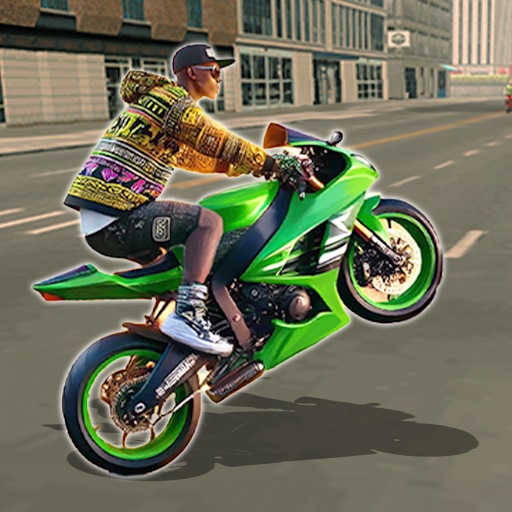
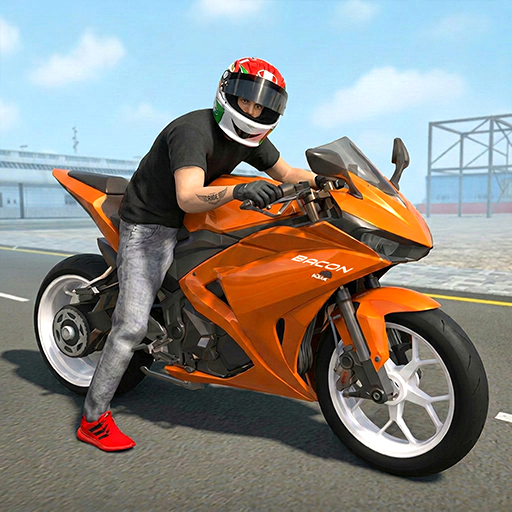
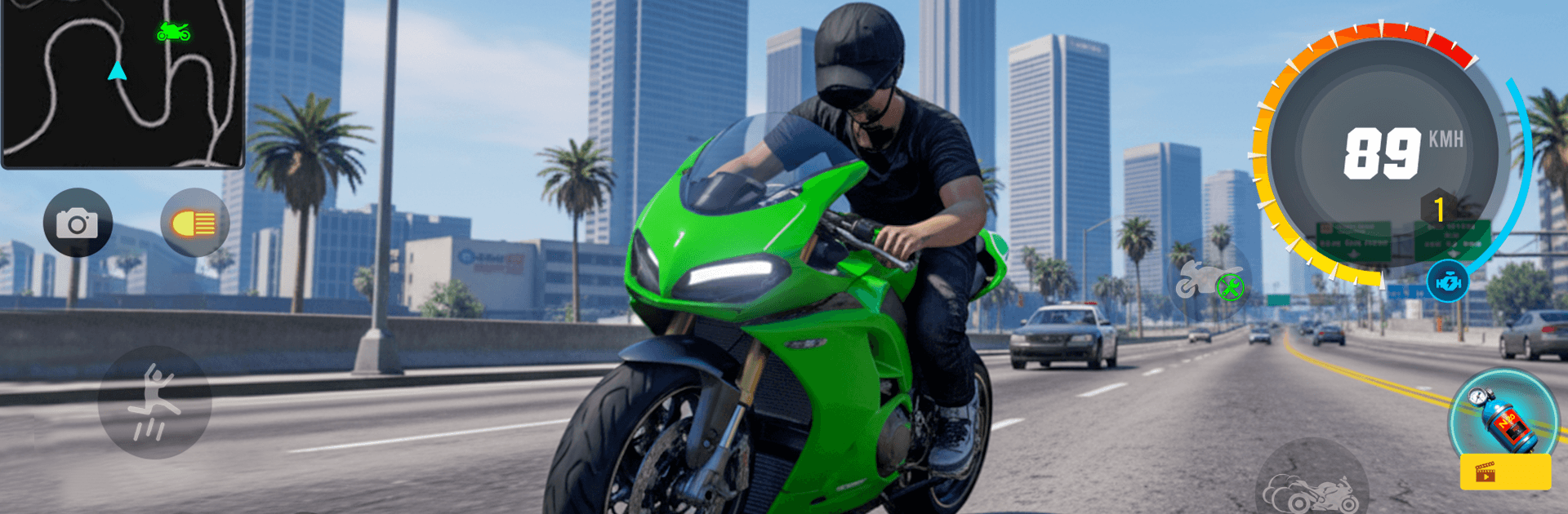
Traffic Bike Racing Moto Rider is all about threading the needle through real highway traffic and feeling that “one more run” pull. You’ll rip down busy roads, chase personal bests, and fine‑tune your bike so it actually handles the way you like. Built by Gen Dev Studio, this Racing fix is quick to learn, challenging to master, and just as smooth on a bigger screen with BlueStacks if you prefer playing on PC.

Game Features

  • Modes for Any Mood: Swap between Endless Highway, Time Attack, Career, and Free Ride to suit your vibe—go for records, beat the clock, complete tasks, or just cruise.
  • Road That Fights Back: Dynamic traffic keeps you alert with shifting gaps, lane changes, and density that makes every pass its own little challenge.
  • Feel-the-Bike Physics: Natural motorcycle physics sell the speed and weight, so clean lines and smart braking actually pay off.
  • Smooth, Snappy Controls: Responsive handling helps you squeeze through tight spots at high speed without second‑guessing your inputs.
  • Garage of Machines: Unlock motorcycles with distinct speed and handling profiles, then pick the one that matches your style.
  • Upgrade Your Ride: Improve acceleration, top speed, and control to sharpen your edge as the roads get busier and the goals get tougher.
  • Fair, Satisfying Progression: Earn rewards by completing missions and meeting milestones in Career Mode—progress that feels steady, not grindy.
  • Built for Chasing Records: Push distance in Endless, shave seconds in Time Attack, and keep coming back to outdo your own best runs.

Ready to top the leaderboard? We bet you do. Let precise controls and sharp visuals optimized on BlueStacks lead you to victory.


Game Features

Enhancements

  • Macros
  • Multi Instance
  • Multi Instance Sync
  • Script
  • Enhancements
Macros

Macros

Automate the predictable in Traffic Bike Racing Moto Rider and transform your gameplay with Macros. Get access to inventive Macros in the BlueStacks Macro Community
Multi Instance

Multi Instance

Play Traffic Bike Racing Moto Rider on one window. And chat with your friend on the other. Press CTRL + Shift + 8 to open the Multi-Instance Manager. And start creating fresh instances or clone an existing one.
Multi Instance Sync

Multi Instance Sync

Play Traffic Bike Racing Moto Rider with the power of Multi-Instance Sync. Replicate what you are doing on the main instance on all other instances. Level up faster, play more.
Script

Script

Script your way to gaming glory in Traffic Bike Racing Moto Rider with BlueStacks Script. Write and run a set of commands to automate repeated tasks. Trigger the command by assigning it to any key.
Read More

How to Download and Play Traffic Bike Racing Moto Rider on PC or Mac

  • Download and install BlueStacks on your PC or Mac

  • Complete Google sign-in to access the Play Store, or do it later

  • Look for Traffic Bike Racing Moto Rider in the search bar at the top right corner

  • Click to install Traffic Bike Racing Moto Rider from the search results

  • Complete Google sign-in (if you skipped step 2) to install Traffic Bike Racing Moto Rider

  • Click the Traffic Bike Racing Moto Rider icon on the home screen to start playing

video
Watch Video

Minimum System Requirements

With BlueStacks 5, you can get started on a PC that fulfills the following requirements.

  • Operating System

    Microsoft Windows 7 or above, macOS 11 (Big Sur) or above

  • Processor

    Intel, AMD or Apple Silicon Processor

  • RAM

    at least 4GB

  • HDD

    10GB Free Disk Space

Note:

* You must be an Administrator on your PC. Up to date graphics drivers from Microsoft or the chipset vendor.

Traffic Bike Racing Moto Rider - FAQs

  • How to play Traffic Bike Racing Moto Rider on Windows PC & Mac?

    Play Traffic Bike Racing Moto Rider on your PC or Mac by following these simple steps.

    • Click on 'Play Traffic Bike Racing Moto Rider on PC’ to download BlueStacks
    • Install it and log-in to Google Play Store
    • Launch and play the game.
  • Why is BlueStacks the fastest and safest platform to play games on PC?

    BlueStacks respects your privacy and is always safe and secure to use. It does not carry any malware, spyware, or any sort of additional software that could harm your PC.

    It is engineered to optimize speed and performance for a seamless gaming experience.

  • What are Traffic Bike Racing Moto Rider PC requirements?

    Minimum requirement to run Traffic Bike Racing Moto Rider on your PC

    • OS: Microsoft Windows 7 or above MacOS 11 (Big Sur) or above
    • Processor: Intel, AMD or Apple Silicon Processor
    • RAM: Your PC must have at least 4GB of RAM. (Note that having 4GB or more disk space is not a substitute for RAM)
    • HDD: 10GB Free Disk Space.
    • You must be an Administrator on your PC.