Monster Truck Car Simulator 3D

Monster Truck Car Simulator 3D

Role Playing

| Games Soft

Play on PC with BlueStacks or from our cloud

  • Overview
  • Game Features
  • How to Play

Page Modified On: October 30, 2026

Play Monster Truck Car Simulator 3D on PC or Mac

Explore a whole new adventure with Monster Truck Car Simulator 3D, a Role Playing game created by Games Soft. Experience great gameplay with BlueStacks, the most popular gaming platform to play Android games on your PC or Mac.

About the Game

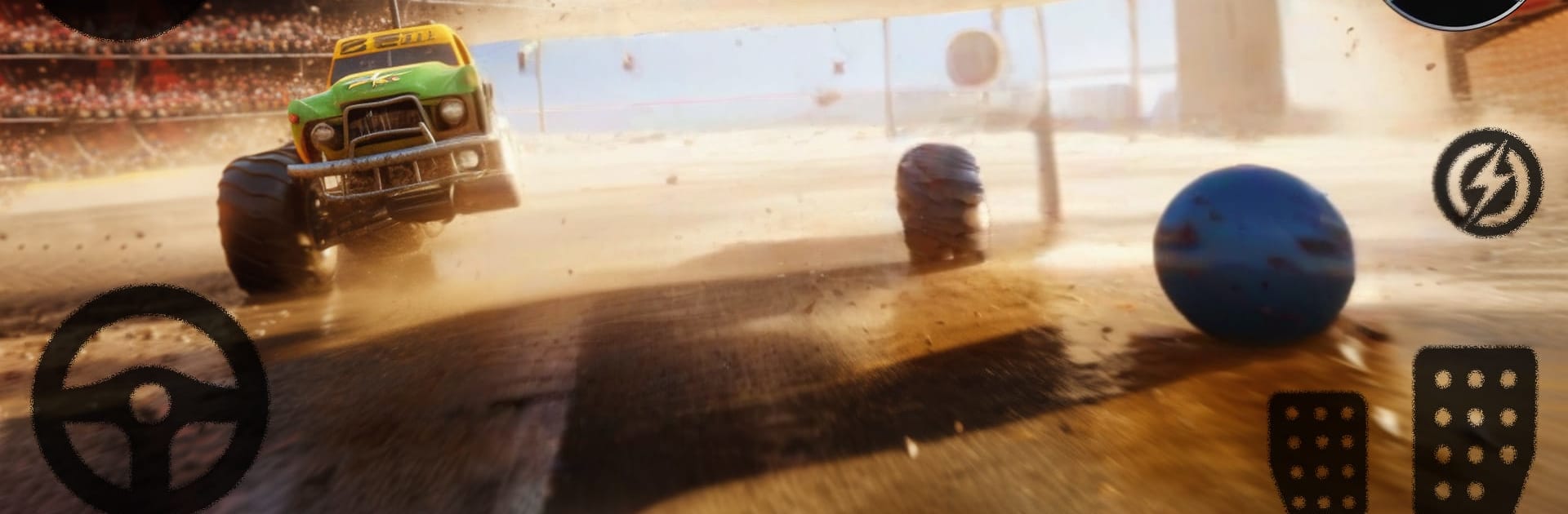
Monster Truck Car Simulator 3D throws you behind the wheel of hulking rides built to crush, crash, and outlast the pack. It’s a Role Playing twist on demolition derby driving—build your driver’s path, take on chaotic arenas, and prove you can walk away with your rig still running. Prefer a bigger screen and tighter control feel? It runs smoothly on PC with BlueStacks.

Game Features

  • Smash-and-Survive Arenas: Charge into closed-course battlegrounds filled with tight turns, blind corners, and metal-twisting pileups—last truck rolling takes the crown.
  • Damage That Matters: Every collision counts, from fender crumples to wheel-bending slams, changing how your truck handles and forcing smarter attacks and escapes.
  • Career Progression: Win bouts to stack rewards, unlock fresh monster trucks, and move from scrappy newcomer to feared crowd favorite.
  • Multiple Ways to Play: Pick your poison—Demolition Derby battles, tense Survival runs, hard-hitting Crash Missions, or Time-Based driving challenges when you want pure speed.
  • Tactics Over Luck: Line up rams, clip rivals at the right angle, and time your hits so you deal damage without wrecking your own ride.
  • Aggressive AI Rivals: Face opponents that don’t just circle—expect feints, ambushes, and full-send takedowns when your guard drops.
  • Weighty, Responsive Handling: Feel the heft of each truck as you whip the rear around, power through hits, and manage momentum to control the chaos.
  • Quick Sessions or Full Grind: Jump in for a fast round when you’ve got a minute, or push a longer streak to chase bigger rewards and tougher arenas.

Start your journey now. Download the game on BlueStacks, invite your friends, and march on a new adventure.

Game Features

Enhancements

  • Macros
  • Rerolling
  • Eco Mode
  • Multi Instance Sync
  • Enhancements
Macros

Macros

Focus more on the fun part of the game, skip the tedious aspects. Master Monster Truck Car Simulator 3D with Macros. Record yourself completing the monotonous tasks you wish to automate and replay them later with just one keypress.
Rerolling

Rerolling

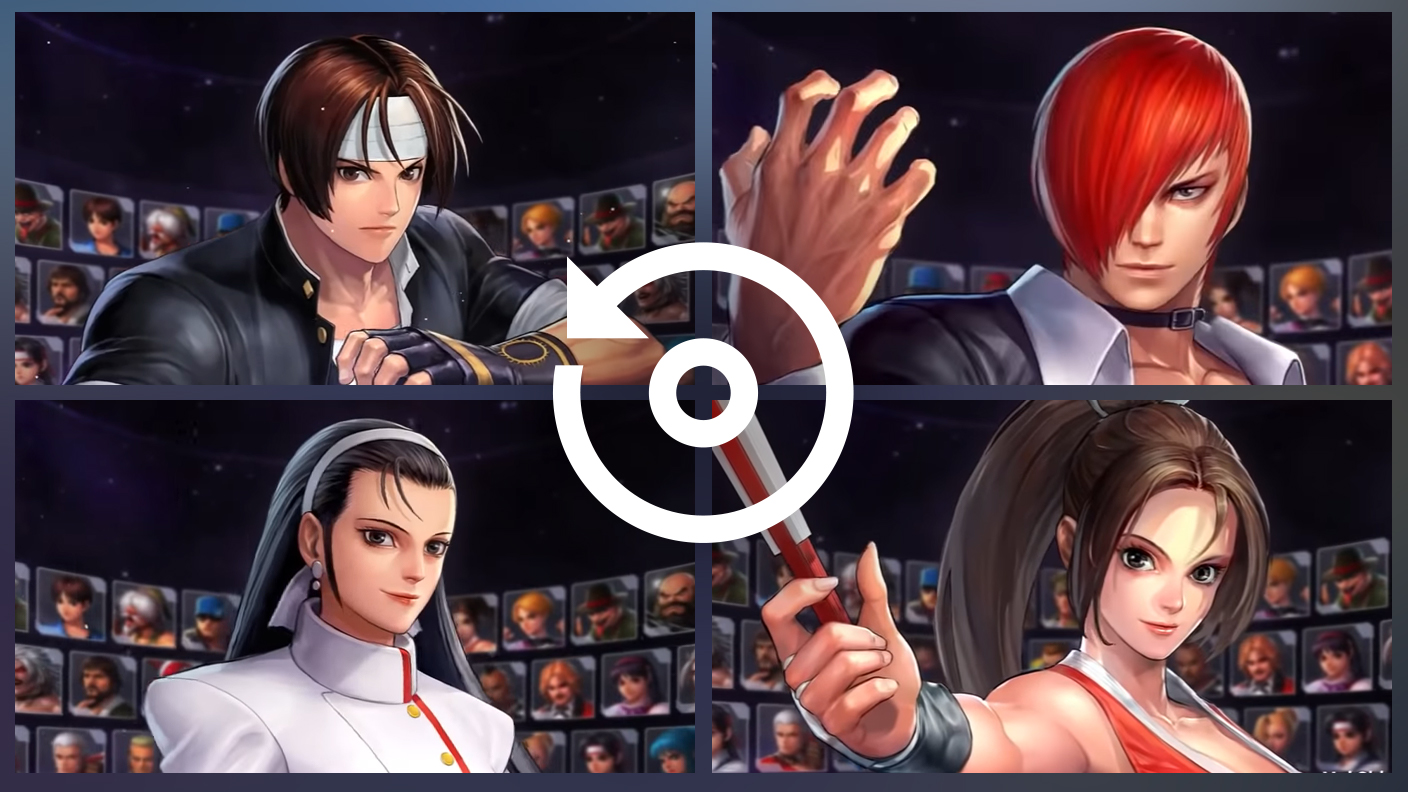
Speed up the rerolling process in Monster Truck Car Simulator 3D. Perform multiple summons and keep looking for the best Heroes. Use Multi-Instance sync to replicate the rerolling mechanism in all instances.
Eco Mode

Eco Mode

Farm in-game resources with ease in Monster Truck Car Simulator 3D. Enable the Eco Mode when running the game in multiple instances. And lower your PC's resource consumption.
Multi Instance Sync

Multi Instance Sync

With the Multi-instance Sync, you can do even more in Monster Truck Car Simulator 3D. Sync the action of the main instance and repeat them in real time for all other instances. Sync and sit back, let the game progress unfold.
Read More

How to Download and Play Monster Truck Car Simulator 3D on PC or Mac

  • Download and install BlueStacks on your PC or Mac

  • Complete Google sign-in to access the Play Store, or do it later

  • Look for Monster Truck Car Simulator 3D in the search bar at the top right corner

  • Click to install Monster Truck Car Simulator 3D from the search results

  • Complete Google sign-in (if you skipped step 2) to install Monster Truck Car Simulator 3D

  • Click the Monster Truck Car Simulator 3D icon on the home screen to start playing

video
Watch Video

Minimum System Requirements

With BlueStacks 5, you can get started on a PC that fulfills the following requirements.

  • Operating System

    Microsoft Windows 7 or above, macOS 11 (Big Sur) or above

  • Processor

    Intel, AMD or Apple Silicon Processor

  • RAM

    at least 4GB

  • HDD

    10GB Free Disk Space

Note:

* You must be an Administrator on your PC. Up to date graphics drivers from Microsoft or the chipset vendor.

Monster Truck Car Simulator 3D - FAQs

  • How to play Monster Truck Car Simulator 3D on Windows PC & Mac?

    Play Monster Truck Car Simulator 3D on your PC or Mac by following these simple steps.

    • Click on 'Play Monster Truck Car Simulator 3D on PC’ to download BlueStacks
    • Install it and log-in to Google Play Store
    • Launch and play the game.
  • Why is BlueStacks the fastest and safest platform to play games on PC?

    BlueStacks respects your privacy and is always safe and secure to use. It does not carry any malware, spyware, or any sort of additional software that could harm your PC.

    It is engineered to optimize speed and performance for a seamless gaming experience.

  • What are Monster Truck Car Simulator 3D PC requirements?

    Minimum requirement to run Monster Truck Car Simulator 3D on your PC

    • OS: Microsoft Windows 7 or above MacOS 11 (Big Sur) or above
    • Processor: Intel, AMD or Apple Silicon Processor
    • RAM: Your PC must have at least 4GB of RAM. (Note that having 4GB or more disk space is not a substitute for RAM)
    • HDD: 10GB Free Disk Space.
    • You must be an Administrator on your PC.