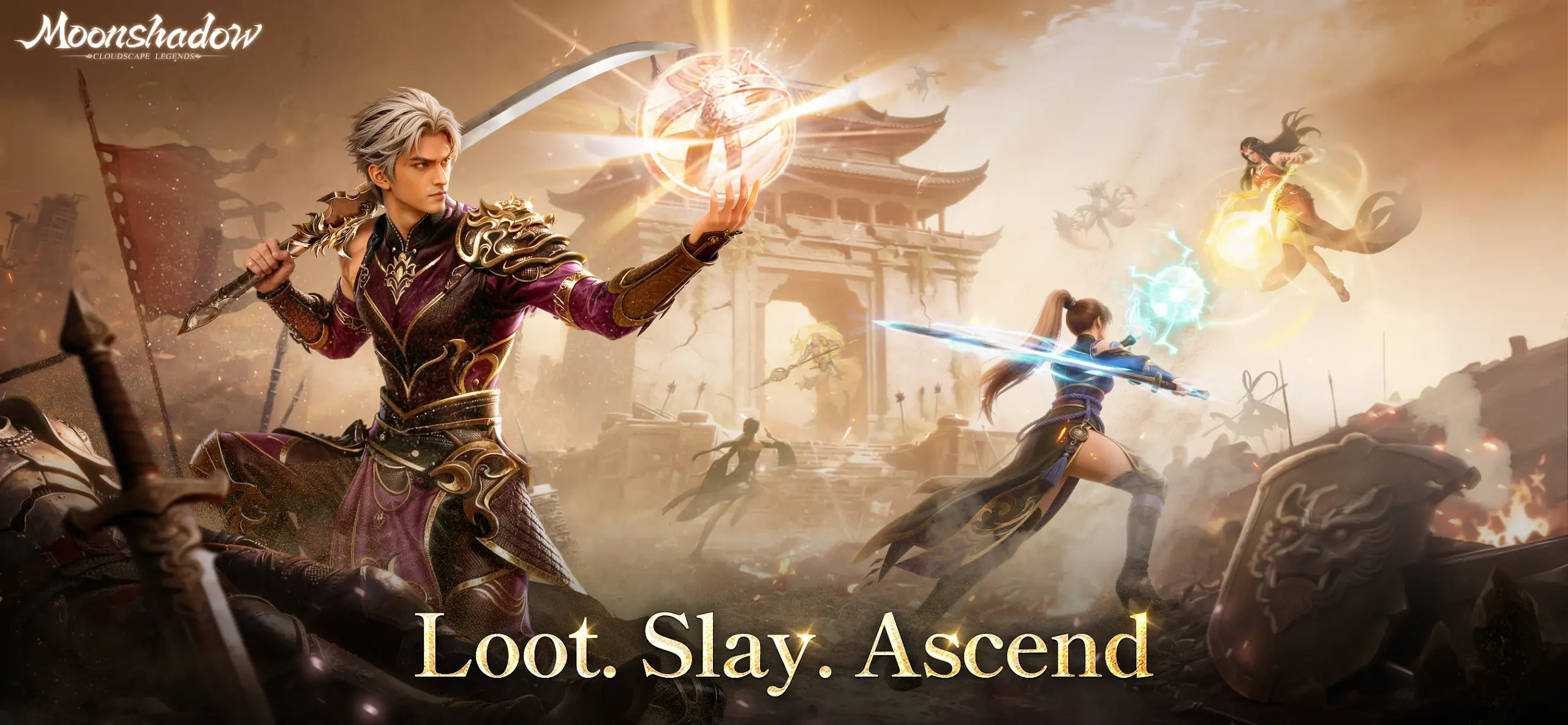


From the innovators and creators at Jiewan Game, Moonshadow: Cloudscape Legends is another fun addition to the World of Role Playing games. Go beyond your mobile screen and play it bigger and better on your PC or Mac. An immersive experience awaits you.
About the Game
Moonshadow: Cloudscape Legends is a Role Playing MMO from Jiewan Game where your path isn’t locked in. You’ll roam a sky-swept land of shifting light and shadow, chase old myths, and awaken a power that lets you bend fate in your favor. Want a wider view while you play? It feels right at home on BlueStacks.
Game Features
- Start Fast, Feel Strong: Log in and snag powerful early gear plus a sleek Skysailer to tour the skies. Play consistently and push your VIP rank early through gameplay, picking up outfits, mounts, and rare goodies as you go.
- Loot With Real Impact: World and raid bosses drop high-tier equipment at generous rates, including pieces that work across multiple classes—great for experimenting with builds without starting from scratch.
- Earned Top-Up Rewards: Take down bosses to collect special vouchers that trigger cumulative top-up bonuses, letting steady players unlock premium rewards without leaning on a wallet.
- Player-Driven Trading: A cross-server marketplace keeps the economy lively. List finds, hunt bargains, and trade freely with players beyond your home server.
- Bonds That Matter: Team up with a partner, hold a grand in-game wedding, and build a shared home. Join a tribe to tackle big bosses and coordinate strategies together.
- Battles Big and Small: From quick 1v1 duels and 5v5 skirmishes to territory sieges and resource clashes, there’s always a fight worth queueing for. Massive cross-server wars pack the screen with hundreds of players and plenty of chaos.
- Your Style, Your Power: Mix and match skill paths to craft a combat setup that actually feels like yours. Then show it off with customizable outfits, wings, mounts, and flashy effects.
Slay your opponents with your epic moves. Play it your way on BlueStacks and dominate the battlefield.