How to Install and Play Moonshadow: Cloudscape Legends on PC with BlueStacks
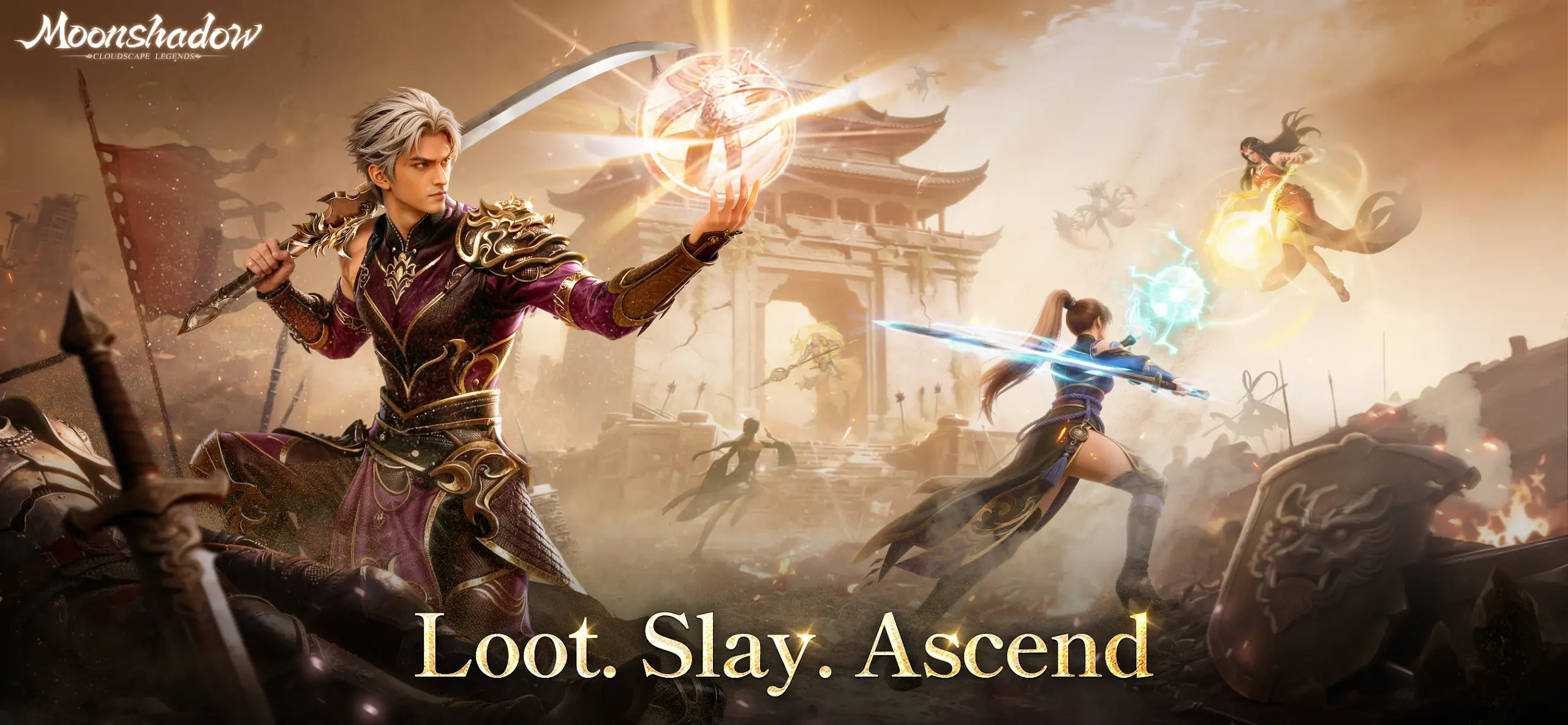
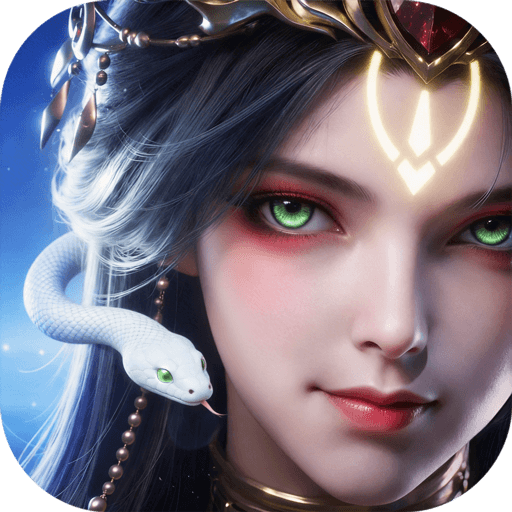
Moonshadow: Cloudscape Legends is a fantasy MMORPG where you step into a world shaped by light and shadow. You play as an Awakened hero who can change their own path and grow stronger over time. This role-playing game gives you early rewards like gear, mounts, and outfits, so you can start strong from the first day.
You can fight bosses, join team battles, or trade items with players from other servers. It also lets you team up with friends, build bonds, and take part in large battles. With many ways to play, every session feels fresh and exciting.
How to Install Moonshadow: Cloudscape Legends on PC
- Head to the game’s page and press the “Play Moonshadow: Cloudscape Legends on PC” button.
- Once the file downloads, open it from your browser’s downloads tab.
- Install BlueStacks and launch it after setup is complete.
- Log in to the Google Play Store, install Moonshadow: Cloudscape Legends, and start playing.
How to Install Moonshadow: Cloudscape Legends on Mac with BlueStacks Air
- Download BlueStacks Air: Visit the game’s page and click the “Play Moonshadow: Cloudscape Legends on Mac” button to get the installer.
- Install BlueStacks Air: Open the BlueStacksInstaller.pkg file and follow the steps shown on screen.
- Launch and Sign-In: Open BlueStacks Air from your Applications folder or Launchpad and sign in with your Google account.
- Install Moonshadow: Cloudscape Legends: Find the game in the Play Store and install it.
- Start Playing: Open Moonshadow: Cloudscape Legends and jump into the action right away.
Already Have BlueStacks Installed?
- Open the game’s page and click the “Moonshadow: Cloudscape Legends on PC” button.
- Launch BlueStacks on your PC or Mac.
- Install Moonshadow: Cloudscape Legends through the BlueStacks Store or Google Play Store.
- Start playing and enjoy your adventure.
Minimum System Requirements
BlueStacks runs smoothly on most modern computers, so you don’t need a high-end setup to play Moonshadow: Cloudscape Legends.
- OS: Windows 7 or newer, macOS 11 (Big Sur) or newer
- Processor: Intel, AMD, or Apple Silicon (M1–M4)
- RAM: At least 4GB
- Storage: 10GB free disk space
- Permissions: Administrator access on your device
- Graphics Drivers: Updated drivers from Microsoft or your hardware provider
Moonshadow: Cloudscape Legends is a great pick for players who enjoy open worlds, fast combat, and playing with others. You can jump in for quick fights or spend hours building your character and trying new skill setups.
And since the game includes social features like tribes and partnerships, it’s more fun when you play with friends. Whether you like PvP battles or boss fights, there is always something to do.
Playing Moonshadow: Cloudscape Legends on PC or Mac with BlueStacks makes everything feel smoother and easier to control. You get a bigger screen to see all the action and can use your keyboard and mouse for better movement and combat. This setup helps you react faster in battles and enjoy longer play sessions without the limits of a small phone screen.