RPG Isekai Rondo Otogi

RPG Isekai Rondo Otogi

Role Playing

| KEMCO

Play on PC with BlueStacks or from our cloud

  • Overview
  • Game Features
  • How to Play

Page Modified On: October 30, 2026

Play RPG Isekai Rondo Otogi on PC or Mac

Explore a whole new adventure with RPG Isekai Rondo Otogi, a Role Playing game created by KEMCO. Experience great gameplay with BlueStacks, the most popular gaming platform to play Android games on your PC or Mac.

About the Game

RPG Isekai Rondo Otogi throws you into Nakatsunokuni, a mysterious land shaped by old Japanese legends. You play as Shaw—framed, exiled, and stripped of power—teaming up with the shrine maiden Yomi to set things right across two connected worlds. It’s a Role Playing adventure with tactical, turn-based battles, layered dungeons, and deep build customization; it also feels great on a bigger screen with BlueStacks if that’s your style.

Game Features

  • Folktale legends come alive: Meet figures from stories like Momotaro and The Bamboo Cutter’s Tale as allies, rivals, or something a bit in between.
  • Rebuild from zero: Start nearly powerless and grow stronger on your terms, choosing how Shaw’s stats, passives, and gear come together.
  • Rise as the Great Onmyoji: Earn your standing the hard way, unlocking tools and techniques that turn desperate scraps into confident wins.
  • Strategic turn-based combat: Line up skills, juggle buffs and debuffs, and make each move count against enemies that punish sloppy play.
  • Passive skills galore: Stack and finesse a huge range of passives to forge quirky synergies or all-out, over-the-top damage builds.
  • The Yomotsu Dungeon: Push through a sprawling, multi-floor labyrinth packed with secrets, shortcuts, rare drops, and nasty boss encounters.
  • Forge and customize gear: Visit the smithy to craft and upgrade weapons and armor using materials you’ve scraped together along the way.
  • Grind with purpose: Farm battles and routes that actually feel rewarding as you nudge stats upward and refine your build.
  • Two worlds, one thread: What happens in Nakatsunokuni echoes in Facultas, keeping the stakes high and the story moving.
  • Memorable allies: Travel with Yomi and other standout characters who lend a hand, a hint, or a hard truth when you need it.
  • Smooth sessions on PC: Settle in for longer runs and comfy controls with BlueStacks without fussing over tiny touch targets.

Ready to top the leaderboard? We bet you do. Let precise controls and sharp visuals optimized on BlueStacks lead you to victory.

Game Features

Enhancements

  • Macros
  • Rerolling
  • Eco Mode
  • Multi Instance Sync
  • Enhancements
Macros

Macros

Focus more on the fun part of the game, skip the tedious aspects. Master RPG Isekai Rondo Otogi with Macros. Record yourself completing the monotonous tasks you wish to automate and replay them later with just one keypress.
Rerolling

Rerolling

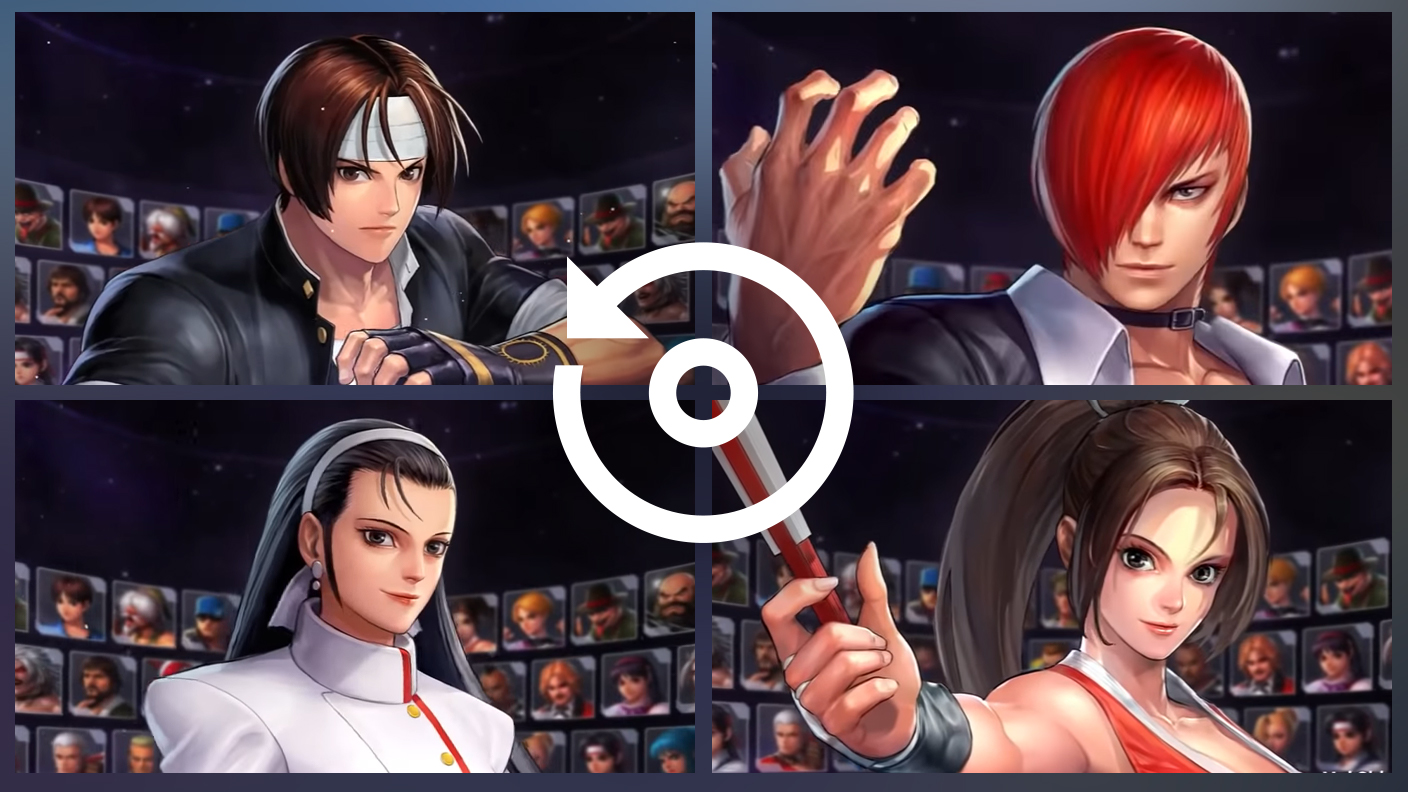
Speed up the rerolling process in RPG Isekai Rondo Otogi. Perform multiple summons and keep looking for the best Heroes. Use Multi-Instance sync to replicate the rerolling mechanism in all instances.
Eco Mode

Eco Mode

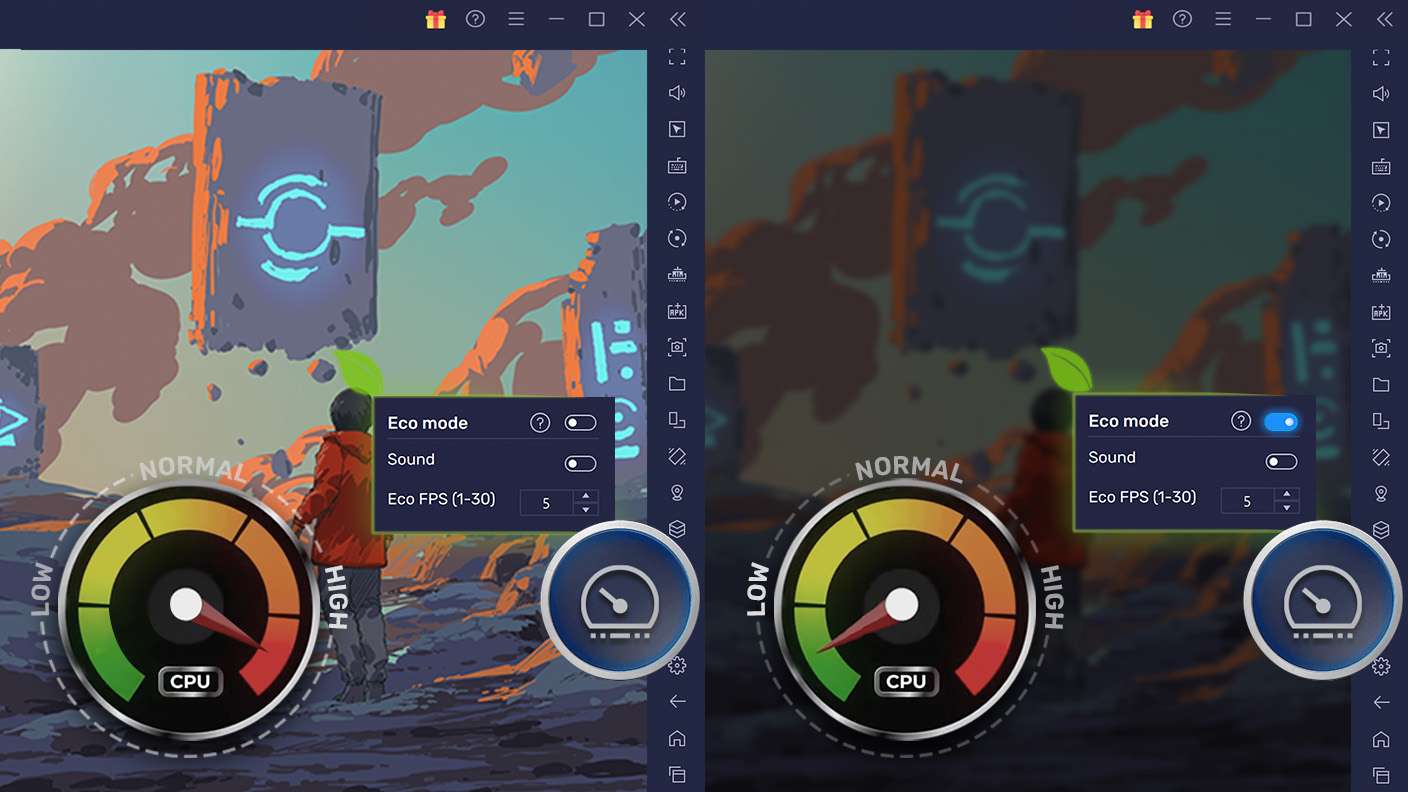
Farm in-game resources with ease in RPG Isekai Rondo Otogi. Enable the Eco Mode when running the game in multiple instances. And lower your PC's resource consumption.
Multi Instance Sync

Multi Instance Sync

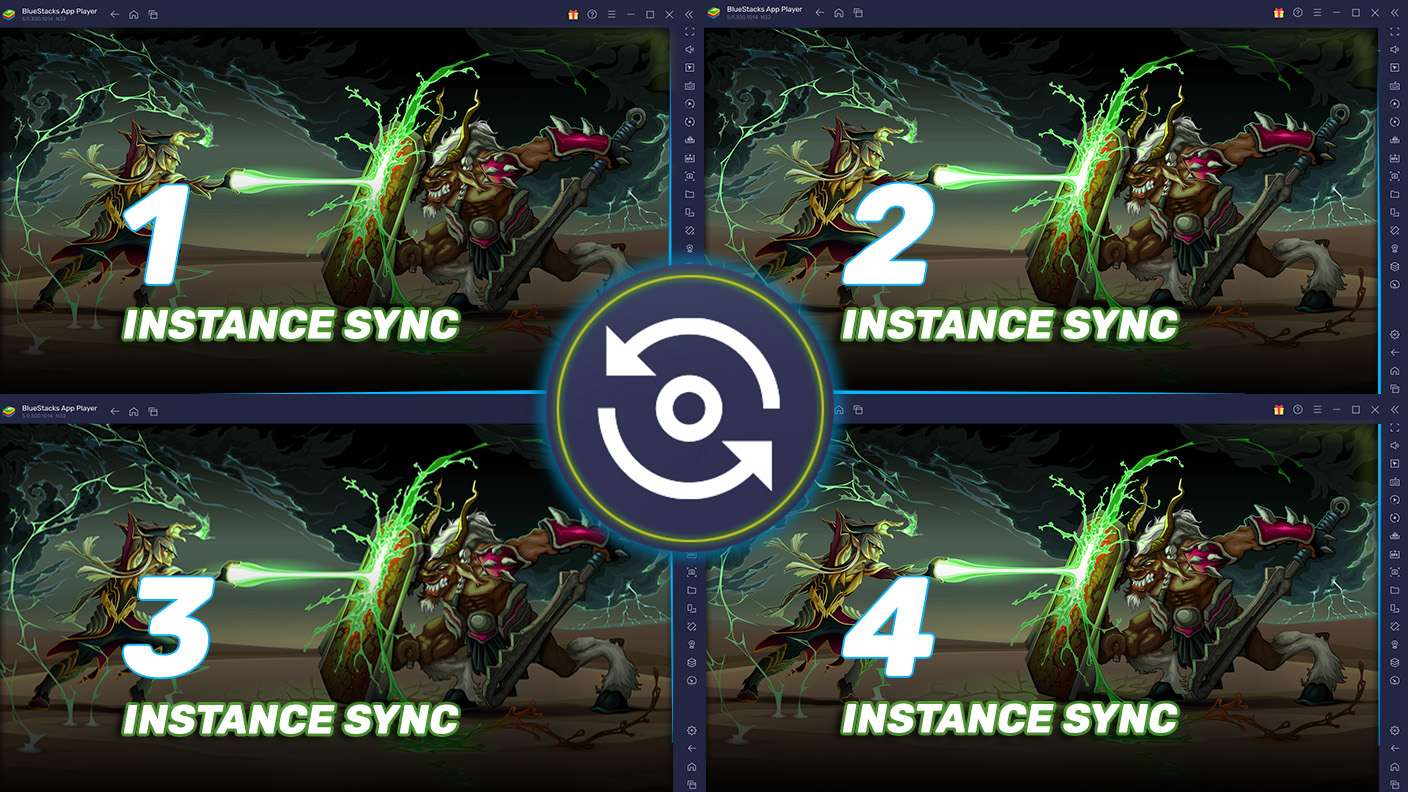
With the Multi-instance Sync, you can do even more in RPG Isekai Rondo Otogi. Sync the action of the main instance and repeat them in real time for all other instances. Sync and sit back, let the game progress unfold.
Read More

How to Download and Play RPG Isekai Rondo Otogi on PC or Mac

  • Download and install BlueStacks on your PC or Mac

  • Complete Google sign-in to access the Play Store, or do it later

  • Look for RPG Isekai Rondo Otogi in the search bar at the top right corner

  • Click to install RPG Isekai Rondo Otogi from the search results

  • Complete Google sign-in (if you skipped step 2) to install RPG Isekai Rondo Otogi

  • Click the RPG Isekai Rondo Otogi icon on the home screen to start playing

video
Watch Video

Minimum System Requirements

With BlueStacks 5, you can get started on a PC that fulfills the following requirements.

  • Operating System

    Microsoft Windows 7 or above, macOS 11 (Big Sur) or above

  • Processor

    Intel, AMD or Apple Silicon Processor

  • RAM

    at least 4GB

  • HDD

    10GB Free Disk Space

Note:

* You must be an Administrator on your PC. Up to date graphics drivers from Microsoft or the chipset vendor.

RPG Isekai Rondo Otogi - FAQs

  • How to play RPG Isekai Rondo Otogi on Windows PC & Mac?

    Play RPG Isekai Rondo Otogi on your PC or Mac by following these simple steps.

    • Click on 'Play RPG Isekai Rondo Otogi on PC’ to download BlueStacks
    • Install it and log-in to Google Play Store
    • Launch and play the game.
  • Why is BlueStacks the fastest and safest platform to play games on PC?

    BlueStacks respects your privacy and is always safe and secure to use. It does not carry any malware, spyware, or any sort of additional software that could harm your PC.

    It is engineered to optimize speed and performance for a seamless gaming experience.

  • What are RPG Isekai Rondo Otogi PC requirements?

    Minimum requirement to run RPG Isekai Rondo Otogi on your PC

    • OS: Microsoft Windows 7 or above MacOS 11 (Big Sur) or above
    • Processor: Intel, AMD or Apple Silicon Processor
    • RAM: Your PC must have at least 4GB of RAM. (Note that having 4GB or more disk space is not a substitute for RAM)
    • HDD: 10GB Free Disk Space.
    • You must be an Administrator on your PC.