Anvil saga: blacksmith sim

Anvil saga: blacksmith sim

Simulation

| HeroCraft Ltd.

Play on PC with BlueStacks or from our cloud

  • Overview
  • Game Features
  • How to Play

Page Modified On: October 21, 2026

Play Anvil saga: blacksmith sim on PC or Mac

Step into the World of Anvil saga: blacksmith sim, a thrilling Simulation game from the house of HeroCraft Ltd.. Play this Android game on BlueStacks App Player and experience immersive gaming on PC or Mac.

About the Game

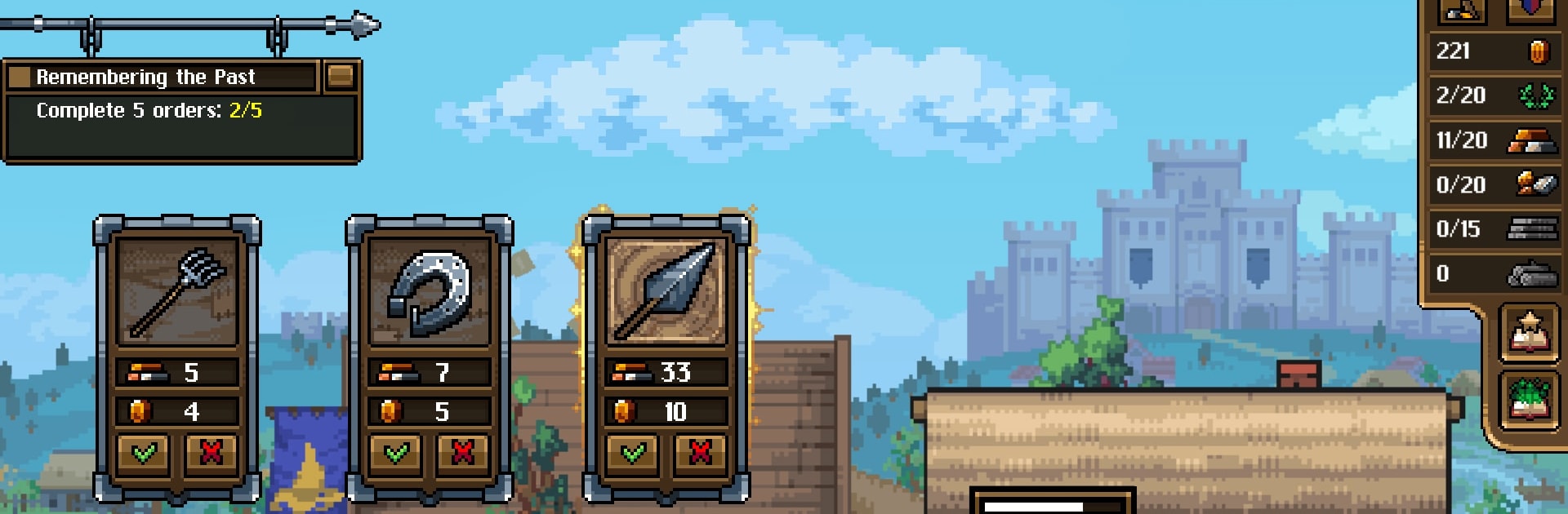
Forge, haggle, and hustle your way from a creaky anvil to a thriving workshop in Anvil saga: blacksmith sim. This Simulation game drops you into a gritty medieval town during the Hundred Years’ War, where every order you accept and every deal you make nudges the story in a new direction. Prefer crafting at a desk? It runs smoothly on PC with BlueStacks.

Game Features

  • Build, expand, personalize: Start with a modest workspace, then add new rooms, better furnaces, storage, and tasteful decor that draws in higher-paying customers.
  • Craft for every kind of patron: From sturdy tools and gleaming blades to jewelry and rare curios, complete bespoke orders and grow a reputation that unlocks special commissions.
  • Decisions shape your world: Barter with knights, merchants, priests, outlaws—even the odd witch—and see your allegiances shift prices, favors, and future opportunities.
  • Hire smart, train brighter: Recruit workers with distinct skills and temperaments, assign the right jobs, invest in training and proper tools, and keep morale high for smooth production.
  • A medieval story with bite: Fairs, feuds, secret deals, and unexpected romances keep life around the forge lively, with twists that hit harder during the chaos of the Hundred Years’ War.

Ready to top the leaderboard? We bet you do. Let precise controls and sharp visuals optimized on BlueStacks lead you to victory.


Game Features

Enhancements

  • Macros
  • Multi Instance
  • Multi Instance Sync
  • Script
  • Enhancements
Macros

Macros

Automate the predictable in Anvil saga: blacksmith sim and transform your gameplay with Macros. Get access to inventive Macros in the BlueStacks Macro Community
Multi Instance

Multi Instance

Play Anvil saga: blacksmith sim on one window. And chat with your friend on the other. Press CTRL + Shift + 8 to open the Multi-Instance Manager. And start creating fresh instances or clone an existing one.
Multi Instance Sync

Multi Instance Sync

Play Anvil saga: blacksmith sim with the power of Multi-Instance Sync. Replicate what you are doing on the main instance on all other instances. Level up faster, play more.
Script

Script

Script your way to gaming glory in Anvil saga: blacksmith sim with BlueStacks Script. Write and run a set of commands to automate repeated tasks. Trigger the command by assigning it to any key.
Read More

How to Download and Play Anvil saga: blacksmith sim on PC or Mac

  • Download and install BlueStacks on your PC or Mac

  • Complete Google sign-in to access the Play Store, or do it later

  • Look for Anvil saga: blacksmith sim in the search bar at the top right corner

  • Click to install Anvil saga: blacksmith sim from the search results

  • Complete Google sign-in (if you skipped step 2) to install Anvil saga: blacksmith sim

  • Click the Anvil saga: blacksmith sim icon on the home screen to start playing

video
Watch Video

Minimum System Requirements

With BlueStacks 5, you can get started on a PC that fulfills the following requirements.

  • Operating System

    Microsoft Windows 7 or above, macOS 11 (Big Sur) or above

  • Processor

    Intel, AMD or Apple Silicon Processor

  • RAM

    at least 4GB

  • HDD

    10GB Free Disk Space

Note:

* You must be an Administrator on your PC. Up to date graphics drivers from Microsoft or the chipset vendor.

Anvil saga: blacksmith sim - FAQs

  • How to play Anvil saga: blacksmith sim on Windows PC & Mac?

    Play Anvil saga: blacksmith sim on your PC or Mac by following these simple steps.

    • Click on 'Play Anvil saga: blacksmith sim on PC’ to download BlueStacks
    • Install it and log-in to Google Play Store
    • Launch and play the game.
  • Why is BlueStacks the fastest and safest platform to play games on PC?

    BlueStacks respects your privacy and is always safe and secure to use. It does not carry any malware, spyware, or any sort of additional software that could harm your PC.

    It is engineered to optimize speed and performance for a seamless gaming experience.

  • What are Anvil saga: blacksmith sim PC requirements?

    Minimum requirement to run Anvil saga: blacksmith sim on your PC

    • OS: Microsoft Windows 7 or above MacOS 11 (Big Sur) or above
    • Processor: Intel, AMD or Apple Silicon Processor
    • RAM: Your PC must have at least 4GB of RAM. (Note that having 4GB or more disk space is not a substitute for RAM)
    • HDD: 10GB Free Disk Space.
    • You must be an Administrator on your PC.