Flame Hero
Flame Hero

Flame Hero

Simulation

| Naxeex Action & RPG Games

Play on PC with BlueStacks or from our cloud

  • Overview
  • Game Features
  • How to Play

Page Modified On: September 11, 2026

Play Flame Hero on PC or Mac

Bring your A-game to Flame Hero, the Simulation game sensation from Naxeex Action & RPG Games. Give your gameplay the much-needed boost with precise game controls, high FPS graphics, and top-tier features on your PC or Mac with BlueStacks.

About the Game

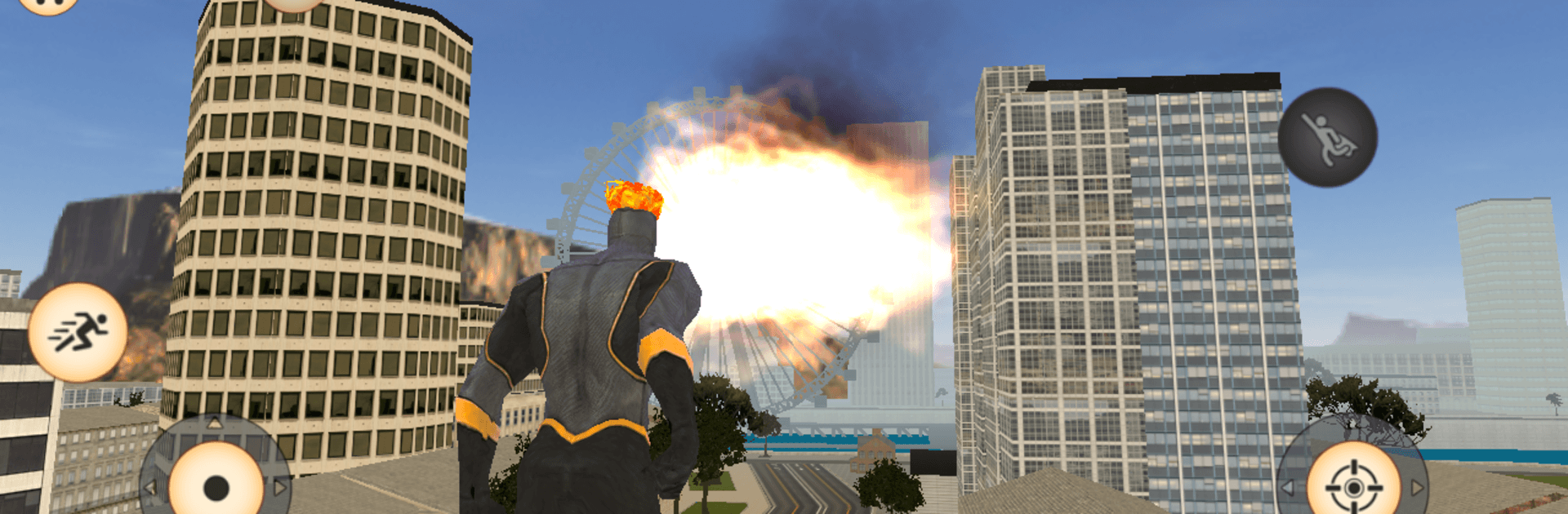
Flame Hero drops you into a city that treats chaos like a playground. This Simulation puts you in control of a walking firestorm, letting you decide whether to be the savior everyone needs or the spark that turns streets into ash. Big explosions, wild chases, and improvised heroics are the norm here—and it feels right at home on PC with BlueStacks.

Game Features

  • Blazing powers, your way: Unleash jets of fire from your hands and manage a stamina bar that fuels sprinting, jumping, and close-up smackdowns.
  • City-sized sandbox: Roam a sprawling island metropolis—from rooftops to waterfronts—and choose whether to protect it or reduce it to cinders.
  • Combat on your terms: Burn, brawl, or blast; switch between hand-to-hand, firearms, and pure incendiary fury to win any showdown.
  • Big toys for big trouble: Hop into a tank, fire off rockets, or just go for a chaotic swim between battles—there’s always another way to stir things up.
  • Heat brings attention: Stir too much trouble and expect a response from police, soldiers, and even firefighters; pick your fights or vanish in the smoke.
  • Store, score, and spend: Grab resources, stock up on gear, and splurge on a slick sports car when you’ve earned enough cash, gems, and experience.
  • Fire with consequences: Your fireballs don’t ask questions—aim carefully unless you want the whole block (and everyone on it) coming after you.

Get ready for a buttery smooth, high-performance gaming action only on BlueStacks.

Game Features

Enhancements

  • Macros
  • Multi Instance
  • Multi Instance Sync
  • Script
  • Enhancements
Macros

Macros

Automate the predictable in Flame Hero and transform your gameplay with Macros. Get access to inventive Macros in the BlueStacks Macro Community
Multi Instance

Multi Instance

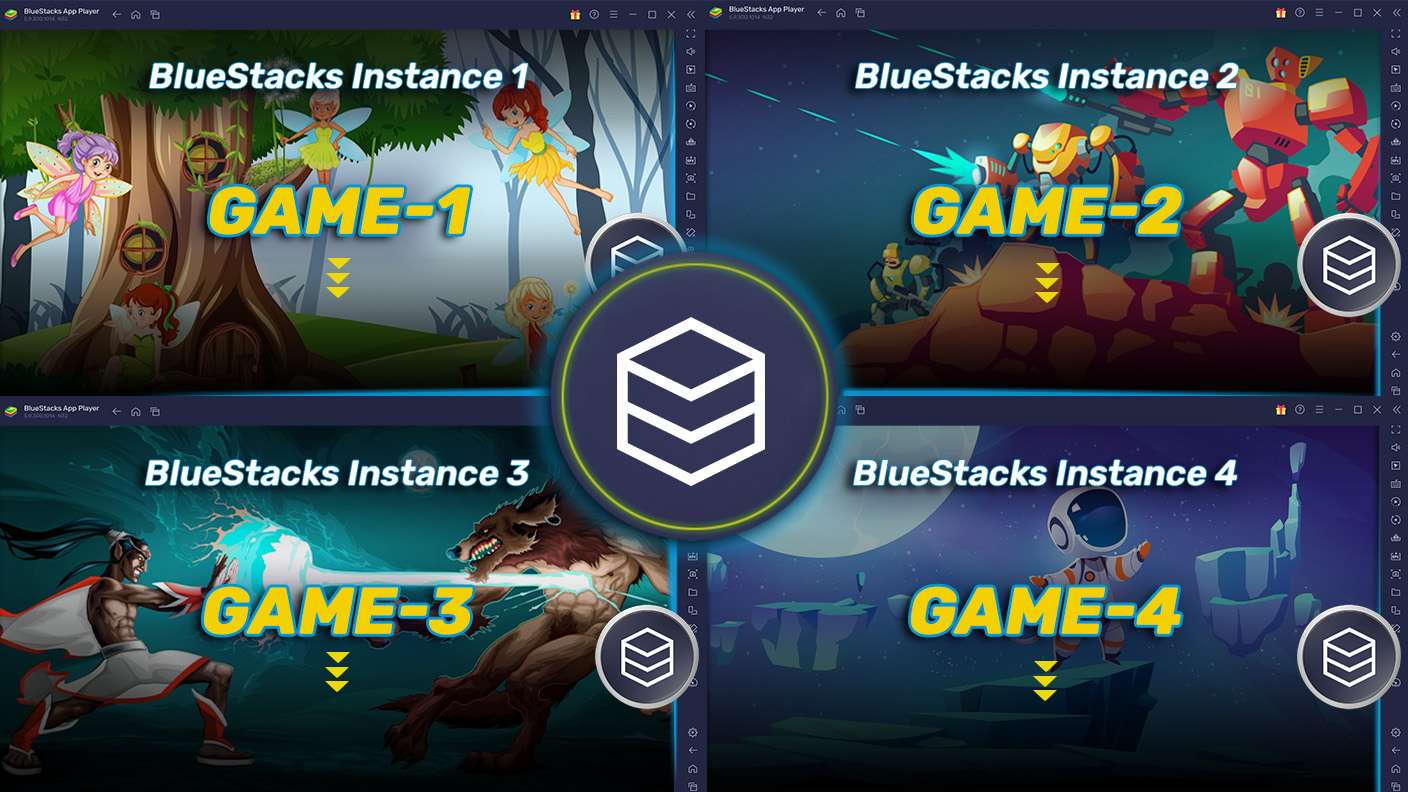
Play Flame Hero on one window. And chat with your friend on the other. Press CTRL + Shift + 8 to open the Multi-Instance Manager. And start creating fresh instances or clone an existing one.
Multi Instance Sync

Multi Instance Sync

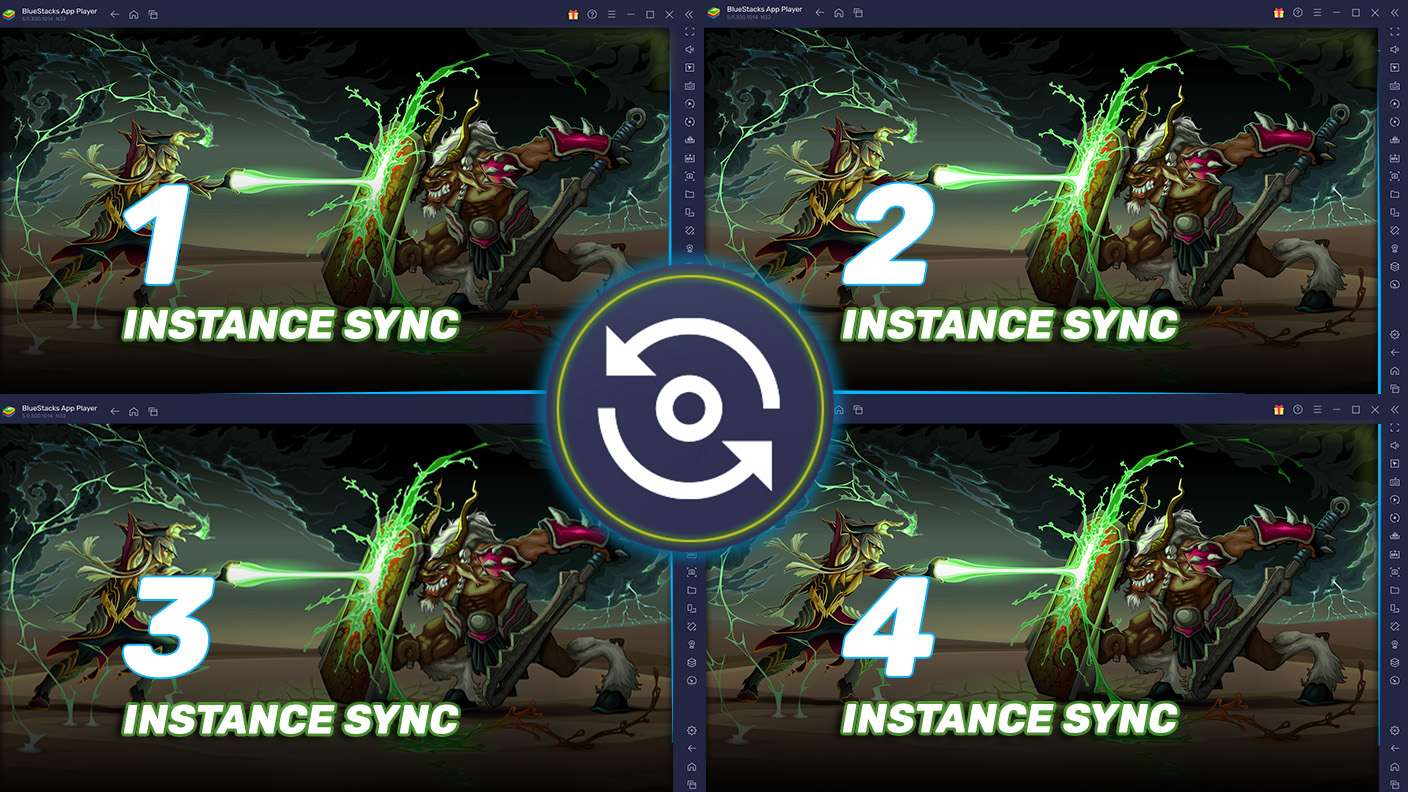
Play Flame Hero with the power of Multi-Instance Sync. Replicate what you are doing on the main instance on all other instances. Level up faster, play more.
Script

Script

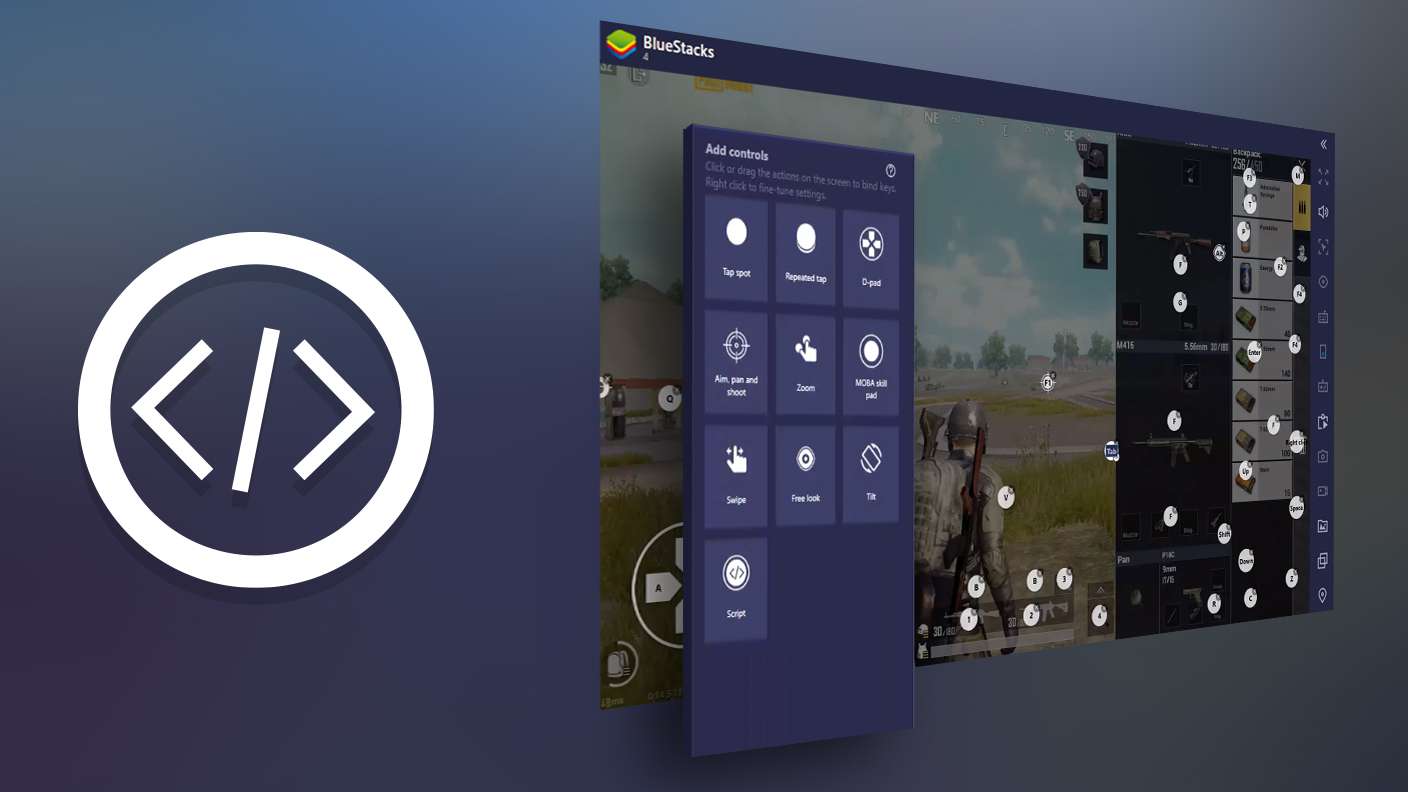
Script your way to gaming glory in Flame Hero with BlueStacks Script. Write and run a set of commands to automate repeated tasks. Trigger the command by assigning it to any key.
Read More

How to Download and Play Flame Hero on PC or Mac

  • Download and install BlueStacks on your PC or Mac

  • Complete Google sign-in to access the Play Store, or do it later

  • Look for Flame Hero in the search bar at the top right corner

  • Click to install Flame Hero from the search results

  • Complete Google sign-in (if you skipped step 2) to install Flame Hero

  • Click the Flame Hero icon on the home screen to start playing

video
Watch Video

Minimum System Requirements

With BlueStacks 5, you can get started on a PC that fulfills the following requirements.

  • Operating System

    Microsoft Windows 7 or above, macOS 11 (Big Sur) or above

  • Processor

    Intel, AMD or Apple Silicon Processor

  • RAM

    at least 4GB

  • HDD

    10GB Free Disk Space

Note:

* You must be an Administrator on your PC. Up to date graphics drivers from Microsoft or the chipset vendor.

Flame Hero - FAQs

  • How to play Flame Hero on Windows PC & Mac?

    Play Flame Hero on your PC or Mac by following these simple steps.

    • Click on 'Play Flame Hero on PC’ to download BlueStacks
    • Install it and log-in to Google Play Store
    • Launch and play the game.
  • Why is BlueStacks the fastest and safest platform to play games on PC?

    BlueStacks respects your privacy and is always safe and secure to use. It does not carry any malware, spyware, or any sort of additional software that could harm your PC.

    It is engineered to optimize speed and performance for a seamless gaming experience.

  • What are Flame Hero PC requirements?

    Minimum requirement to run Flame Hero on your PC

    • OS: Microsoft Windows 7 or above MacOS 11 (Big Sur) or above
    • Processor: Intel, AMD or Apple Silicon Processor
    • RAM: Your PC must have at least 4GB of RAM. (Note that having 4GB or more disk space is not a substitute for RAM)
    • HDD: 10GB Free Disk Space.
    • You must be an Administrator on your PC.