Idle Car Show Master - Tycoon

Idle Car Show Master - Tycoon

Simulation

| MAGIC SEVEN CO., LIMITED

Play on PC with BlueStacks or from our cloud

  • Overview
  • Game Features
  • How to Play

Page Modified On: June 25, 2026

Play Idle Car Show Master - Tycoon on PC or Mac

Idle Car Show Master – Tycoon brings the Simulation genre to life, and throws up exciting challenges for gamers. Developed by MAGIC SEVEN CO., LIMITED, this Android game is best experienced on BlueStacks, the World’s #1 app player for PC and Mac users.

About the Game

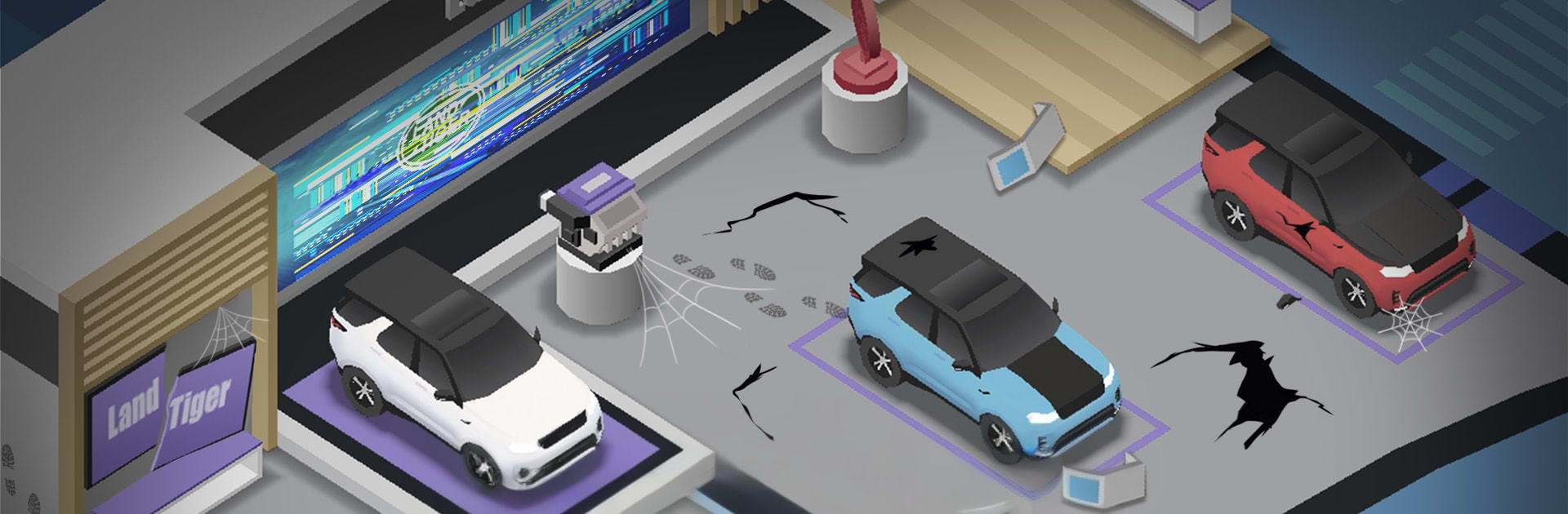
Idle Car Show Master – Tycoon is a Simulation game about running a living, breathing auto expo. You’re the brains behind the floor plan, the cars on display, and the money coming in. It’s laid-back idle play with just enough strategy to keep things interesting—tweak your layout, upgrade services, and watch the crowd (and the cash) grow even when you’re off doing something else.

Game Features

  • Build the Expo: Start with a modest hall and turn it into a headline-worthy showcase. Unlock new areas, set up themed zones, and spotlight everything from classics to wild concept cars.
  • Idle Cash, Smart Calls: Earnings keep rolling in while you’re away. Spend wisely on exhibits, staff, and amenities to turn small wins into steady profits.
  • Tuning & Style: Add performance parts and show accessories to each vehicle to boost appeal, draw bigger crowds, and bump ticket sales.
  • Visitor Flow Matters: Shorter lines, better parking, clear signage, comfy lounges—tune the flow so guests stay longer and spend more.
  • Grow Across the Map: Expand your brand with bigger venues and new locations, scaling your operation from a local hit to a global name.
  • Friendly Competition: Climb rankings and compare your auto show’s performance with other players. Nudge your way up without the stress.
  • Play Your Way: Tap for quick upgrades, or dive into pricing, scheduling, and display tweaks when you want more control.
  • PC-Friendly Option: Prefer a bigger screen and mouse controls? Running it on BlueStacks feels right at home.

Ready to top the leaderboard? We bet you do. Let precise controls and sharp visuals optimized on BlueStacks lead you to victory.


Game Features

Enhancements

  • Macros
  • Multi Instance
  • Multi Instance Sync
  • Script
  • Enhancements
Macros

Macros

Automate the predictable in Idle Car Show Master - Tycoon and transform your gameplay with Macros. Get access to inventive Macros in the BlueStacks Macro Community
Multi Instance

Multi Instance

Play Idle Car Show Master - Tycoon on one window. And chat with your friend on the other. Press CTRL + Shift + 8 to open the Multi-Instance Manager. And start creating fresh instances or clone an existing one.
Multi Instance Sync

Multi Instance Sync

Play Idle Car Show Master - Tycoon with the power of Multi-Instance Sync. Replicate what you are doing on the main instance on all other instances. Level up faster, play more.
Script

Script

Script your way to gaming glory in Idle Car Show Master - Tycoon with BlueStacks Script. Write and run a set of commands to automate repeated tasks. Trigger the command by assigning it to any key.
Read More

How to Download and Play Idle Car Show Master - Tycoon on PC or Mac

  • Download and install BlueStacks on your PC or Mac

  • Complete Google sign-in to access the Play Store, or do it later

  • Look for Idle Car Show Master - Tycoon in the search bar at the top right corner

  • Click to install Idle Car Show Master - Tycoon from the search results

  • Complete Google sign-in (if you skipped step 2) to install Idle Car Show Master - Tycoon

  • Click the Idle Car Show Master - Tycoon icon on the home screen to start playing

video
Watch Video

Minimum System Requirements

With BlueStacks 5, you can get started on a PC that fulfills the following requirements.

  • Operating System

    Microsoft Windows 7 or above, macOS 11 (Big Sur) or above

  • Processor

    Intel, AMD or Apple Silicon Processor

  • RAM

    at least 4GB

  • HDD

    10GB Free Disk Space

Note:

* You must be an Administrator on your PC. Up to date graphics drivers from Microsoft or the chipset vendor.

Idle Car Show Master - Tycoon - FAQs

  • How to play Idle Car Show Master - Tycoon on Windows PC & Mac?

    Play Idle Car Show Master - Tycoon on your PC or Mac by following these simple steps.

    • Click on 'Play Idle Car Show Master - Tycoon on PC’ to download BlueStacks
    • Install it and log-in to Google Play Store
    • Launch and play the game.
  • Why is BlueStacks the fastest and safest platform to play games on PC?

    BlueStacks respects your privacy and is always safe and secure to use. It does not carry any malware, spyware, or any sort of additional software that could harm your PC.

    It is engineered to optimize speed and performance for a seamless gaming experience.

  • What are Idle Car Show Master - Tycoon PC requirements?

    Minimum requirement to run Idle Car Show Master - Tycoon on your PC

    • OS: Microsoft Windows 7 or above MacOS 11 (Big Sur) or above
    • Processor: Intel, AMD or Apple Silicon Processor
    • RAM: Your PC must have at least 4GB of RAM. (Note that having 4GB or more disk space is not a substitute for RAM)
    • HDD: 10GB Free Disk Space.
    • You must be an Administrator on your PC.