Real Car Drive - US Car Games

Real Car Drive - US Car Games

Simulation

| Nexon Studio

Play on PC with BlueStacks or from our cloud

  • Overview
  • Game Features
  • How to Play

Page Modified On: September 12, 2025

Play Real Car Drive - US Car Games on PC or Mac

Join millions to experience Real Car Drive – US Car Games, an exciting Simulation game from Nexon Studio. With BlueStacks App Player, you are always a step ahead of your opponent, ready to outplay them with faster gameplay and better control with the mouse and keyboard on your PC or Mac.

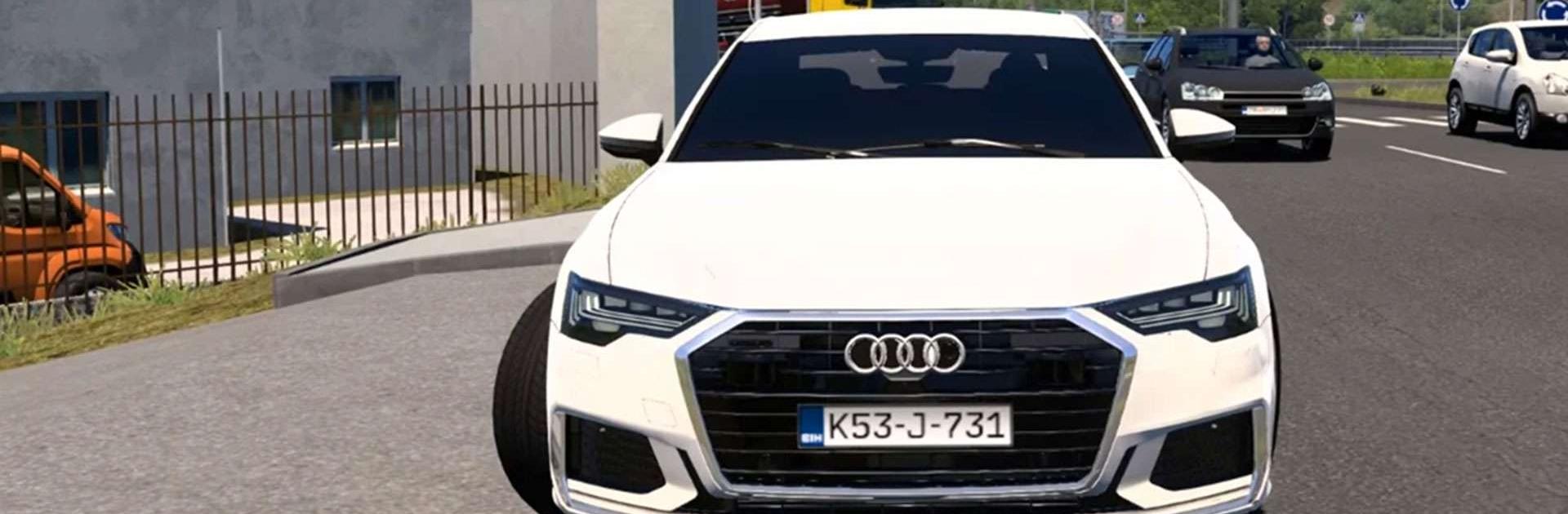
Real Car Drive – US Car Games feels like one of those precision parking sims that really wants patience. It is less about flooring it and more about threading cars through cones, ramps, and tight turns without scraping anything. The levels go from simple street spots to multistory garages and some off-road style paths, with day or night options that change the mood a bit. Touch a barrier and the run can fail, so every little tap matters. There are coins to grab and that unlocks new rides, from SUVs and jeeps to sportier cars and some regional models. The cars are easy to handle at first, but the game starts throwing weird angles, narrow lanes, and moving obstacles, so getting three stars is not automatic.

There are extra modes on top of straight parking, like parking jam puzzles and short racing or drag runs, though the main dish is still careful parking. Physics feel light but not floaty, so cars have some weight and engine sounds have a nice hum. Graphics are clean, not flashy, which actually helps with reading the course. On PC with BlueStacks, keyboard steering makes those inch-perfect corrections simpler, and using the mouse to nudge the camera helps spot curbs. Difficulty can spike, timers can be strict, but players who enjoy mastering tight spaces and shaving mistakes will get the loop. Those looking for high speed highway chaos probably not so much.

Get ready for a buttery smooth, high-performance gaming action only on BlueStacks.

Game Features

Enhancements

  • Macros
  • Multi Instance
  • Multi Instance Sync
  • Script
  • Enhancements
Macros

Macros

Automate the predictable in Real Car Drive - US Car Games and transform your gameplay with Macros. Get access to inventive Macros in the BlueStacks Macro Community
Multi Instance

Multi Instance

Play Real Car Drive - US Car Games on one window. And chat with your friend on the other. Press CTRL + Shift + 8 to open the Multi-Instance Manager. And start creating fresh instances or clone an existing one.
Multi Instance Sync

Multi Instance Sync

Play Real Car Drive - US Car Games with the power of Multi-Instance Sync. Replicate what you are doing on the main instance on all other instances. Level up faster, play more.
Script

Script

Script your way to gaming glory in Real Car Drive - US Car Games with BlueStacks Script. Write and run a set of commands to automate repeated tasks. Trigger the command by assigning it to any key.
Read More

How to Download and Play Real Car Drive - US Car Games on PC or Mac

  • Download and install BlueStacks on your PC or Mac

  • Complete Google sign-in to access the Play Store, or do it later

  • Look for Real Car Drive - US Car Games in the search bar at the top right corner

  • Click to install Real Car Drive - US Car Games from the search results

  • Complete Google sign-in (if you skipped step 2) to install Real Car Drive - US Car Games

  • Click the Real Car Drive - US Car Games icon on the home screen to start playing

video
Watch Video

Minimum System Requirements

With BlueStacks 5, you can get started on a PC that fulfills the following requirements.

  • Operating System

    Microsoft Windows 7 or above, macOS 11 (Big Sur) or above

  • Processor

    Intel, AMD or Apple Silicon Processor

  • RAM

    at least 4GB

  • HDD

    10GB Free Disk Space

Note:

* You must be an Administrator on your PC. Up to date graphics drivers from Microsoft or the chipset vendor.

Real Car Drive - US Car Games - FAQs

  • How to play Real Car Drive - US Car Games on Windows PC & Mac?

    Play Real Car Drive - US Car Games on your PC or Mac by following these simple steps.

    • Click on 'Play Real Car Drive - US Car Games on PC’ to download BlueStacks
    • Install it and log-in to Google Play Store
    • Launch and play the game.
  • Why is BlueStacks the fastest and safest platform to play games on PC?

    BlueStacks respects your privacy and is always safe and secure to use. It does not carry any malware, spyware, or any sort of additional software that could harm your PC.

    It is engineered to optimize speed and performance for a seamless gaming experience.

  • What are Real Car Drive - US Car Games PC requirements?

    Minimum requirement to run Real Car Drive - US Car Games on your PC

    • OS: Microsoft Windows 7 or above MacOS 11 (Big Sur) or above
    • Processor: Intel, AMD or Apple Silicon Processor
    • RAM: Your PC must have at least 4GB of RAM. (Note that having 4GB or more disk space is not a substitute for RAM)
    • HDD: 10GB Free Disk Space.
    • You must be an Administrator on your PC.