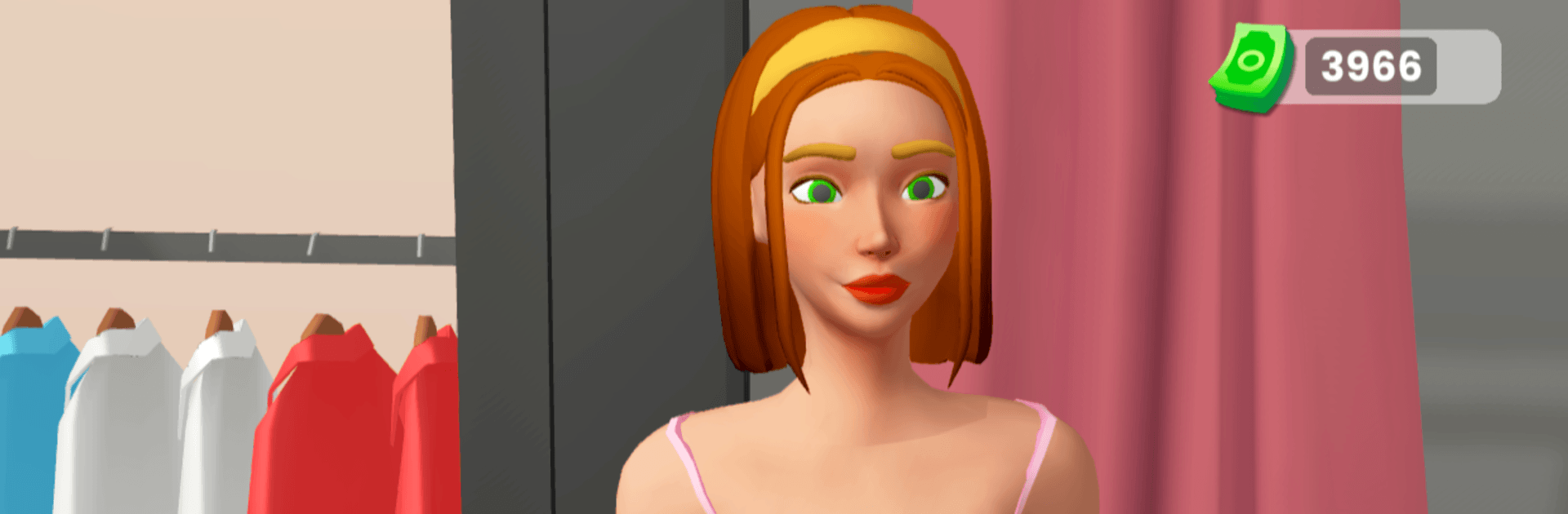
Streamer Life Sim
Streamer Life Sim

Streamer Life Sim

Simulation

| Udo Games

Play on PC with BlueStacks or from our cloud

  • Overview
  • Game Features
  • How to Play

Page Modified On: August 31, 2026

Play Streamer Life Sim on PC or Mac

Bring your A-game to Streamer Life Sim, the Simulation game sensation from Udo Games. Give your gameplay the much-needed boost with precise game controls, high FPS graphics, and top-tier features on your PC or Mac with BlueStacks.

About the Game
Streamer Life Sim puts you in the chair of a rising creator who’s trying to turn a scrappy setup into a real career. This Simulation game lets you choose what to stream, chat with viewers, and build a channel that actually feels like yours—if you can balance time, money, and energy. Prefer a bigger screen and comfy controls? It plays smoothly on PC with BlueStacks.

Game Features
– Your kind of creator: Pick your lane—gaming, beauty, fitness, or music—and shape a channel that attracts the audience you want.
– Hands-on streaming: Go live, keep up with chat, react to trends, and keep your schedule tight so the algorithm—and your fans—stay happy.
– Smart career management: Track your income and expenses, upgrade wisely, and manage energy and mood so burnout doesn’t wreck your momentum.
– Build a dream space: Customize your avatar and transform a tiny loft into a slick mansion with furniture, themes, and statement pieces that show off your vibe.
– Shop with purpose: Browse a décor store full of stylish sets and practical add-ons that boost comfort and help your stream look pro.
– Viral moments and milestones: Hit goals, unlock achievements, and collect rare items that nudge your channel from “just starting out” to “can’t miss.”
– Better gear, better show: Improve cameras, mics, lights, and rigs to sharpen quality and give viewers more reasons to stick around.
– Friendly competition: Climb leaderboards and challenge friends, compare stats and setups, and trade ideas to push each other higher.

Ready to top the leaderboard? We bet you do. Let precise controls and sharp visuals optimized on BlueStacks lead you to victory.


Game Features

Enhancements

  • Macros
  • Multi Instance
  • Multi Instance Sync
  • Script
  • Enhancements
Macros

Macros

Automate the predictable in Streamer Life Sim and transform your gameplay with Macros. Get access to inventive Macros in the BlueStacks Macro Community
Multi Instance

Multi Instance

Play Streamer Life Sim on one window. And chat with your friend on the other. Press CTRL + Shift + 8 to open the Multi-Instance Manager. And start creating fresh instances or clone an existing one.
Multi Instance Sync

Multi Instance Sync

Play Streamer Life Sim with the power of Multi-Instance Sync. Replicate what you are doing on the main instance on all other instances. Level up faster, play more.
Script

Script

Script your way to gaming glory in Streamer Life Sim with BlueStacks Script. Write and run a set of commands to automate repeated tasks. Trigger the command by assigning it to any key.
Read More

How to Download and Play Streamer Life Sim on PC or Mac

  • Download and install BlueStacks on your PC or Mac

  • Complete Google sign-in to access the Play Store, or do it later

  • Look for Streamer Life Sim in the search bar at the top right corner

  • Click to install Streamer Life Sim from the search results

  • Complete Google sign-in (if you skipped step 2) to install Streamer Life Sim

  • Click the Streamer Life Sim icon on the home screen to start playing

video
Watch Video

Minimum System Requirements

With BlueStacks 5, you can get started on a PC that fulfills the following requirements.

  • Operating System

    Microsoft Windows 7 or above, macOS 11 (Big Sur) or above

  • Processor

    Intel, AMD or Apple Silicon Processor

  • RAM

    at least 4GB

  • HDD

    10GB Free Disk Space

Note:

* You must be an Administrator on your PC. Up to date graphics drivers from Microsoft or the chipset vendor.

Streamer Life Sim - FAQs

  • How to play Streamer Life Sim on Windows PC & Mac?

    Play Streamer Life Sim on your PC or Mac by following these simple steps.

    • Click on 'Play Streamer Life Sim on PC’ to download BlueStacks
    • Install it and log-in to Google Play Store
    • Launch and play the game.
  • Why is BlueStacks the fastest and safest platform to play games on PC?

    BlueStacks respects your privacy and is always safe and secure to use. It does not carry any malware, spyware, or any sort of additional software that could harm your PC.

    It is engineered to optimize speed and performance for a seamless gaming experience.

  • What are Streamer Life Sim PC requirements?

    Minimum requirement to run Streamer Life Sim on your PC

    • OS: Microsoft Windows 7 or above MacOS 11 (Big Sur) or above
    • Processor: Intel, AMD or Apple Silicon Processor
    • RAM: Your PC must have at least 4GB of RAM. (Note that having 4GB or more disk space is not a substitute for RAM)
    • HDD: 10GB Free Disk Space.
    • You must be an Administrator on your PC.