Super Stylist: Fashion Star

Super Stylist: Fashion Star

Simulation

| Uchiha Global

Play on PC with BlueStacks or from our cloud

  • Overview
  • Game Features
  • How to Play

Page Modified On: July 20, 2026

Play Super Stylist: Fashion Star on PC or Mac

Super Stylist: Fashion Star brings the Simulation genre to life, and throws up exciting challenges for gamers. Developed by Uchiha Global, this Android game is best experienced on BlueStacks, the World’s #1 app player for PC and Mac users.

About the Game

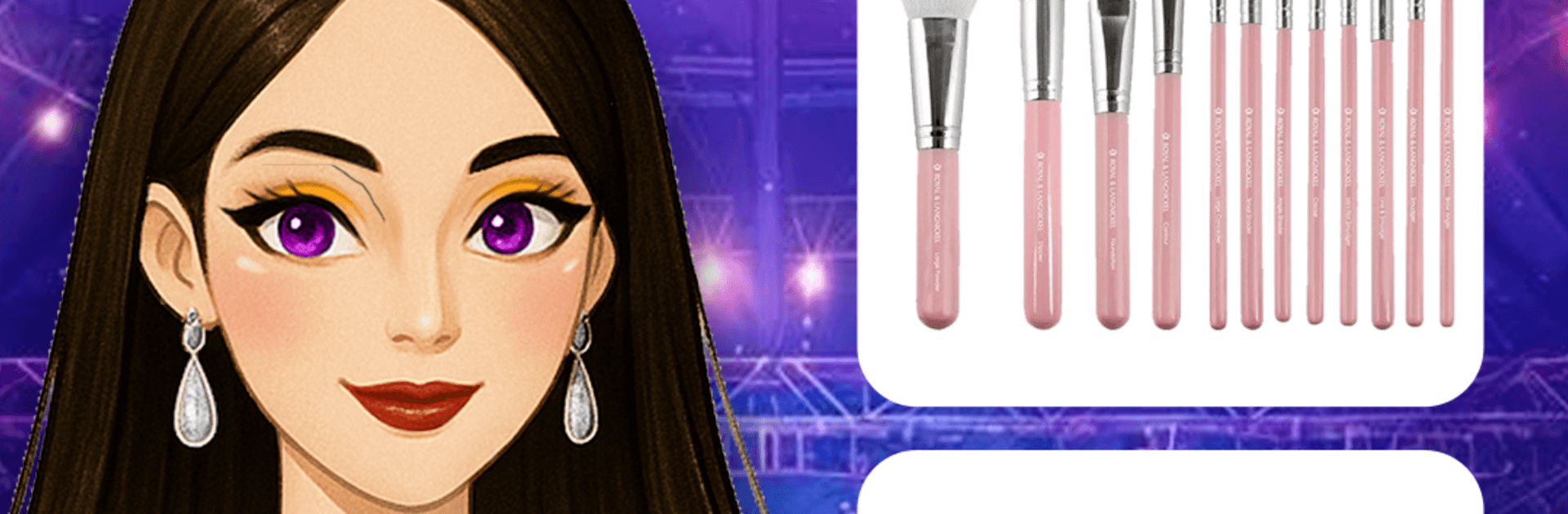
Super Stylist: Fashion Star hands you the stylist’s chair and lets you build head-to-toe looks that actually feel cohesive. This fashion-focused Simulation blends outfit creation, makeup, and hair design with themed events and runway moments, so every look has a purpose. Want more screen space while you work? You can also play on BlueStacks.

Game Features

  • Big Closet, Bigger Ideas: Mix tops, pants, skirts, and dresses to create everyday fits or full-on red-carpet statements. Patterns, colors, and textures are yours to play with.

  • Dress to the Brief: Style for specific moments—street shots, party nights, runway showcases, even royal vibes. Nail the mood and send your model out confident.

  • Accessorize with Intent: Finish the look with shoes, bags, hats, sunglasses, and sparkle-heavy jewelry. Small details change everything.

  • Makeup, Your Way: Build polished beauty looks with lipstick, blush, liner, and shadow. Want extra flair? Add shimmer, stickers, or bold color choices.

  • Full-Service Hair: Curl, straighten, or color with easy tools. Go sleek, try braids, or switch it up with rainbow shades.

  • Show Off on the Catwalk: Enter style challenges and put your creations in the spotlight. Earn attention, gather feedback, and keep refining your signature.

  • Unlockables to Chase: Win events and grow your closet with rare pieces that open up new outfit combos and fresh themes.

  • No Rush, No Interruptions: Create at your pace. Simple controls, smooth flow, and no timers—or nagging ads—getting in the way of your ideas.

Get ready for a buttery smooth, high-performance gaming action only on BlueStacks.

Game Features

Enhancements

  • Macros
  • Multi Instance
  • Multi Instance Sync
  • Script
  • Enhancements
Macros

Macros

Automate the predictable in Super Stylist: Fashion Star and transform your gameplay with Macros. Get access to inventive Macros in the BlueStacks Macro Community
Multi Instance

Multi Instance

Play Super Stylist: Fashion Star on one window. And chat with your friend on the other. Press CTRL + Shift + 8 to open the Multi-Instance Manager. And start creating fresh instances or clone an existing one.
Multi Instance Sync

Multi Instance Sync

Play Super Stylist: Fashion Star with the power of Multi-Instance Sync. Replicate what you are doing on the main instance on all other instances. Level up faster, play more.
Script

Script

Script your way to gaming glory in Super Stylist: Fashion Star with BlueStacks Script. Write and run a set of commands to automate repeated tasks. Trigger the command by assigning it to any key.
Read More

How to Download and Play Super Stylist: Fashion Star on PC or Mac

  • Download and install BlueStacks on your PC or Mac

  • Complete Google sign-in to access the Play Store, or do it later

  • Look for Super Stylist: Fashion Star in the search bar at the top right corner

  • Click to install Super Stylist: Fashion Star from the search results

  • Complete Google sign-in (if you skipped step 2) to install Super Stylist: Fashion Star

  • Click the Super Stylist: Fashion Star icon on the home screen to start playing

video
Watch Video

Minimum System Requirements

With BlueStacks 5, you can get started on a PC that fulfills the following requirements.

  • Operating System

    Microsoft Windows 7 or above, macOS 11 (Big Sur) or above

  • Processor

    Intel, AMD or Apple Silicon Processor

  • RAM

    at least 4GB

  • HDD

    10GB Free Disk Space

Note:

* You must be an Administrator on your PC. Up to date graphics drivers from Microsoft or the chipset vendor.

Super Stylist: Fashion Star - FAQs

  • How to play Super Stylist: Fashion Star on Windows PC & Mac?

    Play Super Stylist: Fashion Star on your PC or Mac by following these simple steps.

    • Click on 'Play Super Stylist: Fashion Star on PC’ to download BlueStacks
    • Install it and log-in to Google Play Store
    • Launch and play the game.
  • Why is BlueStacks the fastest and safest platform to play games on PC?

    BlueStacks respects your privacy and is always safe and secure to use. It does not carry any malware, spyware, or any sort of additional software that could harm your PC.

    It is engineered to optimize speed and performance for a seamless gaming experience.

  • What are Super Stylist: Fashion Star PC requirements?

    Minimum requirement to run Super Stylist: Fashion Star on your PC

    • OS: Microsoft Windows 7 or above MacOS 11 (Big Sur) or above
    • Processor: Intel, AMD or Apple Silicon Processor
    • RAM: Your PC must have at least 4GB of RAM. (Note that having 4GB or more disk space is not a substitute for RAM)
    • HDD: 10GB Free Disk Space.
    • You must be an Administrator on your PC.