Tap Crafter
Tap Crafter

Tap Crafter

Simulation

| Ciagram CO., LTD.

Play on PC with BlueStacks or from our cloud

  • Overview
  • Game Features
  • How to Play

Page Modified On: September 25, 2026

Play Tap Crafter on PC or Mac

Bring your A-game to Tap Crafter, the Simulation game sensation from Ciagram CO., LTD.. Give your gameplay the much-needed boost with precise game controls, high FPS graphics, and top-tier features on your PC or Mac with BlueStacks.

About the Game

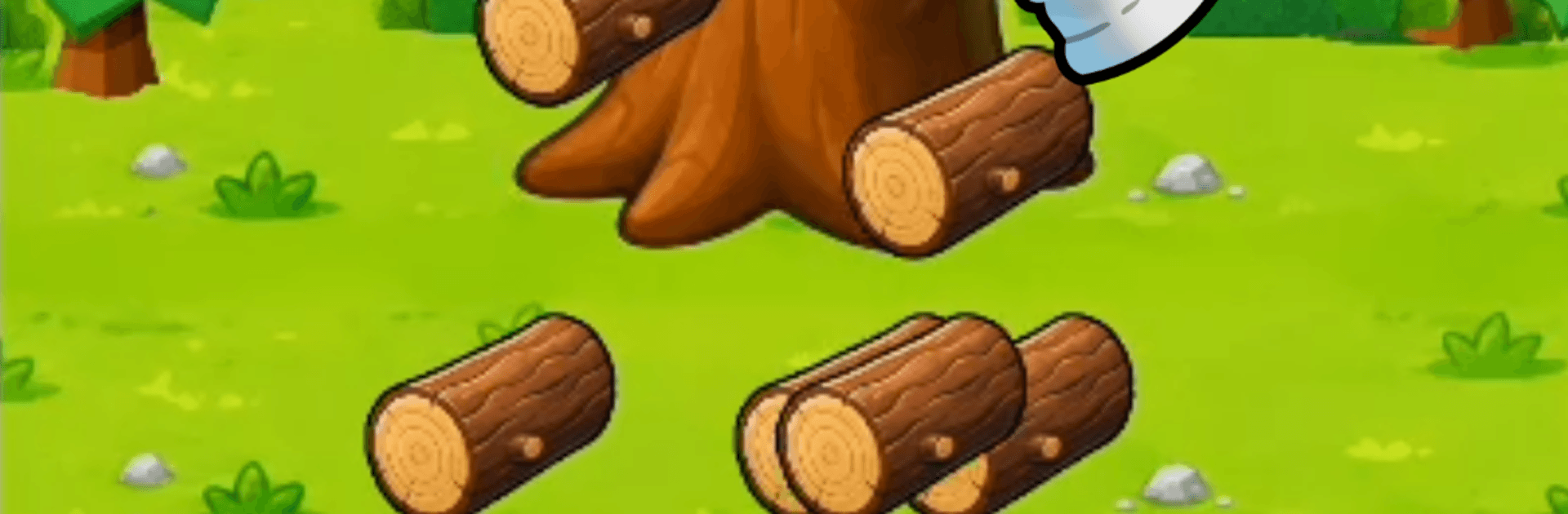
Tap Crafter turns simple taps into a surprisingly satisfying Simulation about mining, crafting, and pushing into tougher zones. You start with almost nothing, then hammer out better tools, unlock new areas, and keep the furnace humming while you’re away. Prefer a bigger screen and comfy clicks? It plays great on BlueStacks without getting in the way.

Game Features

  • One-Tap Start: Jump in and collect your first resources instantly, then keep tapping to dig deeper and push your progress further.
  • Crafting That Counts: Turn wood, stone, coal, iron—even diamonds—into stronger gear that opens up tougher materials and fresh routes forward.
  • Six Tool Tiers: Grow from bare hands to the legendary Void Pickaxe, with each upgrade hitting harder and revealing new possibilities.
  • Expanding World Map: Move from a quiet forest to mountain ridges, cave systems, and blazing depths; unlock 9+ distinct regions by spending what you’ve gathered.
  • Right Tool, Real Results: Swap between axe, shovel, and pickaxe to match what you’re harvesting and clear each zone efficiently.
  • Always-Smelting Furnace: Ores refine into ingots even while you’re offline, so you return to a stash that’s ready to craft.
  • Quest-Fueled Momentum: Follow 14 hand-built objectives that guide your journey from your first log to the final showdown, with milestones that feel good to hit.
  • Big Bad in the Void: A dragon with 10,000 HP waits at the edge of everything—only top-tier tools can scratch it, and the reward is worth it.
  • Rebirth, But Stronger: Finish a run and restart with permanent EXP boosts, turning every new attempt into a faster, punchier climb.

Ready to top the leaderboard? We bet you do. Let precise controls and sharp visuals optimized on BlueStacks lead you to victory.


Game Features

Enhancements

  • Macros
  • Multi Instance
  • Multi Instance Sync
  • Script
  • Enhancements
Macros

Macros

Automate the predictable in Tap Crafter and transform your gameplay with Macros. Get access to inventive Macros in the BlueStacks Macro Community
Multi Instance

Multi Instance

Play Tap Crafter on one window. And chat with your friend on the other. Press CTRL + Shift + 8 to open the Multi-Instance Manager. And start creating fresh instances or clone an existing one.
Multi Instance Sync

Multi Instance Sync

Play Tap Crafter with the power of Multi-Instance Sync. Replicate what you are doing on the main instance on all other instances. Level up faster, play more.
Script

Script

Script your way to gaming glory in Tap Crafter with BlueStacks Script. Write and run a set of commands to automate repeated tasks. Trigger the command by assigning it to any key.
Read More

How to Download and Play Tap Crafter on PC or Mac

  • Download and install BlueStacks on your PC or Mac

  • Complete Google sign-in to access the Play Store, or do it later

  • Look for Tap Crafter in the search bar at the top right corner

  • Click to install Tap Crafter from the search results

  • Complete Google sign-in (if you skipped step 2) to install Tap Crafter

  • Click the Tap Crafter icon on the home screen to start playing

video
Watch Video

Minimum System Requirements

With BlueStacks 5, you can get started on a PC that fulfills the following requirements.

  • Operating System

    Microsoft Windows 7 or above, macOS 11 (Big Sur) or above

  • Processor

    Intel, AMD or Apple Silicon Processor

  • RAM

    at least 4GB

  • HDD

    10GB Free Disk Space

Note:

* You must be an Administrator on your PC. Up to date graphics drivers from Microsoft or the chipset vendor.

Tap Crafter - FAQs

  • How to play Tap Crafter on Windows PC & Mac?

    Play Tap Crafter on your PC or Mac by following these simple steps.

    • Click on 'Play Tap Crafter on PC’ to download BlueStacks
    • Install it and log-in to Google Play Store
    • Launch and play the game.
  • Why is BlueStacks the fastest and safest platform to play games on PC?

    BlueStacks respects your privacy and is always safe and secure to use. It does not carry any malware, spyware, or any sort of additional software that could harm your PC.

    It is engineered to optimize speed and performance for a seamless gaming experience.

  • What are Tap Crafter PC requirements?

    Minimum requirement to run Tap Crafter on your PC

    • OS: Microsoft Windows 7 or above MacOS 11 (Big Sur) or above
    • Processor: Intel, AMD or Apple Silicon Processor
    • RAM: Your PC must have at least 4GB of RAM. (Note that having 4GB or more disk space is not a substitute for RAM)
    • HDD: 10GB Free Disk Space.
    • You must be an Administrator on your PC.