Tiny Harvest: Cozy Farm Sim

Tiny Harvest: Cozy Farm Sim

Simulation

| Simon Grimm

Play on PC with BlueStacks or from our cloud

  • Overview
  • Game Features
  • How to Play

Page Modified On: October 12, 2026

Play Tiny Harvest: Cozy Farm Sim on PC or Mac

Explore a whole new adventure with Tiny Harvest: Cozy Farm Sim, a Simulation game created by Simon Grimm. Experience great gameplay with BlueStacks, the most popular gaming platform to play Android games on your PC or Mac.

About the Game

Tiny Harvest: Cozy Farm Sim is a Simulation that’s all about slowing down, tending your land, and finding a little calm whenever you’ve got a minute. Build a snug valley from the ground up—grow, craft, explore, and expand—without stress or pressure to rush back. Prefer to kick back at your desk? It runs smoothly on BlueStacks, making those check-ins feel extra comfy.

Game Features

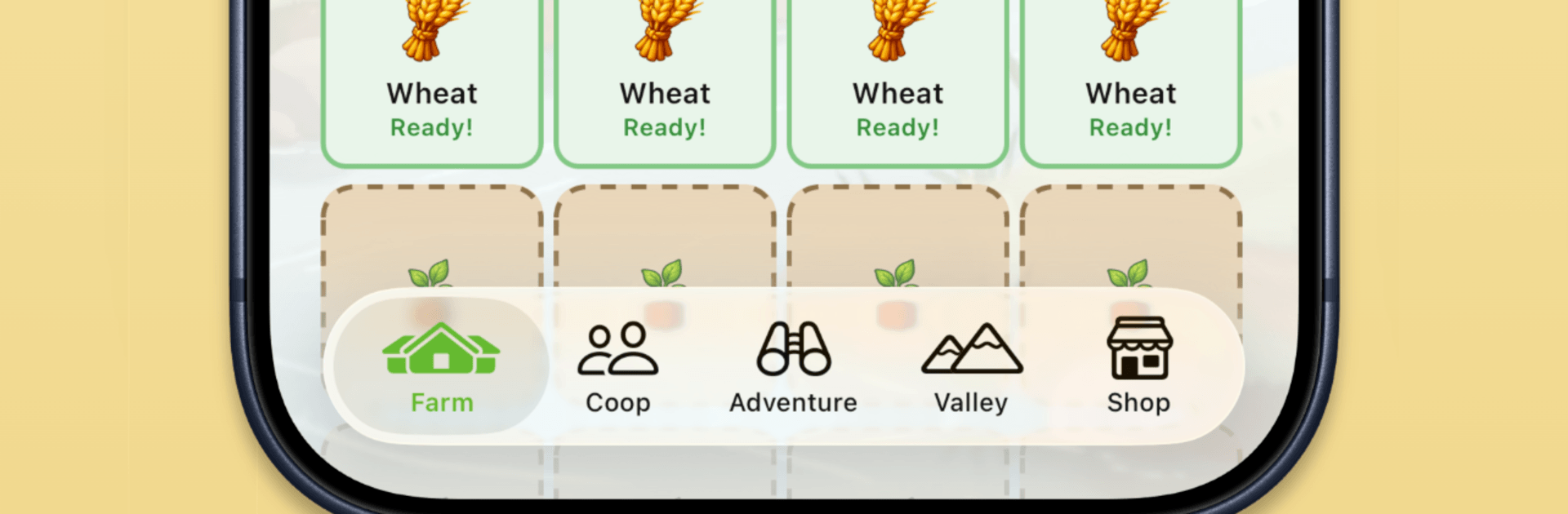
  • Gentle farming, zero pressure: Plant a wide variety of crops with easy, swipe-friendly controls and relaxed growth times—pop in when you feel like it, not because a timer’s yelling at you.
  • A happy barnyard: Keep chickens, cows, pigs, sheep, goats, and bees, then collect tasty or useful goodies to fold into your next creation.
  • Crafting that actually feels good: Turn raw harvests into hundreds of recipes—think cheeses, candles, pastries, textiles, and more—while upgrading workstations for faster, smarter production.
  • Explore beyond your fence: Go fishing by the coast, dig into mines for ore and clay, and send expeditions into forests, deserts, and mountains to bring back rarer finds.
  • Restore a sleepy valley: Rebuild key sites and get cargo flowing again so your little homestead can reach farther and thrive.
  • Orders on your terms: Pick up optional requests for coins and XP whenever you’re in the mood, then get back to whatever you enjoy most.
  • Solo comfort or friendly co-op: Play quietly on your own or join a coop to build a shared town, pool resources, take jobs, and chat—everything’s optional.
  • The Spire for long-term perks: Climb floor by floor to earn permanent boosts that make every harvest smoother.
  • A tiny dash of magic: Unlock a Farm Spirit that grows alongside your progress and offers gentle bonuses as it levels.
  • Fair play, no pop-up noise: Enjoy a calm flow with no forced ads; purchases are there if you want them, never required.

Start your journey now. Download the game on BlueStacks, invite your friends, and march on a new adventure.


Game Features

Enhancements

  • Macros
  • Multi Instance
  • Multi Instance Sync
  • Script
  • Enhancements
Macros

Macros

Automate the predictable in Tiny Harvest: Cozy Farm Sim and transform your gameplay with Macros. Get access to inventive Macros in the BlueStacks Macro Community
Multi Instance

Multi Instance

Play Tiny Harvest: Cozy Farm Sim on one window. And chat with your friend on the other. Press CTRL + Shift + 8 to open the Multi-Instance Manager. And start creating fresh instances or clone an existing one.
Multi Instance Sync

Multi Instance Sync

Play Tiny Harvest: Cozy Farm Sim with the power of Multi-Instance Sync. Replicate what you are doing on the main instance on all other instances. Level up faster, play more.
Script

Script

Script your way to gaming glory in Tiny Harvest: Cozy Farm Sim with BlueStacks Script. Write and run a set of commands to automate repeated tasks. Trigger the command by assigning it to any key.
Read More

How to Download and Play Tiny Harvest: Cozy Farm Sim on PC or Mac

  • Download and install BlueStacks on your PC or Mac

  • Complete Google sign-in to access the Play Store, or do it later

  • Look for Tiny Harvest: Cozy Farm Sim in the search bar at the top right corner

  • Click to install Tiny Harvest: Cozy Farm Sim from the search results

  • Complete Google sign-in (if you skipped step 2) to install Tiny Harvest: Cozy Farm Sim

  • Click the Tiny Harvest: Cozy Farm Sim icon on the home screen to start playing

video
Watch Video

Minimum System Requirements

With BlueStacks 5, you can get started on a PC that fulfills the following requirements.

  • Operating System

    Microsoft Windows 7 or above, macOS 11 (Big Sur) or above

  • Processor

    Intel, AMD or Apple Silicon Processor

  • RAM

    at least 4GB

  • HDD

    10GB Free Disk Space

Note:

* You must be an Administrator on your PC. Up to date graphics drivers from Microsoft or the chipset vendor.

Tiny Harvest: Cozy Farm Sim - FAQs

  • How to play Tiny Harvest: Cozy Farm Sim on Windows PC & Mac?

    Play Tiny Harvest: Cozy Farm Sim on your PC or Mac by following these simple steps.

    • Click on 'Play Tiny Harvest: Cozy Farm Sim on PC’ to download BlueStacks
    • Install it and log-in to Google Play Store
    • Launch and play the game.
  • Why is BlueStacks the fastest and safest platform to play games on PC?

    BlueStacks respects your privacy and is always safe and secure to use. It does not carry any malware, spyware, or any sort of additional software that could harm your PC.

    It is engineered to optimize speed and performance for a seamless gaming experience.

  • What are Tiny Harvest: Cozy Farm Sim PC requirements?

    Minimum requirement to run Tiny Harvest: Cozy Farm Sim on your PC

    • OS: Microsoft Windows 7 or above MacOS 11 (Big Sur) or above
    • Processor: Intel, AMD or Apple Silicon Processor
    • RAM: Your PC must have at least 4GB of RAM. (Note that having 4GB or more disk space is not a substitute for RAM)
    • HDD: 10GB Free Disk Space.
    • You must be an Administrator on your PC.