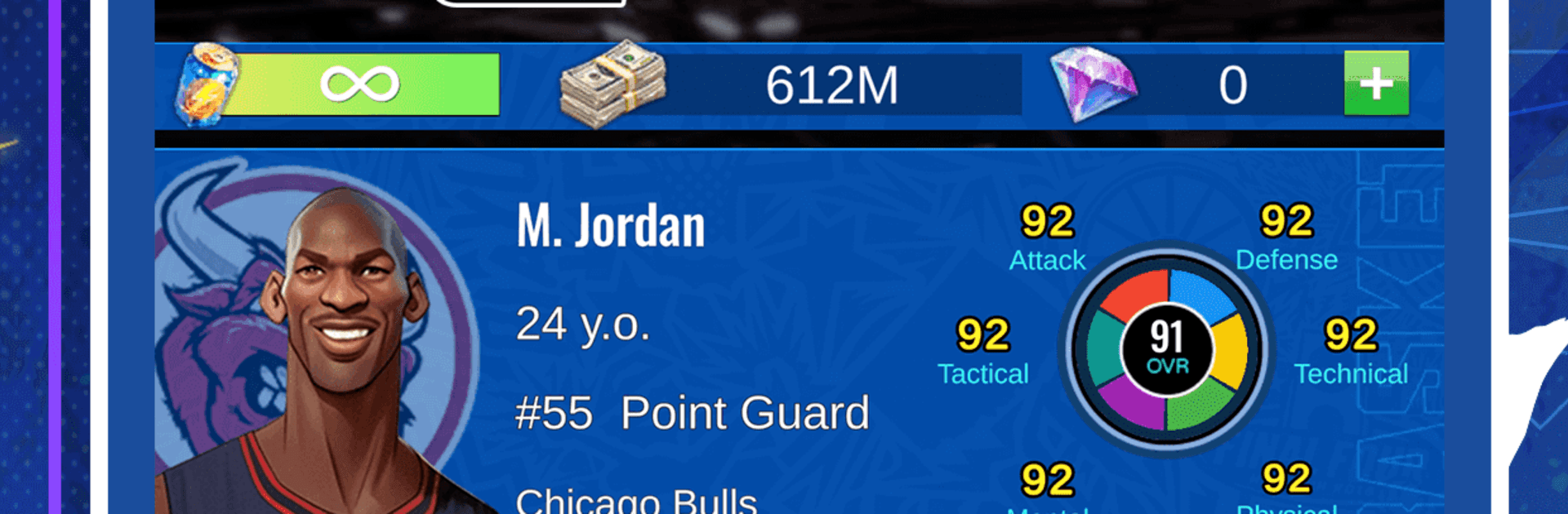
Basketball GOAT
Basketball GOAT

Basketball GOAT

Sports

| Red Falcon Games

Play on PC with BlueStacks or from our cloud

  • Overview
  • Game Features
  • How to Play

Page Modified On: August 17, 2026

Play Basketball GOAT on PC or Mac

Bring your A-game to Basketball GOAT, the Sports game sensation from Red Falcon Games. Give your gameplay the much-needed boost with precise game controls, high FPS graphics, and top-tier features on your PC or Mac with BlueStacks.

About the Game
Basketball GOAT is a career-driven Sports sim about chasing a dream, eating pressure for breakfast, and making the kind of choices that actually change your path. You begin as a barely noticed prospect and try to craft a legacy—one practice, one possession, one tough call at a time. Prefer a bigger screen? It plays smoothly on PC with BlueStacks without getting in the way.

Game Features
– From Unknown to Unmissable: Start at the bottom and climb the real hoops ladder, proving yourself in school leagues before testing your game on bigger stages.
– A Global Climb: Work through high school and college, then chase contracts across the USA, Europe, and Asia, with international tournaments raising the stakes even higher.
– Choices That Stick: Decide whether to polish strengths or patch weak spots, manage injuries and fatigue, and handle scouts, contracts, teammates, and rivals. Every decision shapes your rep—and your future.
– Training With Purpose: Use detailed development systems to build the player you want, from shooting touch to defensive grit, and see that work show up when it matters.
– Games That Respond: Matches shift based on your abilities and form. Momentum swings, late-game execution, and tough possessions can make or break your night.
– Real-World Challenges: Unexpected situations—pressure from fans, locker-room friction, off-court noise—force you to keep your cool and make smart calls.
– Legacy on the Line: Chase records and trophies, stack accolades, and push for Hall of Fame status. It’s not handed to you—you earn it.
– Smooth on PC with BlueStacks: If you like precise controls and a wider view, running Basketball GOAT on BlueStacks is a clean, simple way to play.

BlueStacks gives you more room to focus on the game and less time adjusting around mobile limitations.


Game Features

Enhancements

  • Macros
  • Multi Instance
  • Multi Instance Sync
  • Script
  • Enhancements
Macros

Macros

Automate the predictable in Basketball GOAT and transform your gameplay with Macros. Get access to inventive Macros in the BlueStacks Macro Community
Multi Instance

Multi Instance

Play Basketball GOAT on one window. And chat with your friend on the other. Press CTRL + Shift + 8 to open the Multi-Instance Manager. And start creating fresh instances or clone an existing one.
Multi Instance Sync

Multi Instance Sync

Play Basketball GOAT with the power of Multi-Instance Sync. Replicate what you are doing on the main instance on all other instances. Level up faster, play more.
Script

Script

Script your way to gaming glory in Basketball GOAT with BlueStacks Script. Write and run a set of commands to automate repeated tasks. Trigger the command by assigning it to any key.
Read More

How to Download and Play Basketball GOAT on PC or Mac

  • Download and install BlueStacks on your PC or Mac

  • Complete Google sign-in to access the Play Store, or do it later

  • Look for Basketball GOAT in the search bar at the top right corner

  • Click to install Basketball GOAT from the search results

  • Complete Google sign-in (if you skipped step 2) to install Basketball GOAT

  • Click the Basketball GOAT icon on the home screen to start playing

video
Watch Video

Minimum System Requirements

With BlueStacks 5, you can get started on a PC that fulfills the following requirements.

  • Operating System

    Microsoft Windows 7 or above, macOS 11 (Big Sur) or above

  • Processor

    Intel, AMD or Apple Silicon Processor

  • RAM

    at least 4GB

  • HDD

    10GB Free Disk Space

Note:

* You must be an Administrator on your PC. Up to date graphics drivers from Microsoft or the chipset vendor.

Basketball GOAT - FAQs

  • How to play Basketball GOAT on Windows PC & Mac?

    Play Basketball GOAT on your PC or Mac by following these simple steps.

    • Click on 'Play Basketball GOAT on PC’ to download BlueStacks
    • Install it and log-in to Google Play Store
    • Launch and play the game.
  • Why is BlueStacks the fastest and safest platform to play games on PC?

    BlueStacks respects your privacy and is always safe and secure to use. It does not carry any malware, spyware, or any sort of additional software that could harm your PC.

    It is engineered to optimize speed and performance for a seamless gaming experience.

  • What are Basketball GOAT PC requirements?

    Minimum requirement to run Basketball GOAT on your PC

    • OS: Microsoft Windows 7 or above MacOS 11 (Big Sur) or above
    • Processor: Intel, AMD or Apple Silicon Processor
    • RAM: Your PC must have at least 4GB of RAM. (Note that having 4GB or more disk space is not a substitute for RAM)
    • HDD: 10GB Free Disk Space.
    • You must be an Administrator on your PC.