BettingPros: Sports Betting

BettingPros: Sports Betting

Sports

| BettingPros

Play on PC with BlueStacks or from our cloud

  • Overview
  • Game Features
  • How to Play

Page Modified On: October 10, 2025

Play BettingPros: Sports Betting on PC or Mac

BettingPros: Sports Betting brings the Sports genre to life, and throws up exciting challenges for gamers. Developed by BettingPros, this Android game is best experienced on BlueStacks, the World’s #1 app player for PC and Mac users.

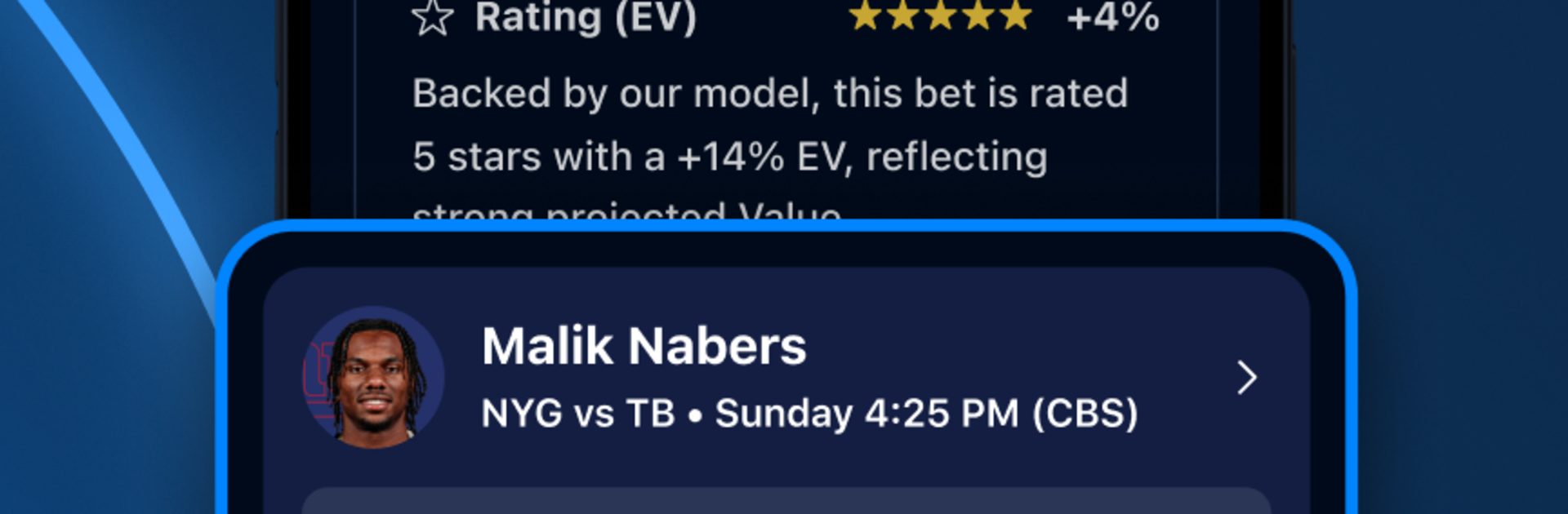
BettingPros: Sports Betting feels more like a smart command center for sports fans than a typical picks app. It pulls in lines and odds for spreads, totals, moneylines, and futures across the NFL, NBA, MLB, college hoops and football, NHL, soccer, golf, UFC, and a bunch more. The neat part is how it stacks books side by side and highlights where the number is best, plus that sharp money versus bet percentage view that shows when big cash leans one way. Running it on PC with BlueStacks keeps the screens roomy, so sorting filters, opening multiple games, and clicking through props is faster than pecking on a phone.

The Prop Bet Analyzer and Cheat Sheet are the standouts, with projections, simple over and under sorting, and daily ranks that make hunting for value feel manageable, not a spreadsheet headache. Picks and tracking are baked in, so a bettor can sync wagers, see charts, and break down results by sport, props, parlays, even those single game parlays the community shares. There is a social layer with groups, feeds, and leaderboards, which makes tailing or fading people easier, and a premium area that adds star ratings, cover probability, and expected value. Custom alerts fire when lines move or when followed bettors post. Live scores, injuries, and player prop trackers round out the board, with guides, quick articles, and podcasts filling the gaps on slow days. It is advice only, no real money inside, so it stays on the research and planning side, which is alot safer for testing ideas.

Get ready for a buttery smooth, high-performance gaming action only on BlueStacks.

Game Features

Enhancements

  • Macros
  • Multi Instance
  • Multi Instance Sync
  • Script
  • Enhancements
Macros

Macros

Automate the predictable in BettingPros: Sports Betting and transform your gameplay with Macros. Get access to inventive Macros in the BlueStacks Macro Community
Multi Instance

Multi Instance

Play BettingPros: Sports Betting on one window. And chat with your friend on the other. Press CTRL + Shift + 8 to open the Multi-Instance Manager. And start creating fresh instances or clone an existing one.
Multi Instance Sync

Multi Instance Sync

Play BettingPros: Sports Betting with the power of Multi-Instance Sync. Replicate what you are doing on the main instance on all other instances. Level up faster, play more.
Script

Script

Script your way to gaming glory in BettingPros: Sports Betting with BlueStacks Script. Write and run a set of commands to automate repeated tasks. Trigger the command by assigning it to any key.
Read More

How to Download and Play BettingPros: Sports Betting on PC or Mac

  • Download and install BlueStacks on your PC or Mac

  • Complete Google sign-in to access the Play Store, or do it later

  • Look for BettingPros: Sports Betting in the search bar at the top right corner

  • Click to install BettingPros: Sports Betting from the search results

  • Complete Google sign-in (if you skipped step 2) to install BettingPros: Sports Betting

  • Click the BettingPros: Sports Betting icon on the home screen to start playing

video
Watch Video

Minimum System Requirements

With BlueStacks 5, you can get started on a PC that fulfills the following requirements.

  • Operating System

    Microsoft Windows 7 or above, macOS 11 (Big Sur) or above

  • Processor

    Intel, AMD or Apple Silicon Processor

  • RAM

    at least 4GB

  • HDD

    10GB Free Disk Space

Note:

* You must be an Administrator on your PC. Up to date graphics drivers from Microsoft or the chipset vendor.

BettingPros: Sports Betting - FAQs

  • How to play BettingPros: Sports Betting on Windows PC & Mac?

    Play BettingPros: Sports Betting on your PC or Mac by following these simple steps.

    • Click on 'Play BettingPros: Sports Betting on PC’ to download BlueStacks
    • Install it and log-in to Google Play Store
    • Launch and play the game.
  • Why is BlueStacks the fastest and safest platform to play games on PC?

    BlueStacks respects your privacy and is always safe and secure to use. It does not carry any malware, spyware, or any sort of additional software that could harm your PC.

    It is engineered to optimize speed and performance for a seamless gaming experience.

  • What are BettingPros: Sports Betting PC requirements?

    Minimum requirement to run BettingPros: Sports Betting on your PC

    • OS: Microsoft Windows 7 or above MacOS 11 (Big Sur) or above
    • Processor: Intel, AMD or Apple Silicon Processor
    • RAM: Your PC must have at least 4GB of RAM. (Note that having 4GB or more disk space is not a substitute for RAM)
    • HDD: 10GB Free Disk Space.
    • You must be an Administrator on your PC.