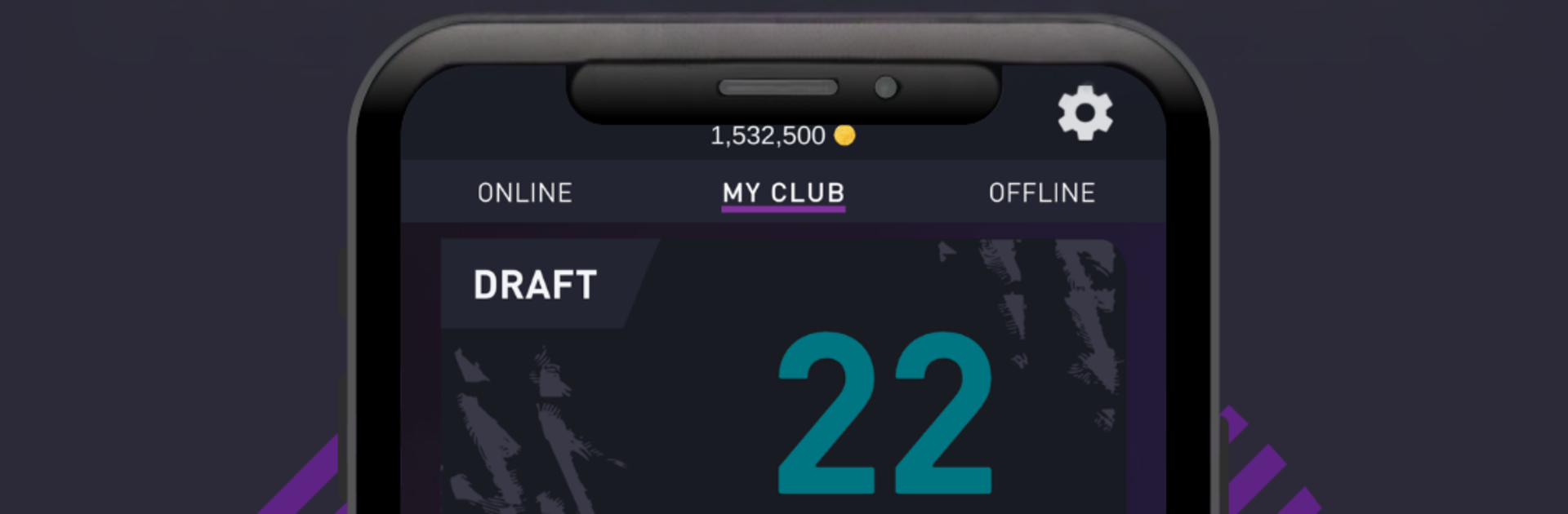
DEVCRO 22 - Draft, Packs

DEVCRO 22 - Draft, Packs

Sports

| DevCro

Play on PC with BlueStacks or from our cloud

  • Overview
  • Game Features
  • How to Play

Page Modified On: December 22, 2025

Play DEVCRO 22 - Draft, Packs on PC or Mac

Explore a whole new adventure with DEVCRO 22 – Draft, Packs, a Sports game created by DevCro. Experience great gameplay with BlueStacks, the most popular gaming platform to play Android games on your PC or Mac.

DEVCRO 22 is a football card sim that leans hard into the fun parts of building squads and ripping packs. The loop is simple and very more-ish. Open an unlimited pile of packs, chase Icons, Informs, and all the special cards, then stash everything in My Club so the collection slowly fills out. There are more than 2000 players in the pool, so new pulls keep showing up, and the game lets you save your best packs if that sort of trophy shelf feels good. Draft mode scratches the quick-build itch, throwing choices at every position until a team is done. The squad builder is solid for tinkering, and the Squad Building Challenges feel like little puzzles where ratings and positions matter. Matches are simulated, so there is no on-pitch action, just results based on the team that was built. A basic transfer market helps patch gaps or offload duplicates, and the player list gets updated with new releases so the hunt does not stall.

On PC through BlueStacks, menus and pack opening feel fast and easy to click through, and the bigger screen helps compare stats without squinting. The whole thing is light, quick to pick up, and very much a collection-first experience. It is not trying to be a full football game, it is about the thrill of drafting a cracked lineup, fusing squads to clear an SBC, and seeing luck swing from awful to amazing in a few packs. Great for anyone who enjoys theorycrafting and the card economy loop more than stick skills.

Slay your opponents with your epic moves. Play it your way on BlueStacks and dominate the battlefield.


Game Features

Enhancements

  • Macros
  • Multi Instance
  • Multi Instance Sync
  • Script
  • Enhancements
Macros

Macros

Automate the predictable in DEVCRO 22 - Draft, Packs and transform your gameplay with Macros. Get access to inventive Macros in the BlueStacks Macro Community
Multi Instance

Multi Instance

Play DEVCRO 22 - Draft, Packs on one window. And chat with your friend on the other. Press CTRL + Shift + 8 to open the Multi-Instance Manager. And start creating fresh instances or clone an existing one.
Multi Instance Sync

Multi Instance Sync

Play DEVCRO 22 - Draft, Packs with the power of Multi-Instance Sync. Replicate what you are doing on the main instance on all other instances. Level up faster, play more.
Script

Script

Script your way to gaming glory in DEVCRO 22 - Draft, Packs with BlueStacks Script. Write and run a set of commands to automate repeated tasks. Trigger the command by assigning it to any key.
Read More

How to Download and Play DEVCRO 22 - Draft, Packs on PC or Mac

  • Download and install BlueStacks on your PC or Mac

  • Complete Google sign-in to access the Play Store, or do it later

  • Look for DEVCRO 22 - Draft, Packs in the search bar at the top right corner

  • Click to install DEVCRO 22 - Draft, Packs from the search results

  • Complete Google sign-in (if you skipped step 2) to install DEVCRO 22 - Draft, Packs

  • Click the DEVCRO 22 - Draft, Packs icon on the home screen to start playing

video
Watch Video

Minimum System Requirements

With BlueStacks 5, you can get started on a PC that fulfills the following requirements.

  • Operating System

    Microsoft Windows 7 or above, macOS 11 (Big Sur) or above

  • Processor

    Intel, AMD or Apple Silicon Processor

  • RAM

    at least 4GB

  • HDD

    10GB Free Disk Space

Note:

* You must be an Administrator on your PC. Up to date graphics drivers from Microsoft or the chipset vendor.

DEVCRO 22 - Draft, Packs - FAQs

  • How to play DEVCRO 22 - Draft, Packs on Windows PC & Mac?

    Play DEVCRO 22 - Draft, Packs on your PC or Mac by following these simple steps.

    • Click on 'Play DEVCRO 22 - Draft, Packs on PC’ to download BlueStacks
    • Install it and log-in to Google Play Store
    • Launch and play the game.
  • Why is BlueStacks the fastest and safest platform to play games on PC?

    BlueStacks respects your privacy and is always safe and secure to use. It does not carry any malware, spyware, or any sort of additional software that could harm your PC.

    It is engineered to optimize speed and performance for a seamless gaming experience.

  • What are DEVCRO 22 - Draft, Packs PC requirements?

    Minimum requirement to run DEVCRO 22 - Draft, Packs on your PC

    • OS: Microsoft Windows 7 or above MacOS 11 (Big Sur) or above
    • Processor: Intel, AMD or Apple Silicon Processor
    • RAM: Your PC must have at least 4GB of RAM. (Note that having 4GB or more disk space is not a substitute for RAM)
    • HDD: 10GB Free Disk Space.
    • You must be an Administrator on your PC.