ligue 1 football
ligue 1 football

ligue 1 football

Sports

| boukapps pro

Play on PC with BlueStacks or from our cloud

  • Overview
  • Game Features
  • How to Play

Page Modified On: November 11, 2026

Play ligue 1 football on PC or Mac

Explore a whole new adventure with ligue 1 football, a Sports game created by boukapps pro. Experience great gameplay with BlueStacks, the most popular gaming platform to play Android games on your PC or Mac.

About the Game

ligue 1 football is a Sports game that turns quick, fingertip soccer into a tense, super-snappy showdown. It blends the bounce and bank shots of air hockey with real match tactics, so every flick, deflection, and rebound can change the scoreline. Play solo or sit next to a friend for local multiplayer, pick a club inspired by France’s top leagues, and chase that last-second winner. If you like a bigger screen, it also plays nicely on PC with BlueStacks.

Game Features

  • Real clubs, real rivalry: Choose from teams inspired by Ligue 1, Ligue 2, and National—think Paris, Marseille, Lyon, Monaco, Lille, Nice, Lens, Nantes, and more—then take them all the way.
  • Tap-and-flick control: Air-hockey-style, fingertip shots make every move fast, tactile, and satisfying, with smooth physics that reward precision.
  • Single-player or local multiplayer: Face sharp AI for a quick challenge or pass the device and go head-to-head with a friend right beside you.
  • Tournament mode: Work through brackets modeled after French competitions and prove your squad has the nerve to lift the trophy.
  • Penalty shooter mode: Practice nerves-of-steel finishes and laser-accurate strikes in a focused, finger-soccer take on spot kicks.
  • Custom match length: Set games to 3, 5, or 8 minutes so sessions fit your schedule—bite-sized or a little longer.
  • Extra-time thrillers: Tied after regulation? Settle it with extra minutes and push for that decisive goal.
  • Offline play: No connection needed, so matches, tournaments, and shootouts are always ready when you are.

Start playing ligue 1 football on BlueStacks and get a smoother, more comfortable PC or Mac setup.

Game Features

Enhancements

  • Macros
  • Multi Instance
  • Multi Instance Sync
  • Script
  • Enhancements
Macros

Macros

Automate the predictable in ligue 1 football and transform your gameplay with Macros. Get access to inventive Macros in the BlueStacks Macro Community
Multi Instance

Multi Instance

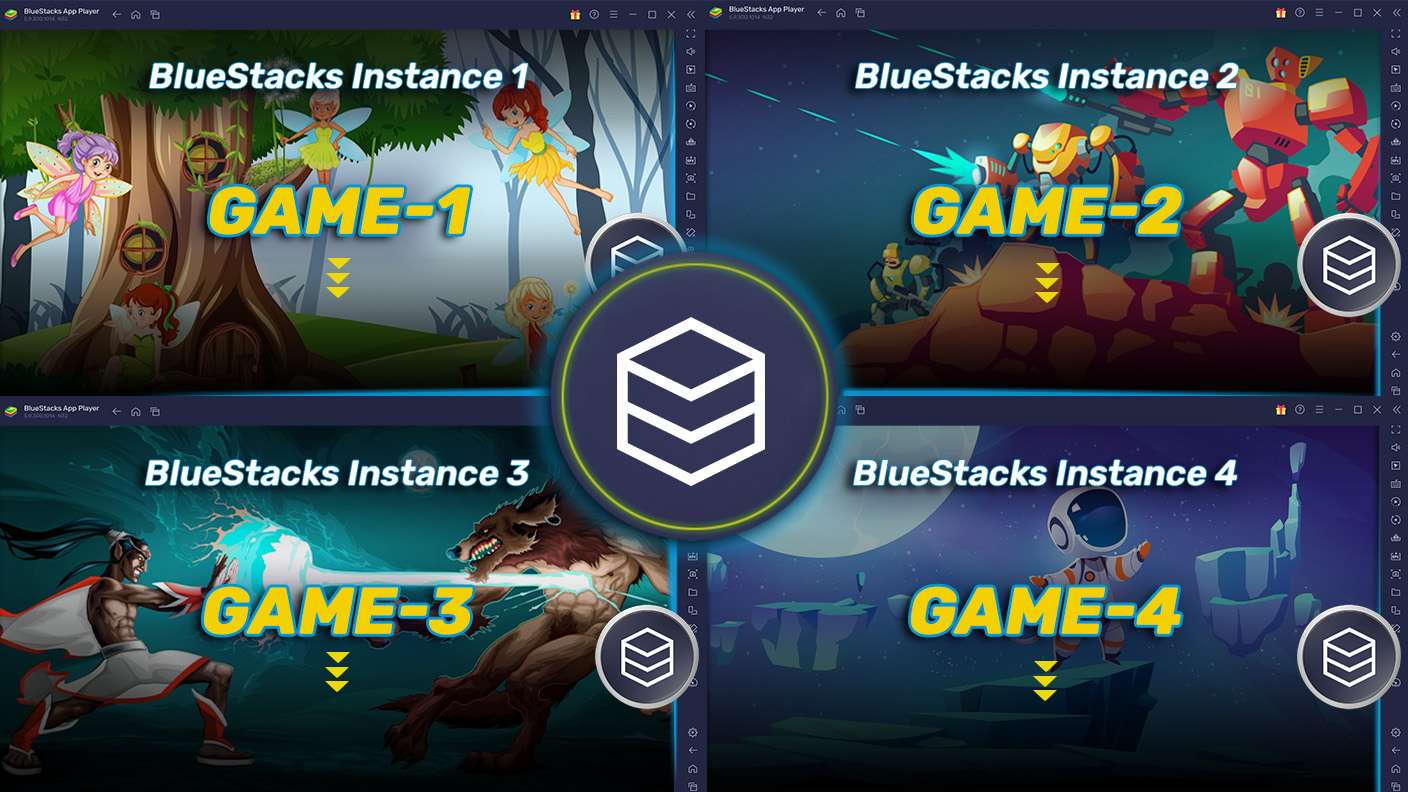
Play ligue 1 football on one window. And chat with your friend on the other. Press CTRL + Shift + 8 to open the Multi-Instance Manager. And start creating fresh instances or clone an existing one.
Multi Instance Sync

Multi Instance Sync

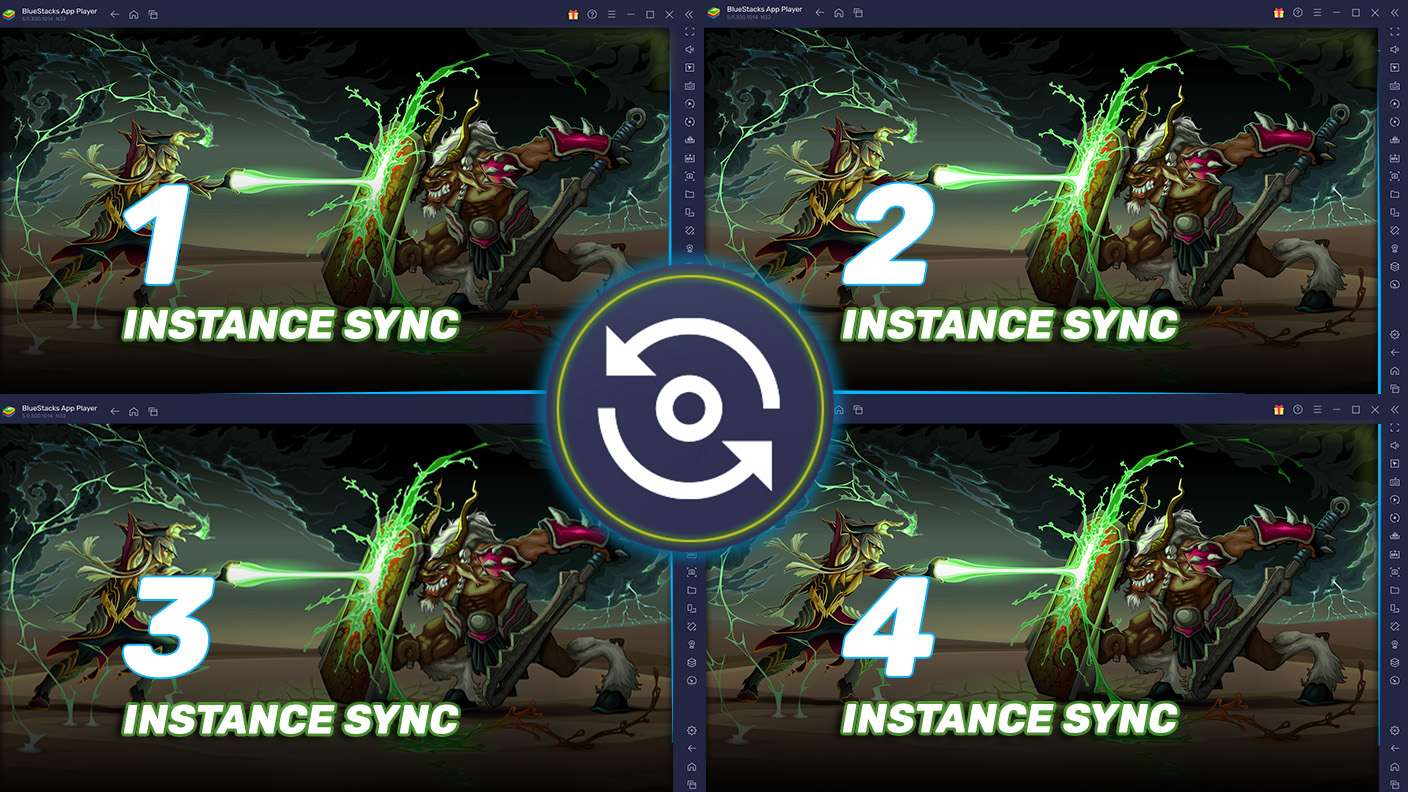
Play ligue 1 football with the power of Multi-Instance Sync. Replicate what you are doing on the main instance on all other instances. Level up faster, play more.
Script

Script

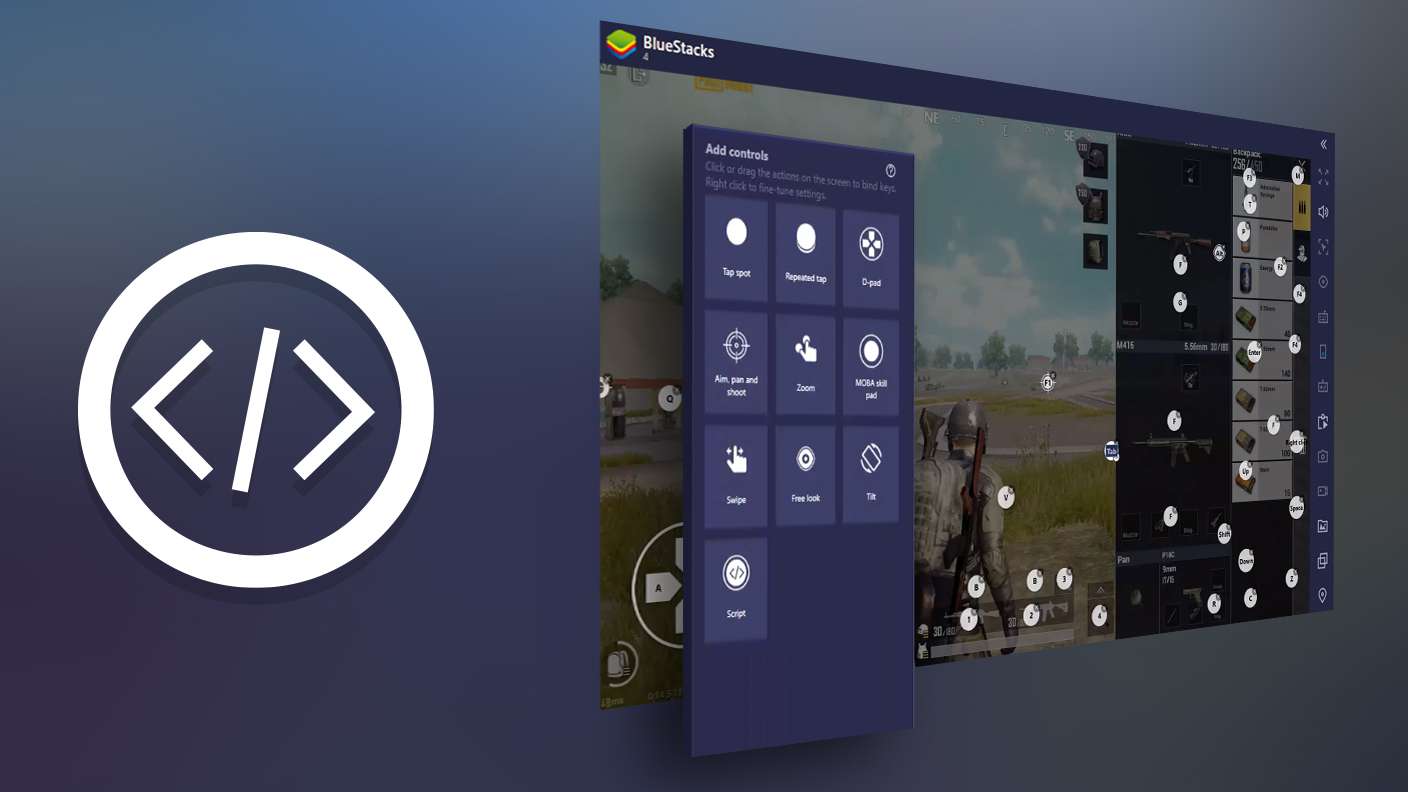
Script your way to gaming glory in ligue 1 football with BlueStacks Script. Write and run a set of commands to automate repeated tasks. Trigger the command by assigning it to any key.
Read More

How to Download and Play ligue 1 football on PC or Mac

  • Download and install BlueStacks on your PC or Mac

  • Complete Google sign-in to access the Play Store, or do it later

  • Look for ligue 1 football in the search bar at the top right corner

  • Click to install ligue 1 football from the search results

  • Complete Google sign-in (if you skipped step 2) to install ligue 1 football

  • Click the ligue 1 football icon on the home screen to start playing

video
Watch Video

Minimum System Requirements

With BlueStacks 5, you can get started on a PC that fulfills the following requirements.

  • Operating System

    Microsoft Windows 7 or above, macOS 11 (Big Sur) or above

  • Processor

    Intel, AMD or Apple Silicon Processor

  • RAM

    at least 4GB

  • HDD

    10GB Free Disk Space

Note:

* You must be an Administrator on your PC. Up to date graphics drivers from Microsoft or the chipset vendor.

ligue 1 football - FAQs

  • How to play ligue 1 football on Windows PC & Mac?

    Play ligue 1 football on your PC or Mac by following these simple steps.

    • Click on 'Play ligue 1 football on PC’ to download BlueStacks
    • Install it and log-in to Google Play Store
    • Launch and play the game.
  • Why is BlueStacks the fastest and safest platform to play games on PC?

    BlueStacks respects your privacy and is always safe and secure to use. It does not carry any malware, spyware, or any sort of additional software that could harm your PC.

    It is engineered to optimize speed and performance for a seamless gaming experience.

  • What are ligue 1 football PC requirements?

    Minimum requirement to run ligue 1 football on your PC

    • OS: Microsoft Windows 7 or above MacOS 11 (Big Sur) or above
    • Processor: Intel, AMD or Apple Silicon Processor
    • RAM: Your PC must have at least 4GB of RAM. (Note that having 4GB or more disk space is not a substitute for RAM)
    • HDD: 10GB Free Disk Space.
    • You must be an Administrator on your PC.