
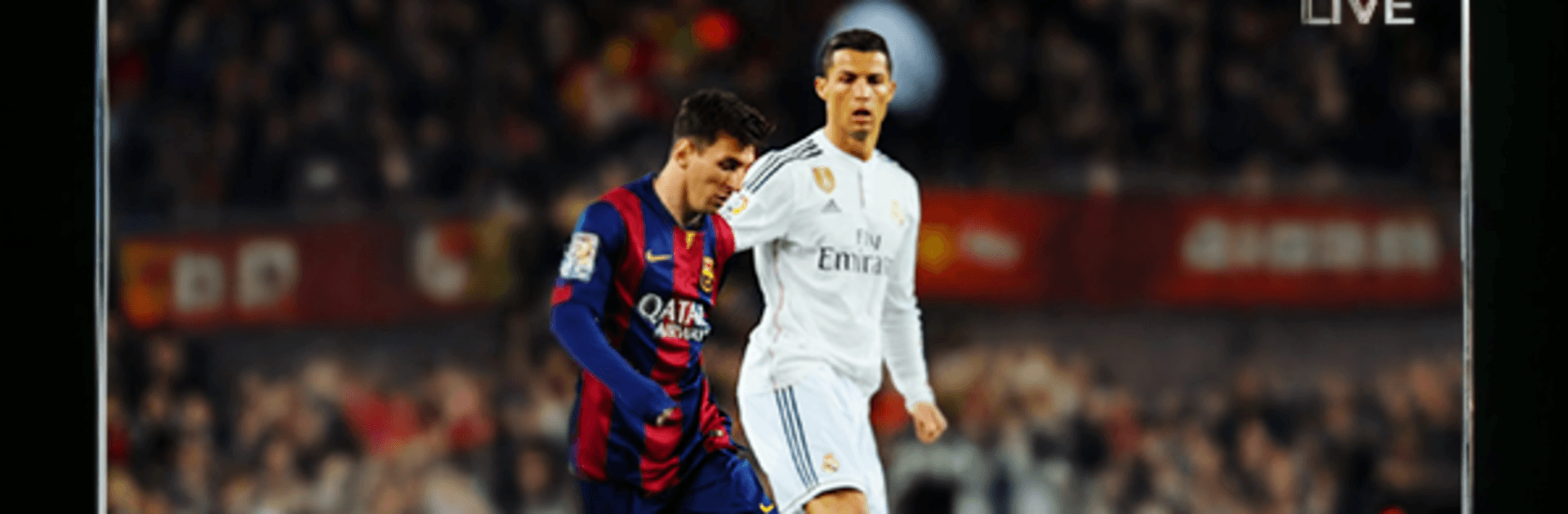
Live Football TV HD
Live Football TV HD

Live Football TV HD

Sports

| Easy Money Apps

Play on PC with BlueStacks or from our cloud

  • Overview
  • How to Download

Page Modified On: June 26, 2026

Run Live Football TV HD on PC or Mac

Get freedom from your phone’s obvious limitations. Use Live Football TV HD, made by Easy Money Apps, a Sports app on your PC or Mac with BlueStacks, and level up your experience.

About the App

Live Football TV HD is for fans who can’t stand missing a goal or a lineup change. It puts live scores, key stats, confirmed lineups, and highlight info in one clean place so you can check what matters in seconds. From weekend league drama to big international nights, it keeps pace with every match as it happens.

App Features

  • Real-Time Scores: Watch the scoreboard update the moment the net ripples, with instant event details.
  • Deep Match Stats: Goals, assists, possession, cards, and more—see how the game’s really unfolding.
  • Lineups & Player Details: Get the starting XI before kickoff plus quick context on who’s on the field.
  • Massive Coverage: Track the Premier League, La Liga, Serie A, Bundesliga, Ligue 1, MLS, Liga MX, UEFA Champions League, Europa League, Nations League, FIFA World Cup, UEFA Euro 2024, Copa América 2024, and hundreds more competitions.
  • Smart Alerts: Set notifications for your favorite teams and get pings for kickoff, goals, and full-time.
  • Live Match Tracker: Follow a play-by-play timeline of key moments without refreshing.
  • Fixtures & Results: Scan today’s schedule, peek at upcoming clashes, and review final scores with ease.
  • Clean, Quick UI: Fast load times and simple navigation keep you on the action, not hunting for it.
  • Multilingual-Friendly: Built for fans everywhere, no matter where you follow the game.
  • Reliable Data: Updates are fast and consistent, so what you see matches what’s happening.
  • No Subscription: Enjoy core features without a paywall or sign-up hoops.
  • Scores & Stats Only: This app doesn’t stream live video—it focuses on fast updates and highlight info.
  • Big-Screen Friendly: Like checking matches from your desk? It works smoothly on BlueStacks for a comfy PC view.

Ready to experience Live Football TV HD on a bigger screen, in all its glory? Download BlueStacks now.


How to Download and Run Live Football TV HD on PC or Mac

  • Download and install BlueStacks on your PC or Mac

  • Complete Google sign-in to access the Play Store, or do it later

  • Look for Live Football TV HD in the search bar at the top right corner

  • Click to install Live Football TV HD from the search results

  • Complete Google sign-in (if you skipped step 2) to install Live Football TV HD

  • Click the Live Football TV HD icon on the home screen to start playing

video
Watch Video

Minimum System Requirements

With BlueStacks 5, you can get started on a PC that fulfills the following requirements.

  • Operating System

    Microsoft Windows 7 or above, macOS 11 (Big Sur) or above

  • Processor

    Intel, AMD or Apple Silicon Processor

  • RAM

    at least 4GB

  • HDD

    10GB Free Disk Space

Note:

* You must be an Administrator on your PC. Up to date graphics drivers from Microsoft or the chipset vendor.

Live Football TV HD - FAQs

  • How to Run Live Football TV HD on Windows PC & Mac?

    Run Live Football TV HD on your PC or Mac by following these simple steps.

    • Click on ‘Download Live Football TV HD on PC’ to download BlueStacks
    • Install it and log-in to Google Play Store
    • Launch and run the app.
  • Why is BlueStacks the fastest and safest platform to play games on PC?

    BlueStacks respects your privacy and is always safe and secure to use. It does not carry any malware, spyware, or any sort of additional software that could harm your PC.

    It is engineered to optimize speed and performance for a seamless gaming experience.

  • What are Live Football TV HD PC requirements?

    Minimum requirement to run Live Football TV HD on your PC

    • OS: Microsoft Windows 7 and above:
    • Processor: Intel or AMD Processor:
    • RAM: Your PC must have at least 2GB of RAM. (Note that having 2GB or more disk space is not a substitute for RAM):
    • HDD: 5GB Free Disk Space.
    • You must be an Administrator on your PC.



