TeamPlus - Team Management

TeamPlus - Team Management

Sports

| SPM SPORTPLATZ MEDIA GMBH

Play on PC with BlueStacks or from our cloud

  • Overview
  • Game Features
  • How to Play

Page Modified On: October 03, 2025

Play TeamPlus - Team Management on PC or Mac

Join millions to experience TeamPlus – Team Management, an exciting Sports game from SPM SPORTPLATZ MEDIA GMBH. With BlueStacks App Player, you are always a step ahead of your opponent, ready to outplay them with faster gameplay and better control with the mouse and keyboard on your PC or Mac.

About the Game

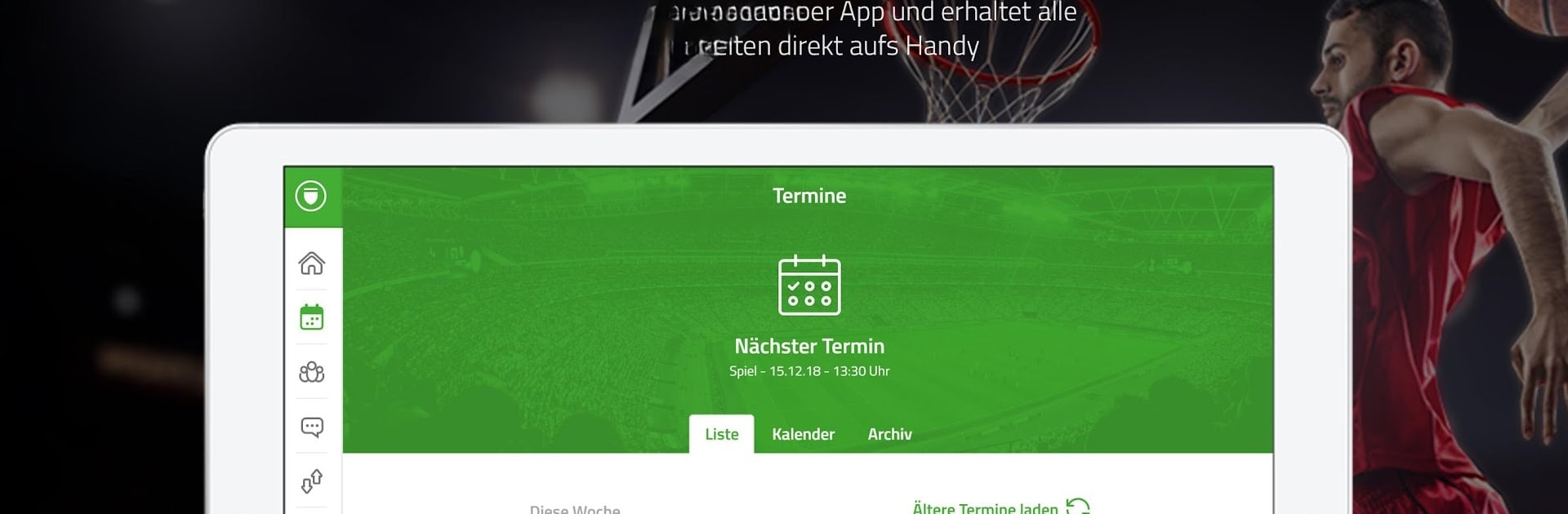
TeamPlus – Team Management is built for real team life—the practices, the last‑minute changes, the “who’s riding with who?” questions. It keeps coaches, captains, parents, and players on the same page so planning doesn’t eat up your week. From SPM SPORTPLATZ MEDIA GMBH, this Sports essential covers scheduling, communication, lineups, and even the money side. Prefer working on a bigger screen? It runs nicely on BlueStacks.

Game Features

  • Smart scheduling: Set up practices, games, and tournaments, then track RSVPs in real time. Attach lineups, tasks, videos, or notes and send quick reminders when plans shift.
  • Clean team chat: Share news, urgent updates, and messages without juggling multiple apps. Everything sits where your team can actually find it.
  • Roles and roster: Store player profiles and contact info, and assign roles like coach, supervisor, treasurer, or player to keep responsibilities clear.
  • Team Treasury: Record payments and expenses, manage contributions, and maintain a penalty catalog so finances stop living in random spreadsheets.
  • Parent and deputy access: Give guardians or assistants their own logins for youth teams and shared responsibilities—no account sharing needed.
  • Attendance and stats: See who showed up, who scored, and who completed tasks. Spot trends and make data‑backed decisions.
  • Lineups and templates: Build starting elevens or rotations fast, save templates, and reuse them whenever you need.
  • Carpools: Offer or request rides for away games or late practices to simplify travel.
  • TeamCloud files: Keep playbooks, forms, and PDFs in a private space the whole team can access.
  • Polls and surveys: Vote on practice times, kit choices, or team events right in the app—no extra tools required.
  • Event groups: Split players into squads or training groups inside any event with a couple of taps.
  • Fixture import: Bring in schedules from spreadsheets (xls or csv) to get up and running quickly.
  • Instant alerts: Push notifications keep everyone in the loop when times, locations, or tasks change.

Make your gaming sessions memorable with precise controls that give you an edge in close combats and visuals that pop up, bringing every character to life.


Game Features

Enhancements

  • Macros
  • Multi Instance
  • Multi Instance Sync
  • Script
  • Enhancements
Macros

Macros

Automate the predictable in TeamPlus - Team Management and transform your gameplay with Macros. Get access to inventive Macros in the BlueStacks Macro Community
Multi Instance

Multi Instance

Play TeamPlus - Team Management on one window. And chat with your friend on the other. Press CTRL + Shift + 8 to open the Multi-Instance Manager. And start creating fresh instances or clone an existing one.
Multi Instance Sync

Multi Instance Sync

Play TeamPlus - Team Management with the power of Multi-Instance Sync. Replicate what you are doing on the main instance on all other instances. Level up faster, play more.
Script

Script

Script your way to gaming glory in TeamPlus - Team Management with BlueStacks Script. Write and run a set of commands to automate repeated tasks. Trigger the command by assigning it to any key.
Read More

How to Download and Play TeamPlus - Team Management on PC or Mac

  • Download and install BlueStacks on your PC or Mac

  • Complete Google sign-in to access the Play Store, or do it later

  • Look for TeamPlus - Team Management in the search bar at the top right corner

  • Click to install TeamPlus - Team Management from the search results

  • Complete Google sign-in (if you skipped step 2) to install TeamPlus - Team Management

  • Click the TeamPlus - Team Management icon on the home screen to start playing

video
Watch Video

Minimum System Requirements

With BlueStacks 5, you can get started on a PC that fulfills the following requirements.

  • Operating System

    Microsoft Windows 7 or above, macOS 11 (Big Sur) or above

  • Processor

    Intel, AMD or Apple Silicon Processor

  • RAM

    at least 4GB

  • HDD

    10GB Free Disk Space

Note:

* You must be an Administrator on your PC. Up to date graphics drivers from Microsoft or the chipset vendor.

TeamPlus - Team Management - FAQs

  • How to play TeamPlus - Team Management on Windows PC & Mac?

    Play TeamPlus - Team Management on your PC or Mac by following these simple steps.

    • Click on 'Play TeamPlus - Team Management on PC’ to download BlueStacks
    • Install it and log-in to Google Play Store
    • Launch and play the game.
  • Why is BlueStacks the fastest and safest platform to play games on PC?

    BlueStacks respects your privacy and is always safe and secure to use. It does not carry any malware, spyware, or any sort of additional software that could harm your PC.

    It is engineered to optimize speed and performance for a seamless gaming experience.

  • What are TeamPlus - Team Management PC requirements?

    Minimum requirement to run TeamPlus - Team Management on your PC

    • OS: Microsoft Windows 7 or above MacOS 11 (Big Sur) or above
    • Processor: Intel, AMD or Apple Silicon Processor
    • RAM: Your PC must have at least 4GB of RAM. (Note that having 4GB or more disk space is not a substitute for RAM)
    • HDD: 10GB Free Disk Space.
    • You must be an Administrator on your PC.