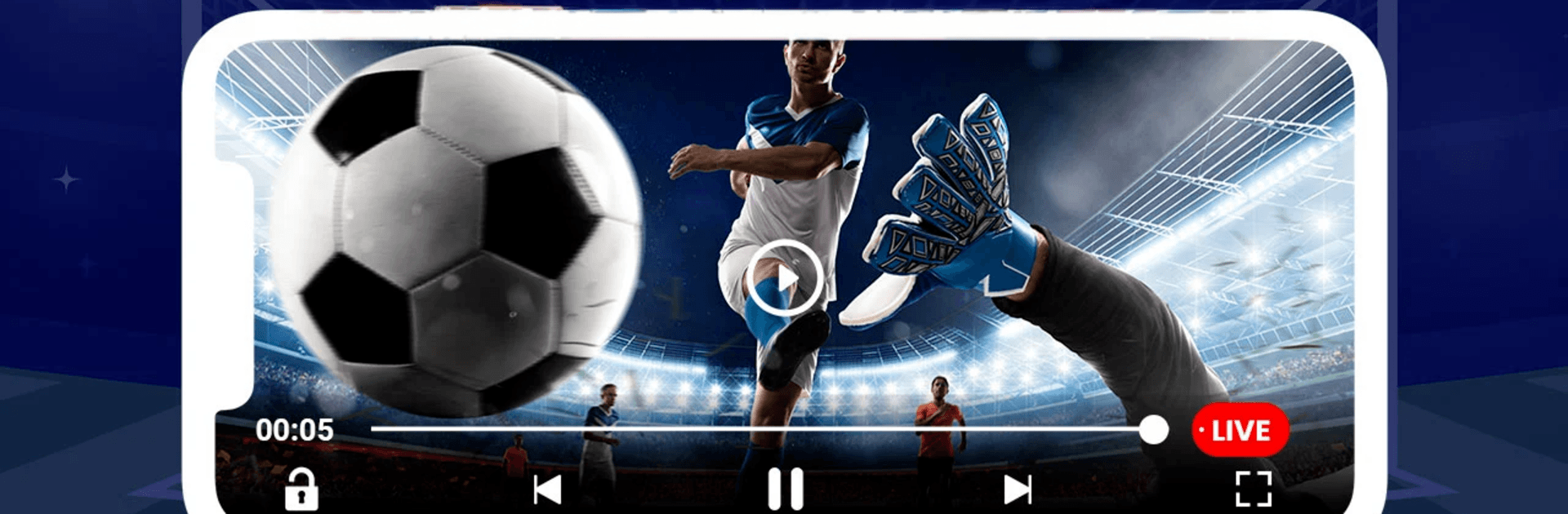
SportzFy TV : Live Football TV

SportzFy TV : Live Football TV

Sports

| VD Chhaniya

Play on PC with BlueStacks or from our cloud

  • Overview
  • How to Download

Page Modified On: October 22, 2026

Run SportzFy TV : Live Football TV on PC or Mac

Get freedom from your phone’s obvious limitations. Use SportzFy TV : Live Football TV, made by VD Chhaniya, a Sports app on your PC or Mac with BlueStacks, and level up your experience.

About the App

SportzFy TV : Live Football TV is your quick, no-fuss way to follow the beautiful game in real time. Track scores as they happen, check confirmed lineups, and skim key highlights without hunting around. This Sports app keeps things fast and tidy—and if you prefer a bigger screen, it works nicely with BlueStacks too.

App Features

  • Real-time scores: See live score updates the moment the ball hits the net, plus kickoff, halftime, and full-time alerts at a glance.
  • Detailed match stats: Follow shots, possession, passes, fouls, and more so you can read the flow of the game, not just the final score.
  • Lineups and formations: Get starting elevens, benches, and tactical shapes as soon as they’re announced, with late changes reflected fast.
  • Highlights and key moments: Missed the opening minutes? Catch quick recaps and notable plays to get back up to speed.
  • Worldwide coverage: From the Premier League and La Liga to the Champions League, MLS, NWSL, Copa América, Euros, and plenty more, scores and stats roll in from competitions across the globe.
  • Match centers: Everything for a fixture in one place—timeline, core stats, and team info—so you can browse fast and get what you came for.
  • Reliable data: Updates are sourced from trustworthy feeds to keep the scoreboard accurate from first whistle to last.

Switch to BlueStacks and make the most of your apps on your PC or Mac.

How to Download and Run SportzFy TV : Live Football TV on PC or Mac

  • Download and install BlueStacks on your PC or Mac

  • Complete Google sign-in to access the Play Store, or do it later

  • Look for SportzFy TV : Live Football TV in the search bar at the top right corner

  • Click to install SportzFy TV : Live Football TV from the search results

  • Complete Google sign-in (if you skipped step 2) to install SportzFy TV : Live Football TV

  • Click the SportzFy TV : Live Football TV icon on the home screen to start playing

video
Watch Video

Minimum System Requirements

With BlueStacks 5, you can get started on a PC that fulfills the following requirements.

  • Operating System

    Microsoft Windows 7 or above, macOS 11 (Big Sur) or above

  • Processor

    Intel, AMD or Apple Silicon Processor

  • RAM

    at least 4GB

  • HDD

    10GB Free Disk Space

Note:

* You must be an Administrator on your PC. Up to date graphics drivers from Microsoft or the chipset vendor.

SportzFy TV : Live Football TV - FAQs

  • How to Run SportzFy TV : Live Football TV on Windows PC & Mac?

    Run SportzFy TV : Live Football TV on your PC or Mac by following these simple steps.

    • Click on ‘Download SportzFy TV : Live Football TV on PC’ to download BlueStacks
    • Install it and log-in to Google Play Store
    • Launch and run the app.
  • Why is BlueStacks the fastest and safest platform to play games on PC?

    BlueStacks respects your privacy and is always safe and secure to use. It does not carry any malware, spyware, or any sort of additional software that could harm your PC.

    It is engineered to optimize speed and performance for a seamless gaming experience.

  • What are SportzFy TV : Live Football TV PC requirements?

    Minimum requirement to run SportzFy TV : Live Football TV on your PC

    • OS: Microsoft Windows 7 and above:
    • Processor: Intel or AMD Processor:
    • RAM: Your PC must have at least 2GB of RAM. (Note that having 2GB or more disk space is not a substitute for RAM):
    • HDD: 5GB Free Disk Space.
    • You must be an Administrator on your PC.