Sports Alerts- NCAA Basketball

Sports Alerts- NCAA Basketball

Sports

| Luno Software, Inc.

Play on PC with BlueStacks or from our cloud

  • Overview
  • Game Features
  • How to Play

Page Modified On: January 06, 2026

Play Sports Alerts- NCAA Basketball on PC or Mac

Step into the World of Sports Alerts- NCAA Basketball, a thrilling Sports game from the house of Luno Software, Inc.. Play this Android game on BlueStacks App Player and experience immersive gaming on PC or Mac.

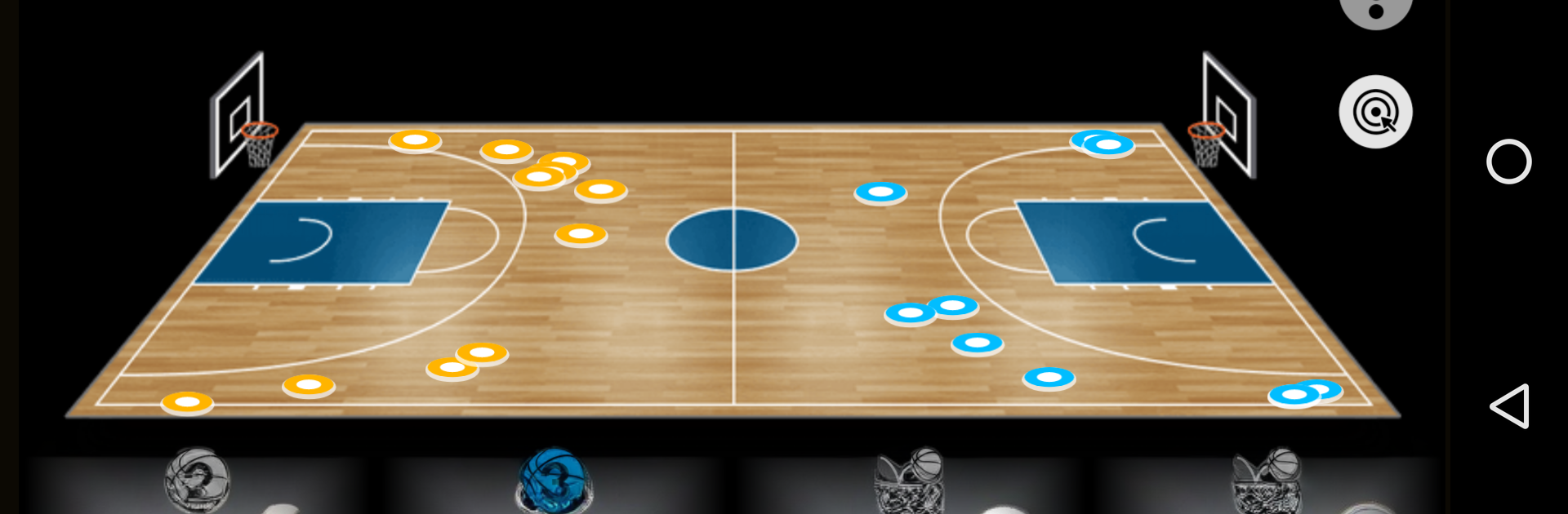
Sports Alerts NCAA Basketball is basically the college hoops command center fans wish they had years ago. On PC with BlueStacks it sits nicely next to whatever else is open, and keeps pumping out fast score updates and stats without feeling heavy. Alerts are quick and clean, and everything that pops up gets saved in an alert history, so if someone misses a ping during dinner they can scroll back and see what happened. The notification options are the star here. It can buzz for tipoff, end of a period, final horn, every lead change, tight finishes when there are about four minutes left and the margin is five or less, or when a game goes to overtime. It also tracks big player nights, like 30 or 40 points, 20 rebounds, 20 assists, triple doubles, and those 20 and 20 games. If a fan wants steady updates, it can drop score snapshots every five minutes with the leading scorers listed.

Beyond the alerts, it has full team rosters, schedules, AP rankings, and conference standings, which makes quick stat checks painless. There are picks in there too, both free and paid, for anyone who follows handicappers. The push system uses real notifications so it does not keep a background service grinding away, which is nice on a laptop or a phone, less fuss and less waste. Everything is configurable, so a person can tune it to just the teams and moments they care about. It is not an official NCAA product, just a sharp way to keep up with the season without hunting through a dozen tabs.

Get ready for a buttery smooth, high-performance gaming action only on BlueStacks.

Game Features

Enhancements

  • Macros
  • Multi Instance
  • Multi Instance Sync
  • Script
  • Enhancements
Macros

Macros

Automate the predictable in Sports Alerts- NCAA Basketball and transform your gameplay with Macros. Get access to inventive Macros in the BlueStacks Macro Community
Multi Instance

Multi Instance

Play Sports Alerts- NCAA Basketball on one window. And chat with your friend on the other. Press CTRL + Shift + 8 to open the Multi-Instance Manager. And start creating fresh instances or clone an existing one.
Multi Instance Sync

Multi Instance Sync

Play Sports Alerts- NCAA Basketball with the power of Multi-Instance Sync. Replicate what you are doing on the main instance on all other instances. Level up faster, play more.
Script

Script

Script your way to gaming glory in Sports Alerts- NCAA Basketball with BlueStacks Script. Write and run a set of commands to automate repeated tasks. Trigger the command by assigning it to any key.
Read More

How to Download and Play Sports Alerts- NCAA Basketball on PC or Mac

  • Download and install BlueStacks on your PC or Mac

  • Complete Google sign-in to access the Play Store, or do it later

  • Look for Sports Alerts- NCAA Basketball in the search bar at the top right corner

  • Click to install Sports Alerts- NCAA Basketball from the search results

  • Complete Google sign-in (if you skipped step 2) to install Sports Alerts- NCAA Basketball

  • Click the Sports Alerts- NCAA Basketball icon on the home screen to start playing

video
Watch Video

Minimum System Requirements

With BlueStacks 5, you can get started on a PC that fulfills the following requirements.

  • Operating System

    Microsoft Windows 7 or above, macOS 11 (Big Sur) or above

  • Processor

    Intel, AMD or Apple Silicon Processor

  • RAM

    at least 4GB

  • HDD

    10GB Free Disk Space

Note:

* You must be an Administrator on your PC. Up to date graphics drivers from Microsoft or the chipset vendor.

Sports Alerts- NCAA Basketball - FAQs

  • How to play Sports Alerts- NCAA Basketball on Windows PC & Mac?

    Play Sports Alerts- NCAA Basketball on your PC or Mac by following these simple steps.

    • Click on 'Play Sports Alerts- NCAA Basketball on PC’ to download BlueStacks
    • Install it and log-in to Google Play Store
    • Launch and play the game.
  • Why is BlueStacks the fastest and safest platform to play games on PC?

    BlueStacks respects your privacy and is always safe and secure to use. It does not carry any malware, spyware, or any sort of additional software that could harm your PC.

    It is engineered to optimize speed and performance for a seamless gaming experience.

  • What are Sports Alerts- NCAA Basketball PC requirements?

    Minimum requirement to run Sports Alerts- NCAA Basketball on your PC

    • OS: Microsoft Windows 7 or above MacOS 11 (Big Sur) or above
    • Processor: Intel, AMD or Apple Silicon Processor
    • RAM: Your PC must have at least 4GB of RAM. (Note that having 4GB or more disk space is not a substitute for RAM)
    • HDD: 10GB Free Disk Space.
    • You must be an Administrator on your PC.