UFL
UFL

UFL

Sports

| XTEN LIMITED

Play on PC with BlueStacks or from our cloud

  • Overview
  • Tips & Tricks
  • How to Download

Page Modified On: May 29, 2026

Run UFL on PC or Mac

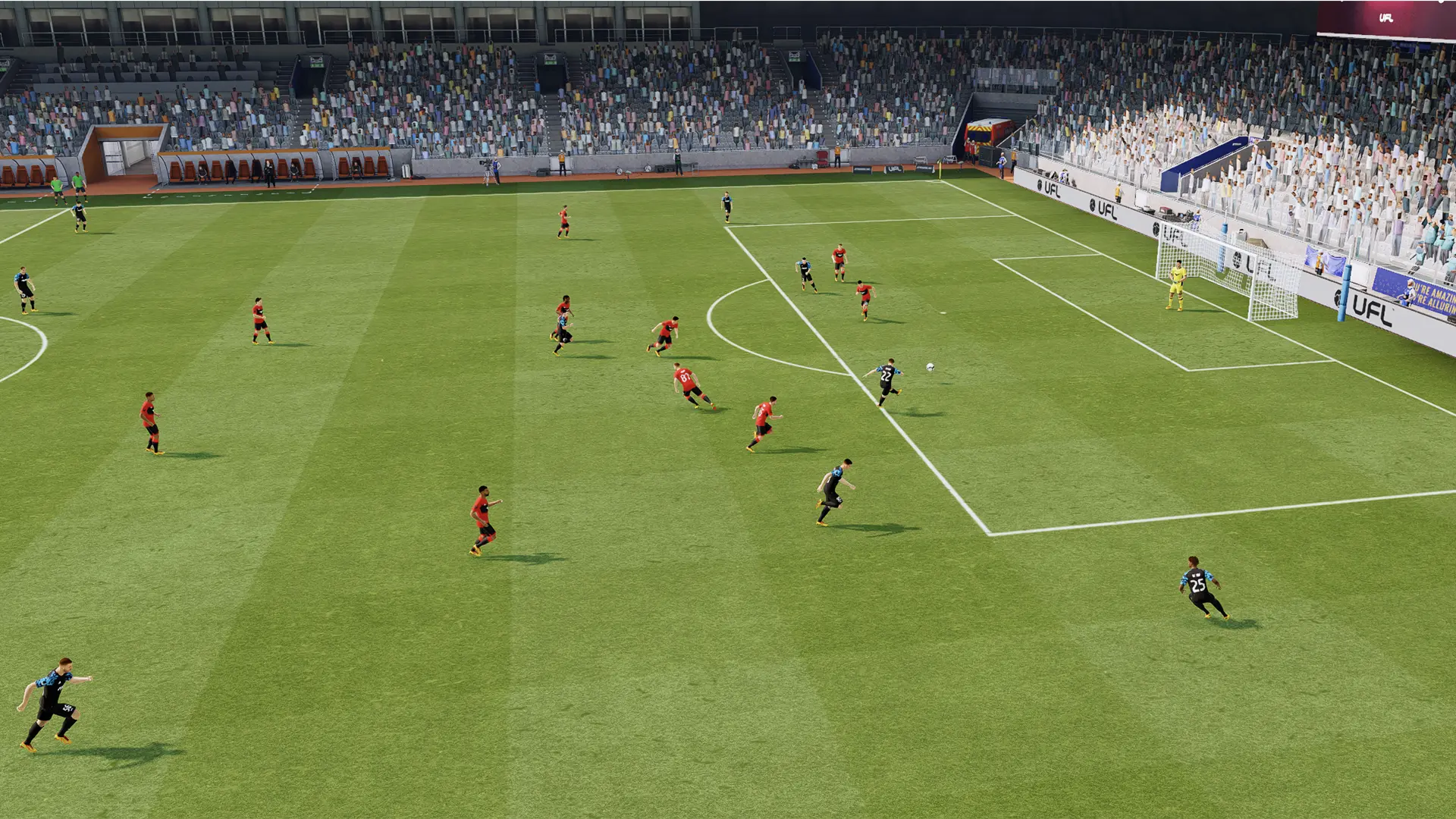
UFL is a Sports game developed by XTEN LIMITED. BlueStacks app player is the best platform to play this Android game on your PC or Mac for an immersive gaming experience.

About the Game

UFL is an exciting mini-game that puts your precision skills and all-round ball control to the ultimate test. It gives you access to a realistic avatar that you can collect and control to dominate the sport. The game also provides frequent updates and early access for you to explore new features and gameplay as they’re released. 

Gameplay Overview

UFL features addictive gameplay where you have to break the juggling high score. You have to juggle the ball with your footballer and keep the ball in the air for an extended period to reach the highest score. Doing this lets you claim exclusive rewards and perfect your juggling skills without stress.

Game Features

  • Regular Test Sessions: This game notifies you about upcoming test sessions to keep you in the loop on the game’s development process. It also allows you to work with the tester community to make the game better.
  • Smooth Game Controls: You can use your keyboard or mouse to tap the ball and juggle it with precision. 
  • Customizable Notifications: UFL allows you to customize and set up notifications. You can choose to let them come instantly, delay for 30 more minutes, and so on.

How to Play?

Download UFL for free from the Google Play Store using the BlueStacks app player.

How to Download and Run UFL on PC or Mac

  • Download and install BlueStacks on your PC or Mac

  • Complete Google sign-in to access the Play Store, or do it later

  • Look for UFL in the search bar at the top right corner

  • Click to install UFL from the search results

  • Complete Google sign-in (if you skipped step 2) to install UFL

  • Click the UFL icon on the home screen to start playing

video
Watch Video

Minimum System Requirements

With BlueStacks 5, you can get started on a PC that fulfills the following requirements.

  • Operating System

    Microsoft Windows 7 or above, macOS 11 (Big Sur) or above

  • Processor

    Intel, AMD or Apple Silicon Processor

  • RAM

    at least 4GB

  • HDD

    10GB Free Disk Space

Note:

* You must be an Administrator on your PC. Up to date graphics drivers from Microsoft or the chipset vendor.

UFL - FAQs

  • How to Run UFL on Windows PC & Mac?

    Run UFL on your PC or Mac by following these simple steps.

    • Click on ‘Download UFL on PC’ to download BlueStacks
    • Install it and log-in to Google Play Store
    • Launch and run the app.
  • Why is BlueStacks the fastest and safest platform to play games on PC?

    BlueStacks respects your privacy and is always safe and secure to use. It does not carry any malware, spyware, or any sort of additional software that could harm your PC.

    It is engineered to optimize speed and performance for a seamless gaming experience.

  • What are UFL PC requirements?

    Minimum requirement to run UFL on your PC

    • OS: Microsoft Windows 7 and above:
    • Processor: Intel or AMD Processor:
    • RAM: Your PC must have at least 2GB of RAM. (Note that having 2GB or more disk space is not a substitute for RAM):
    • HDD: 5GB Free Disk Space.
    • You must be an Administrator on your PC.