Vihtavuori Reload
Vihtavuori Reload

Vihtavuori Reload

Sports

| RightSpot Ltd

Play on PC with BlueStacks or from our cloud

  • Overview
  • Game Features
  • How to Play

Page Modified On: October 03, 2025

Play Vihtavuori Reload on PC or Mac

Vihtavuori Reload brings the Sports genre to life, and throws up exciting challenges for gamers. Developed by RightSpot Ltd, this Android game is best experienced on BlueStacks, the World’s #1 app player for PC and Mac users.

About the Game

Vihtavuori Reload turns the careful craft of ammunition reloading into a clean, focused Sports experience. It’s all about precision: building, tracking, and refining “recipes” for different firearms and calibers while keeping everything neat and safe. If you enjoy methodical tinkering and seeing small changes pay off, this one hits the spot.

Game Features

  • Recipe Builder
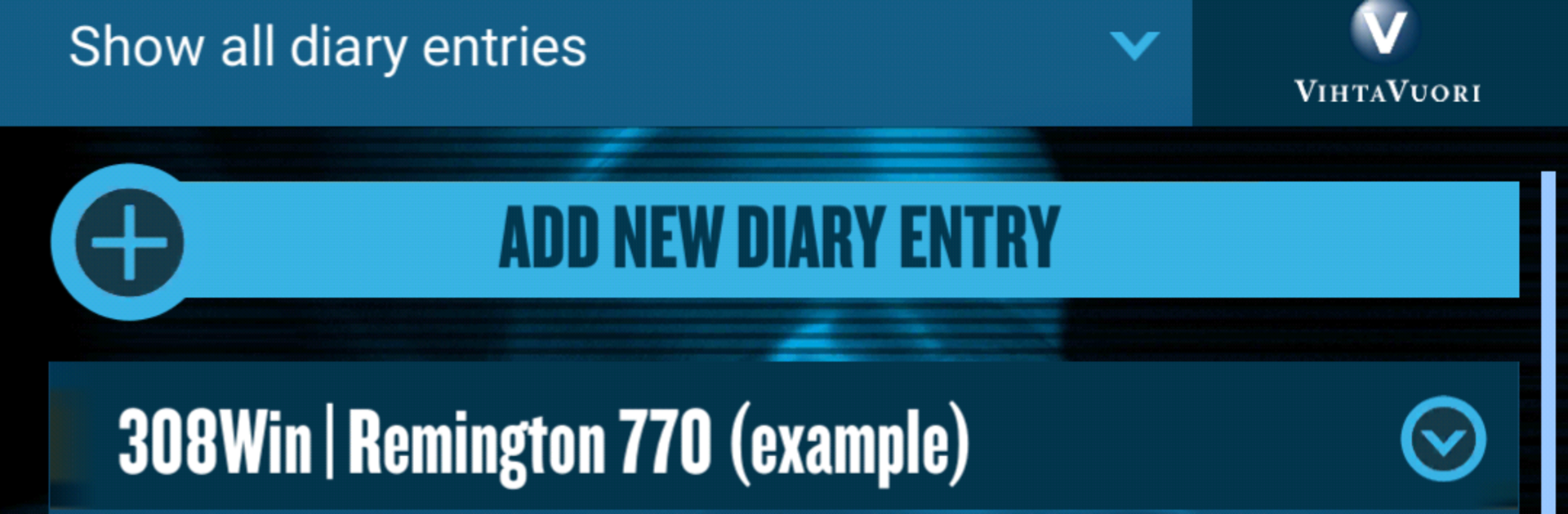
    Create detailed loading recipes from scratch or duplicate your favorites to tweak them. Add notes, component details, and quick labels so nothing gets lost.

  • Multi-Caliber and Firearm Support
    Organize setups for as many calibers and firearms as you want. Keep every configuration in its own lane, ready to compare or update.

  • Up-to-Date Data
    Get easy access to the latest Vihtavuori Reloading Data right inside the game. It’s a handy reference when you’re fine-tuning charges and components.

  • Safety-Minded Flow
    Built around good habits. The process nudges you to follow instructions, handle primers and powders responsibly, and double-check the details that matter.

  • Smart Organization
    Sort, search, and keep your recipes tidy. Whether you’re testing a new idea or returning to a proven load, everything’s right where you expect it.

  • Export and Print
    Send your recipes to your email for printing. Perfect for keeping a bench copy or sharing a setup with a friend.

  • Play Comfortably on PC
    Prefer a bigger screen for long sessions? Run Vihtavuori Reload on your PC with BlueStacks for easier typing, side-by-side notes, and quick comparisons.

  • Backed by Proven Know-How
    The content is built around Vihtavuori’s long-standing powder expertise—reliable performance, a broad selection, and consistency that enthusiasts trust.

Ready to top the leaderboard? We bet you do. Let precise controls and sharp visuals optimized on BlueStacks lead you to victory.


Game Features

Enhancements

  • Macros
  • Multi Instance
  • Multi Instance Sync
  • Script
  • Enhancements
Macros

Macros

Automate the predictable in Vihtavuori Reload and transform your gameplay with Macros. Get access to inventive Macros in the BlueStacks Macro Community
Multi Instance

Multi Instance

Play Vihtavuori Reload on one window. And chat with your friend on the other. Press CTRL + Shift + 8 to open the Multi-Instance Manager. And start creating fresh instances or clone an existing one.
Multi Instance Sync

Multi Instance Sync

Play Vihtavuori Reload with the power of Multi-Instance Sync. Replicate what you are doing on the main instance on all other instances. Level up faster, play more.
Script

Script

Script your way to gaming glory in Vihtavuori Reload with BlueStacks Script. Write and run a set of commands to automate repeated tasks. Trigger the command by assigning it to any key.
Read More

How to Download and Play Vihtavuori Reload on PC or Mac

  • Download and install BlueStacks on your PC or Mac

  • Complete Google sign-in to access the Play Store, or do it later

  • Look for Vihtavuori Reload in the search bar at the top right corner

  • Click to install Vihtavuori Reload from the search results

  • Complete Google sign-in (if you skipped step 2) to install Vihtavuori Reload

  • Click the Vihtavuori Reload icon on the home screen to start playing

video
Watch Video

Minimum System Requirements

With BlueStacks 5, you can get started on a PC that fulfills the following requirements.

  • Operating System

    Microsoft Windows 7 or above, macOS 11 (Big Sur) or above

  • Processor

    Intel, AMD or Apple Silicon Processor

  • RAM

    at least 4GB

  • HDD

    10GB Free Disk Space

Note:

* You must be an Administrator on your PC. Up to date graphics drivers from Microsoft or the chipset vendor.

Vihtavuori Reload - FAQs

  • How to play Vihtavuori Reload on Windows PC & Mac?

    Play Vihtavuori Reload on your PC or Mac by following these simple steps.

    • Click on 'Play Vihtavuori Reload on PC’ to download BlueStacks
    • Install it and log-in to Google Play Store
    • Launch and play the game.
  • Why is BlueStacks the fastest and safest platform to play games on PC?

    BlueStacks respects your privacy and is always safe and secure to use. It does not carry any malware, spyware, or any sort of additional software that could harm your PC.

    It is engineered to optimize speed and performance for a seamless gaming experience.

  • What are Vihtavuori Reload PC requirements?

    Minimum requirement to run Vihtavuori Reload on your PC

    • OS: Microsoft Windows 7 or above MacOS 11 (Big Sur) or above
    • Processor: Intel, AMD or Apple Silicon Processor
    • RAM: Your PC must have at least 4GB of RAM. (Note that having 4GB or more disk space is not a substitute for RAM)
    • HDD: 10GB Free Disk Space.
    • You must be an Administrator on your PC.