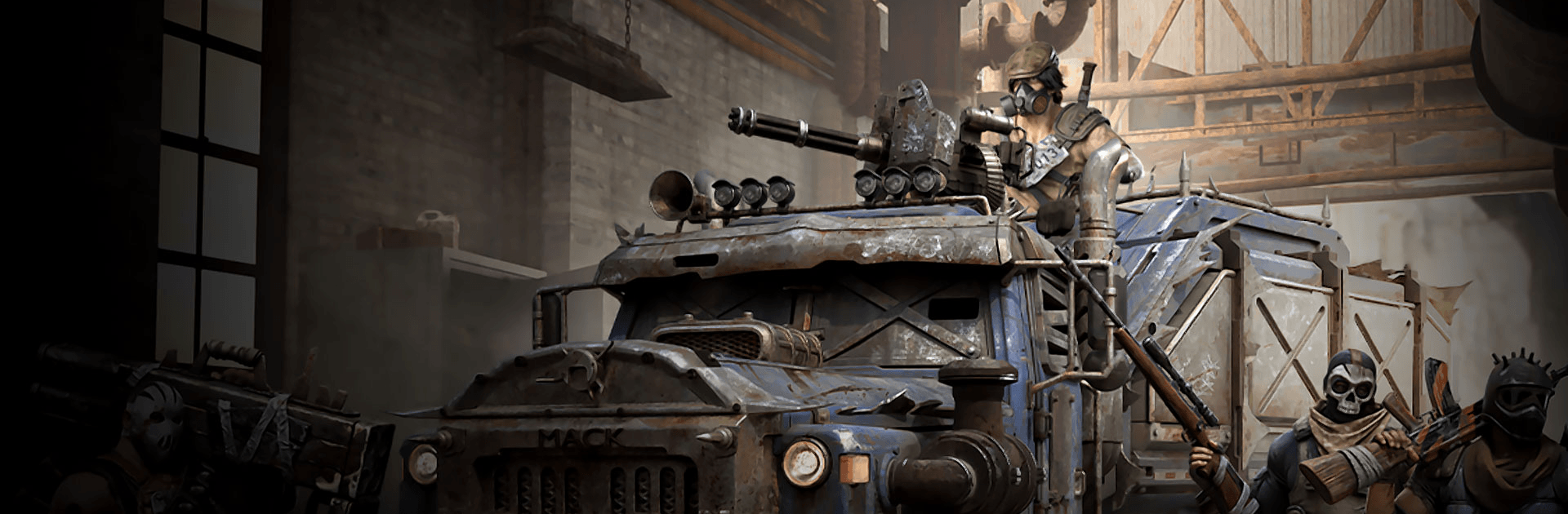
Doomsday × Ghost in the Shell

Doomsday × Ghost in the Shell

Strategy

| IGG.COM

BlueStacks Verified

Play on PC with BlueStacks or from our cloud

  • Overview
  • Tips & Tricks
  • Game Features
  • How to Play

Page Modified On: May 18, 2026

Play Doomsday × Ghost in the Shell on PC or Mac

Doomsday × Ghost in the Shell is a Strategy game developed by IGG.COM. BlueStacks app player is the best platform to play this Android game on your PC or Mac for an immersive gaming experience.

Become the Commander in a zombie apocalypse and lead your fellow survivors to fight and restore balance to humanity. Build shelter for the survivors and devise clever tactics to survive the horrors and dominate rival factions on the battlefield.

About the Game

Doomsday: Last Survivor teamed up with Ghost in the Shell to create a new crossover adventure. Here, you have to team up with Public Security Section 9 to go up against the cybernetic ghosts. Winning this war requires you to breach layers of deadly defenses and track Posthuman traces. When you complete the event, the game rewards you with an exclusive Motoko Kusanagi Skin and other collab prizes.

Game Features

  • Strategic Battles: Take advantage of everything you can find to defeat the enemies. You can even train multiple troops to execute your strategies and outsmart the zombie hordes or cybernetic ghosts.
  • Multiple Playable Heroes: Recruit formidable heroes with unique abilities to lead your troops and go up against waves of enemies. The Hero designs are meant to portray survivors from different backgrounds.
  • Stunning Graphics: The game features stunning 3D graphics that make every character, location, weapon, or random item look and feel realistic.

How to Play? 

Download Doomsday × Ghost in the Shell for free from the Google Play Store using the BlueStacks app player.

Play Doomsday on your computer with BlueStacks Air! Now supports Mac M1–M4 for fast and smooth gaming on Windows and macOS.

What’s New?

Doomsday × Ghost in the Shell introduces a collaboration event featuring iconic characters and themed content inspired by Ghost in the Shell. Players can experience new missions, exclusive story elements, limited-time rewards, themed appearances, and special in-game events that bring the cyberpunk world of Ghost in the Shell into the survival battlefield of Doomsday.

Game Features

Game controls

  • Other Moves
  • Tap Spots

Enhancements

  • Macros
  • Multi Instance
  • Multi Instance Sync
  • Eco Mode
  • Game controls
  • Enhancements
Other Moves
Tap Spots
Macros

Macros

Skip the boring parts of a game. Play Doomsday × Ghost in the Shell with Macros and get the edge. Simply record a sequence of commands and execute them at any moment.
Multi Instance

Multi Instance

Why limit to one game on your phone when you can play many on your PC? Open multiple instances of Doomsday × Ghost in the Shell at once with Multi-Instance. Leverage the power of different accounts by doing more.
Multi Instance Sync

Multi Instance Sync

Get the best out of Doomsday × Ghost in the Shell with Multi-Instance Sync. Play the game from different accounts and build your own empire. Use Multi-instance sync to repeat the action in the main BlueStacks instance on all other instances.
Eco Mode

Eco Mode

Find the rarest heroes by making multiple summons in Doomsday × Ghost in the Shell. And while you are at it, reduce your PC’s resource consumption with the Eco Mode. Farm efficiently. Get the best results.
Read More

How to Download and Play Doomsday × Ghost in the Shell on PC or Mac

  • Download and install BlueStacks on your PC or Mac

  • Complete Google sign-in to access the Play Store, or do it later

  • Look for Doomsday × Ghost in the Shell in the search bar at the top right corner

  • Click to install Doomsday × Ghost in the Shell from the search results

  • Complete Google sign-in (if you skipped step 2) to install Doomsday × Ghost in the Shell

  • Click the Doomsday × Ghost in the Shell icon on the home screen to start playing

video
Watch Video

Minimum System Requirements

With BlueStacks 5, you can get started on a PC that fulfills the following requirements.

  • Operating System

    Microsoft Windows 7 or above, macOS 11 (Big Sur) or above

  • Processor

    Intel, AMD or Apple Silicon Processor

  • RAM

    at least 4GB

  • HDD

    10GB Free Disk Space

Note:

* You must be an Administrator on your PC. Up to date graphics drivers from Microsoft or the chipset vendor.

Doomsday × Ghost in the Shell - FAQs

  • How to play Doomsday × Ghost in the Shell on Windows PC & Mac?

    Play Doomsday × Ghost in the Shell on your PC or Mac by following these simple steps.

    • Click on 'Play Doomsday × Ghost in the Shell on PC’ to download BlueStacks
    • Install it and log-in to Google Play Store
    • Launch and play the game.
  • Why is BlueStacks the fastest and safest platform to play games on PC?

    BlueStacks respects your privacy and is always safe and secure to use. It does not carry any malware, spyware, or any sort of additional software that could harm your PC.

    It is engineered to optimize speed and performance for a seamless gaming experience.

  • What are Doomsday × Ghost in the Shell PC requirements?

    Minimum requirement to run Doomsday × Ghost in the Shell on your PC

    • OS: Microsoft Windows 7 or above MacOS 11 (Big Sur) or above
    • Processor: Intel, AMD or Apple Silicon Processor
    • RAM: Your PC must have at least 4GB of RAM. (Note that having 4GB or more disk space is not a substitute for RAM)
    • HDD: 10GB Free Disk Space.
    • You must be an Administrator on your PC.