Gold Mine Defender
Gold Mine Defender

Gold Mine Defender

Strategy

| yuegame

Play on PC with BlueStacks or from our cloud

  • Overview
  • Game Features
  • How to Play

Page Modified On: September 07, 2026

Play Gold Mine Defender on PC or Mac

Step into the World of Gold Mine Defender, a thrilling Strategy game from the house of yuegame. Play this Android game on BlueStacks App Player and experience immersive gaming on PC or Mac.

About the Game

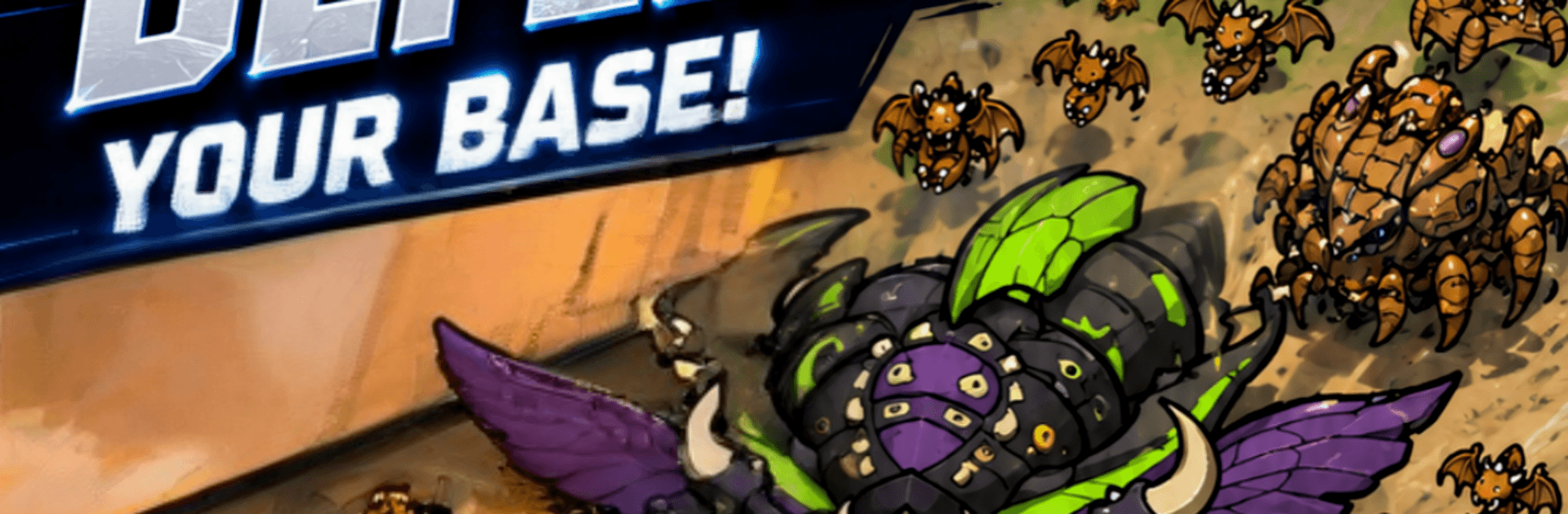
Gold Mine Defender is a sci‑fi tower defense Strategy that puts you in charge of protecting a valuable mining outpost at the edge of the galaxy. As an interstellar commander, you’ll plan routes on a star map, build clever turret layouts, and fire off hero skills to push back swarms of alien insectoids and cold, mechanical legions. It’s easy to jump in for a quick round, and it feels especially smooth when played on BlueStacks.

Game Features

  • Spacefront Defense: Place, upgrade, and reposition turrets to turn incoming waves into scrap before they breach your lines.
  • Hero Skills: Trigger powerful abilities at clutch moments—stuns, volleys, shields, and more—to flip a losing fight into a win.
  • Roguelike Upgrades: Choose from randomized perks and enhancements each run, nudging your build toward fresh, surprising synergies.
  • Sector Map Choices: Plot your path on a branching star map, secure key nodes, and decide where to commit resources and where to risk it.
  • Turret Synergy: Mix damage types and support modules to create crossfires, chain reactions, and specialized counters to stubborn enemies.
  • From Outpost to Stronghold: Improve defenses between battles and watch your scrappy mining camp grow into a fortress that anchors the galactic barrier.
  • Quick Sessions, Real Depth: Short stages are perfect for spare minutes, yet they reward careful planning, timing, and smart resource management.

Get ready for a buttery smooth, high-performance gaming action only on BlueStacks.

Game Features

Enhancements

  • Macros
  • Multi Instance
  • Multi Instance Sync
  • Eco Mode
  • Enhancements
Macros

Macros

Skip the boring parts of a game. Play Gold Mine Defender with Macros and get the edge. Simply record a sequence of commands and execute them at any moment.
Multi Instance

Multi Instance

Why limit to one game on your phone when you can play many on your PC? Open multiple instances of Gold Mine Defender at once with Multi-Instance. Leverage the power of different accounts by doing more.
Multi Instance Sync

Multi Instance Sync

Get the best out of Gold Mine Defender with Multi-Instance Sync. Play the game from different accounts and build your own empire. Use Multi-instance sync to repeat the action in the main BlueStacks instance on all other instances.
Eco Mode

Eco Mode

Find the rarest heroes by making multiple summons in Gold Mine Defender. And while you are at it, reduce your PC’s resource consumption with the Eco Mode. Farm efficiently. Get the best results.
Read More

How to Download and Play Gold Mine Defender on PC or Mac

  • Download and install BlueStacks on your PC or Mac

  • Complete Google sign-in to access the Play Store, or do it later

  • Look for Gold Mine Defender in the search bar at the top right corner

  • Click to install Gold Mine Defender from the search results

  • Complete Google sign-in (if you skipped step 2) to install Gold Mine Defender

  • Click the Gold Mine Defender icon on the home screen to start playing

video
Watch Video

Minimum System Requirements

With BlueStacks 5, you can get started on a PC that fulfills the following requirements.

  • Operating System

    Microsoft Windows 7 or above, macOS 11 (Big Sur) or above

  • Processor

    Intel, AMD or Apple Silicon Processor

  • RAM

    at least 4GB

  • HDD

    10GB Free Disk Space

Note:

* You must be an Administrator on your PC. Up to date graphics drivers from Microsoft or the chipset vendor.

Gold Mine Defender - FAQs

  • How to play Gold Mine Defender on Windows PC & Mac?

    Play Gold Mine Defender on your PC or Mac by following these simple steps.

    • Click on 'Play Gold Mine Defender on PC’ to download BlueStacks
    • Install it and log-in to Google Play Store
    • Launch and play the game.
  • Why is BlueStacks the fastest and safest platform to play games on PC?

    BlueStacks respects your privacy and is always safe and secure to use. It does not carry any malware, spyware, or any sort of additional software that could harm your PC.

    It is engineered to optimize speed and performance for a seamless gaming experience.

  • What are Gold Mine Defender PC requirements?

    Minimum requirement to run Gold Mine Defender on your PC

    • OS: Microsoft Windows 7 or above MacOS 11 (Big Sur) or above
    • Processor: Intel, AMD or Apple Silicon Processor
    • RAM: Your PC must have at least 4GB of RAM. (Note that having 4GB or more disk space is not a substitute for RAM)
    • HDD: 10GB Free Disk Space.
    • You must be an Administrator on your PC.