Skyrama Island Survival

Skyrama Island Survival

Strategy

| Bigpoint

Play on PC with BlueStacks or from our cloud

  • Overview
  • Game Features
  • How to Play

Page Modified On: October 30, 2026

Play Skyrama Island Survival on PC or Mac

Skyrama Island Survival brings the Strategy genre to life, and throws up exciting challenges for gamers. Developed by Bigpoint, this Android game is best experienced on BlueStacks, the World’s #1 app player for PC and Mac users.

About the Game

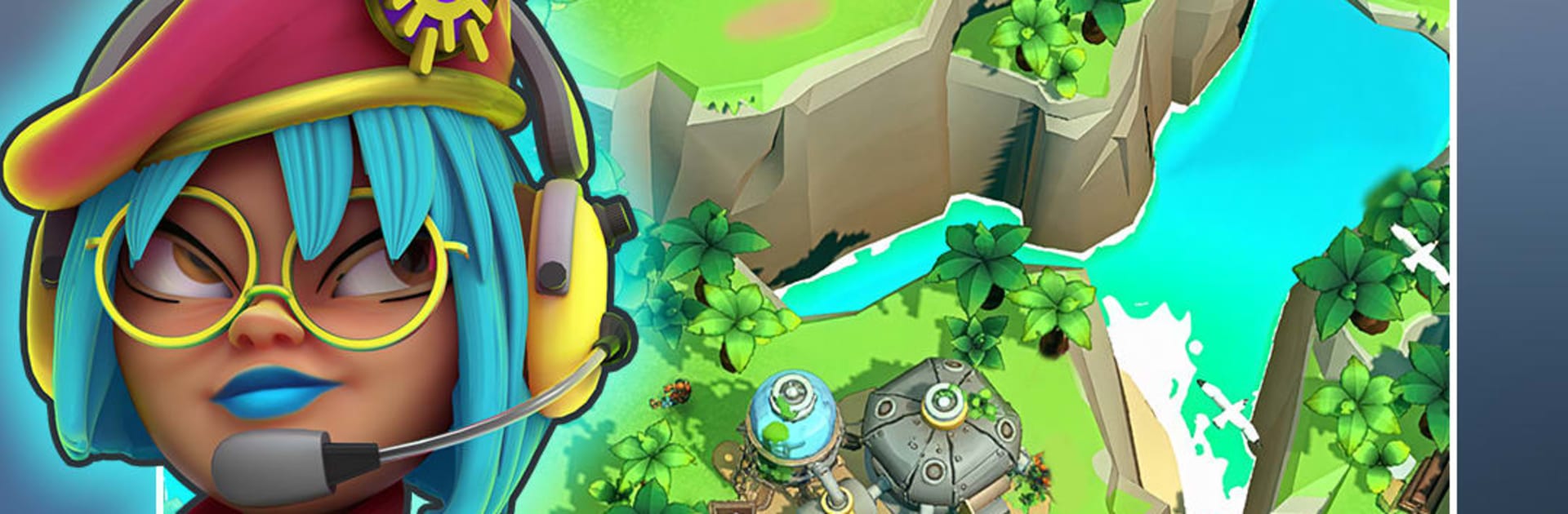
Skyrama Island Survival throws you into a world swallowed by the sea, where a handful of islands and airstrips keep hope alive. This Strategy experience puts you in charge of the Tideborn, building up an island stronghold, sending aircraft on risky runs, and outwitting Westport’s iron-fisted regime. Like planning on a bigger screen? It runs smoothly on BlueStacks without making a fuss.

Game Features

  • Post-Flood Frontier: Explore scattered isles and rusting skylines, picking routes through storms and patrols while keeping your crew safe and supplied.
  • Resource Runs That Matter: Scavenge wrecks, complete sorties, and secure vital caches—every mission shapes your fuel, parts, and morale for the next push.
  • Build Your Island Stronghold: Grow a scrappy platform into a fortified hub with hangars, workshops, defenses, and living quarters that change how you operate.
  • Command a Custom Air Wing: Outfit planes for combat, scouting, and hauling; fine-tune armor, weapons, and gadgets to match the job at hand.
  • Recruit Heroes of the Tideborn: Bring aboard pilots and specialists with unique perks, nurture their skills, and pair the right people with the right aircraft.
  • Research That Turns the Tide: Invest in tech that boosts engines, hardens defenses, and streamlines production so your base runs smarter, not just bigger.
  • Tactical Strikes Against Westport: Ambush convoys, sever supply lines, and crack blockades, choosing when to go loud or keep a low profile.
  • High-Stakes Decisions: Weigh risk and reward on every flight—weather shifts, enemy reinforcements, and scarce fuel make planning just as important as aim.
  • Smooth On-PC Play with BlueStacks: Enjoy clear visuals and comfortable controls on BlueStacks—perfect for long planning sessions and multi-tasking between missions.

Start playing Skyrama Island Survival on BlueStacks and get a smoother, more comfortable PC or Mac setup.


Game Features

Enhancements

  • Macros
  • Multi Instance
  • Multi Instance Sync
  • Eco Mode
  • Enhancements
Macros

Macros

Skip the boring parts of a game. Play Skyrama Island Survival with Macros and get the edge. Simply record a sequence of commands and execute them at any moment.
Multi Instance

Multi Instance

Why limit to one game on your phone when you can play many on your PC? Open multiple instances of Skyrama Island Survival at once with Multi-Instance. Leverage the power of different accounts by doing more.
Multi Instance Sync

Multi Instance Sync

Get the best out of Skyrama Island Survival with Multi-Instance Sync. Play the game from different accounts and build your own empire. Use Multi-instance sync to repeat the action in the main BlueStacks instance on all other instances.
Eco Mode

Eco Mode

Find the rarest heroes by making multiple summons in Skyrama Island Survival. And while you are at it, reduce your PC’s resource consumption with the Eco Mode. Farm efficiently. Get the best results.
Read More

How to Download and Play Skyrama Island Survival on PC or Mac

  • Download and install BlueStacks on your PC or Mac

  • Complete Google sign-in to access the Play Store, or do it later

  • Look for Skyrama Island Survival in the search bar at the top right corner

  • Click to install Skyrama Island Survival from the search results

  • Complete Google sign-in (if you skipped step 2) to install Skyrama Island Survival

  • Click the Skyrama Island Survival icon on the home screen to start playing

video
Watch Video

Minimum System Requirements

With BlueStacks 5, you can get started on a PC that fulfills the following requirements.

  • Operating System

    Microsoft Windows 7 or above, macOS 11 (Big Sur) or above

  • Processor

    Intel, AMD or Apple Silicon Processor

  • RAM

    at least 4GB

  • HDD

    10GB Free Disk Space

Note:

* You must be an Administrator on your PC. Up to date graphics drivers from Microsoft or the chipset vendor.

Skyrama Island Survival - FAQs

  • How to play Skyrama Island Survival on Windows PC & Mac?

    Play Skyrama Island Survival on your PC or Mac by following these simple steps.

    • Click on 'Play Skyrama Island Survival on PC’ to download BlueStacks
    • Install it and log-in to Google Play Store
    • Launch and play the game.
  • Why is BlueStacks the fastest and safest platform to play games on PC?

    BlueStacks respects your privacy and is always safe and secure to use. It does not carry any malware, spyware, or any sort of additional software that could harm your PC.

    It is engineered to optimize speed and performance for a seamless gaming experience.

  • What are Skyrama Island Survival PC requirements?

    Minimum requirement to run Skyrama Island Survival on your PC

    • OS: Microsoft Windows 7 or above MacOS 11 (Big Sur) or above
    • Processor: Intel, AMD or Apple Silicon Processor
    • RAM: Your PC must have at least 4GB of RAM. (Note that having 4GB or more disk space is not a substitute for RAM)
    • HDD: 10GB Free Disk Space.
    • You must be an Administrator on your PC.