
CH Schilder
CH Schilder

CH Schilder

Tools

| Koni

Play on PC with BlueStacks or from our cloud

  • Overview
  • How to Download

Page Modified On: November 03, 2025

Run CH Schilder on PC or Mac

Get freedom from your phone’s obvious limitations. Use CH Schilder, made by Koni, a Tools app on your PC or Mac with BlueStacks, and level up your experience.

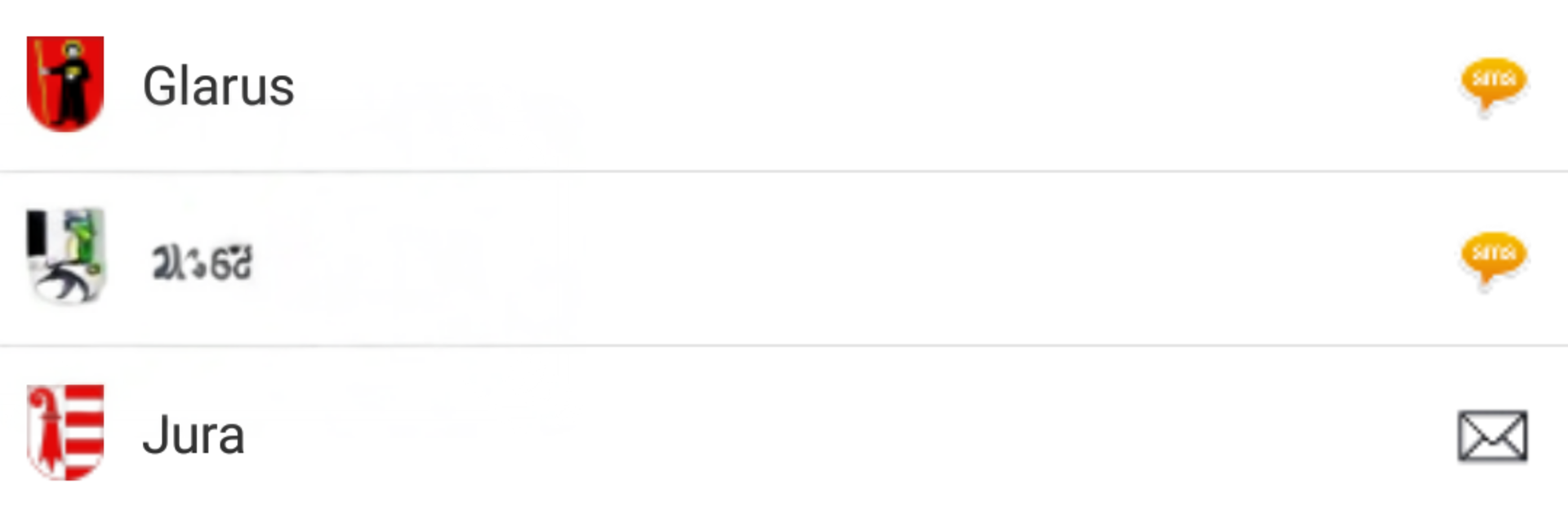
CH Schilder is one of those small, very focused tools that does exactly what it says. It is basically a quick hub for Swiss license plate lookups. Every canton is listed, and tapping one shows how that canton lets people request the holder info. Sometimes it is an SMS with a code, sometimes a web form, sometimes an e‑mail. The app does not run the lookup itself, it just points to the official channels and keeps the steps in one place so there is no hunting across multiple sites.

Costs can pop up, and they are different from canton to canton. Billing goes through the cantons or telecom providers, and the app does not take a cut. There is no registration, no full screen ads, no newsletter junk, no raffles. It also makes clear that it cannot promise the info is always current, and that everything is used at your own risk. Data lives with third parties, not in the app. There is a legal basis for requesting a name and address tied to a plate, but using that data commercially is not allowed.

On PC with BlueStacks it feels like using a tidy directory. Clicking through the canton list is quick, and when a form needs plate numbers or personal details, a keyboard makes that part easier. Anyone who needs the occasional Swiss plate check will get what they need fast, with the caveat that rules and fees change per canton and the app is not tied to any of them.

Ready to experience CH Schilder on a bigger screen, in all its glory? Download BlueStacks now.

How to Download and Run CH Schilder on PC or Mac

  • Download and install BlueStacks on your PC or Mac

  • Complete Google sign-in to access the Play Store, or do it later

  • Look for CH Schilder in the search bar at the top right corner

  • Click to install CH Schilder from the search results

  • Complete Google sign-in (if you skipped step 2) to install CH Schilder

  • Click the CH Schilder icon on the home screen to start playing

video
Watch Video

Minimum System Requirements

With BlueStacks 5, you can get started on a PC that fulfills the following requirements.

  • Operating System

    Microsoft Windows 7 or above, macOS 11 (Big Sur) or above

  • Processor

    Intel, AMD or Apple Silicon Processor

  • RAM

    at least 4GB

  • HDD

    10GB Free Disk Space

Note:

* You must be an Administrator on your PC. Up to date graphics drivers from Microsoft or the chipset vendor.

CH Schilder - FAQs

  • How to Run CH Schilder on Windows PC & Mac?

    Run CH Schilder on your PC or Mac by following these simple steps.

    • Click on ‘Download CH Schilder on PC’ to download BlueStacks
    • Install it and log-in to Google Play Store
    • Launch and run the app.
  • Why is BlueStacks the fastest and safest platform to play games on PC?

    BlueStacks respects your privacy and is always safe and secure to use. It does not carry any malware, spyware, or any sort of additional software that could harm your PC.

    It is engineered to optimize speed and performance for a seamless gaming experience.

  • What are CH Schilder PC requirements?

    Minimum requirement to run CH Schilder on your PC

    • OS: Microsoft Windows 7 and above:
    • Processor: Intel or AMD Processor:
    • RAM: Your PC must have at least 2GB of RAM. (Note that having 2GB or more disk space is not a substitute for RAM):
    • HDD: 5GB Free Disk Space.
    • You must be an Administrator on your PC.




