
データお預かり - アドレス帳や写真などをバックアップ

データお預かり - アドレス帳や写真などをバックアップ

Tools

| KDDI株式会社

Play on PC with BlueStacks or from our cloud

  • Overview
  • How to Download

Page Modified On: January 09, 2026

Run データお預かり - アドレス帳や写真などをバックアップ on PC or Mac

Get freedom from your phone’s obvious limitations. Use データお預かり – アドレス帳や写真などをバックアップ, made by KDDI株式会社, a Tools app on your PC or Mac with BlueStacks, and level up your experience.

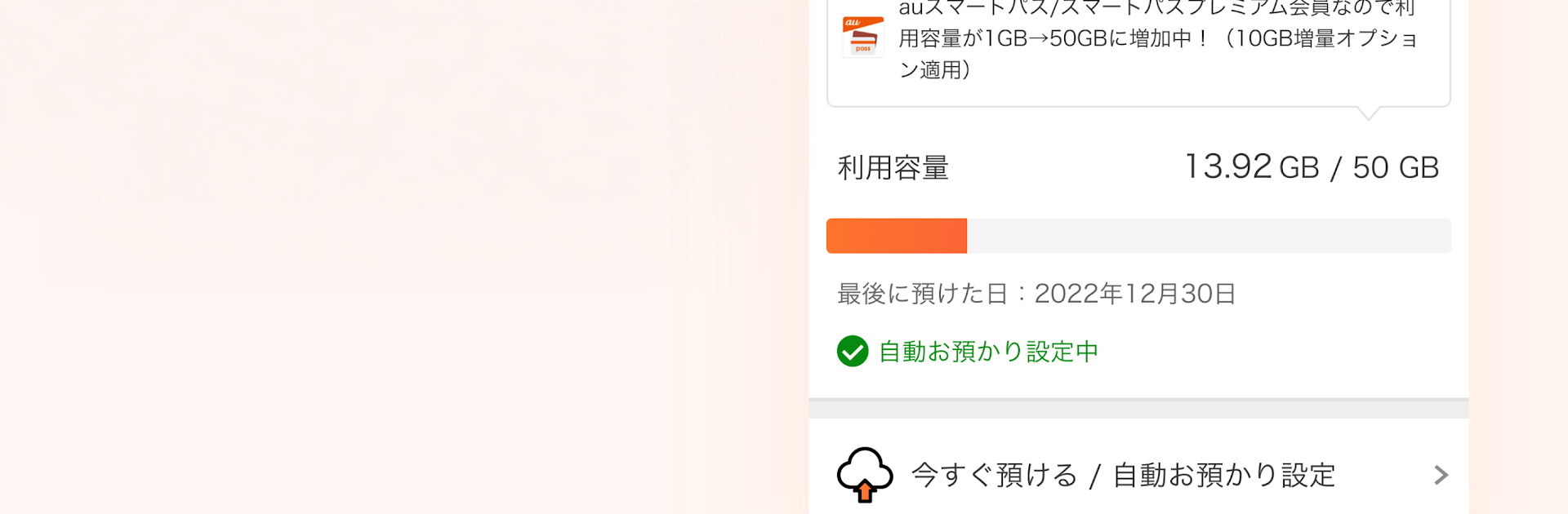
データお預かり feels like that calm, reliable toolbox everyone wishes they had when a phone acts up. It is a free backup app from au that keeps the important stuff safe, like photos, videos, contacts, calendar, SMS, +Message, even au mail. Setup is simple, then it can run in the background and auto save new photos or contacts after the settings are turned on. People can back up to au’s cloud server or to an SD card, though on Android 11 or newer the SD card features are not supported and a separate SD tool is needed. Running it on a computer with BlueStacks is handy too, since scrolling through lots of pictures and checking the storage graph just feels easier on a big screen.

What stands out is how it handles cleanup and moving to a new phone. It can spot duplicate or similar photos on the server side and help tidy them up. Restoring is not fussy, and it lets someone pull down everything, or just a few photos, when switching models or after a mishap. Transfers across Android and iPhone are supported both ways. There is even a password vault inside, encrypted by au, with optional fingerprint or face unlock and autofill once enabled, which saves a lot of headaches when login details go missing. Storage depends on the plan: au line users get 1 GB of cloud space, while Ponta Pass or Ponta Pass Lite users get 50 GB. An au ID is generally required, except when only using SD card backup. What can be backed up may vary a bit by device or OS, so expectations should match that, but for anyone who wants a straightforward safety net, this keeps the stress down when life happens.

BlueStacks gives you the much-needed freedom to experience your favorite apps on a bigger screen. Get it now.


How to Download and Run データお預かり - アドレス帳や写真などをバックアップ on PC or Mac

  • Download and install BlueStacks on your PC or Mac

  • Complete Google sign-in to access the Play Store, or do it later

  • Look for データお預かり - アドレス帳や写真などをバックアップ in the search bar at the top right corner

  • Click to install データお預かり - アドレス帳や写真などをバックアップ from the search results

  • Complete Google sign-in (if you skipped step 2) to install データお預かり - アドレス帳や写真などをバックアップ

  • Click the データお預かり - アドレス帳や写真などをバックアップ icon on the home screen to start playing

video
Watch Video

Minimum System Requirements

With BlueStacks 5, you can get started on a PC that fulfills the following requirements.

  • Operating System

    Microsoft Windows 7 or above, macOS 11 (Big Sur) or above

  • Processor

    Intel, AMD or Apple Silicon Processor

  • RAM

    at least 4GB

  • HDD

    10GB Free Disk Space

Note:

* You must be an Administrator on your PC. Up to date graphics drivers from Microsoft or the chipset vendor.

データお預かり - アドレス帳や写真などをバックアップ - FAQs

  • How to Run データお預かり - アドレス帳や写真などをバックアップ on Windows PC & Mac?

    Run データお預かり - アドレス帳や写真などをバックアップ on your PC or Mac by following these simple steps.

    • Click on ‘Download データお預かり - アドレス帳や写真などをバックアップ on PC’ to download BlueStacks
    • Install it and log-in to Google Play Store
    • Launch and run the app.
  • Why is BlueStacks the fastest and safest platform to play games on PC?

    BlueStacks respects your privacy and is always safe and secure to use. It does not carry any malware, spyware, or any sort of additional software that could harm your PC.

    It is engineered to optimize speed and performance for a seamless gaming experience.

  • What are データお預かり - アドレス帳や写真などをバックアップ PC requirements?

    Minimum requirement to run データお預かり - アドレス帳や写真などをバックアップ on your PC

    • OS: Microsoft Windows 7 and above:
    • Processor: Intel or AMD Processor:
    • RAM: Your PC must have at least 2GB of RAM. (Note that having 2GB or more disk space is not a substitute for RAM):
    • HDD: 5GB Free Disk Space.
    • You must be an Administrator on your PC.



