
Image Search Pro HD Downloader

Image Search Pro HD Downloader

Tools

| KayelDev

Play on PC with BlueStacks or from our cloud

  • Overview
  • How to Download

Page Modified On: October 03, 2025

Run Image Search Pro HD Downloader on PC or Mac

Let BlueStacks turn your PC, Mac, or laptop into the perfect home for Image Search Pro HD Downloader, a fun Tools app from KayelDev.

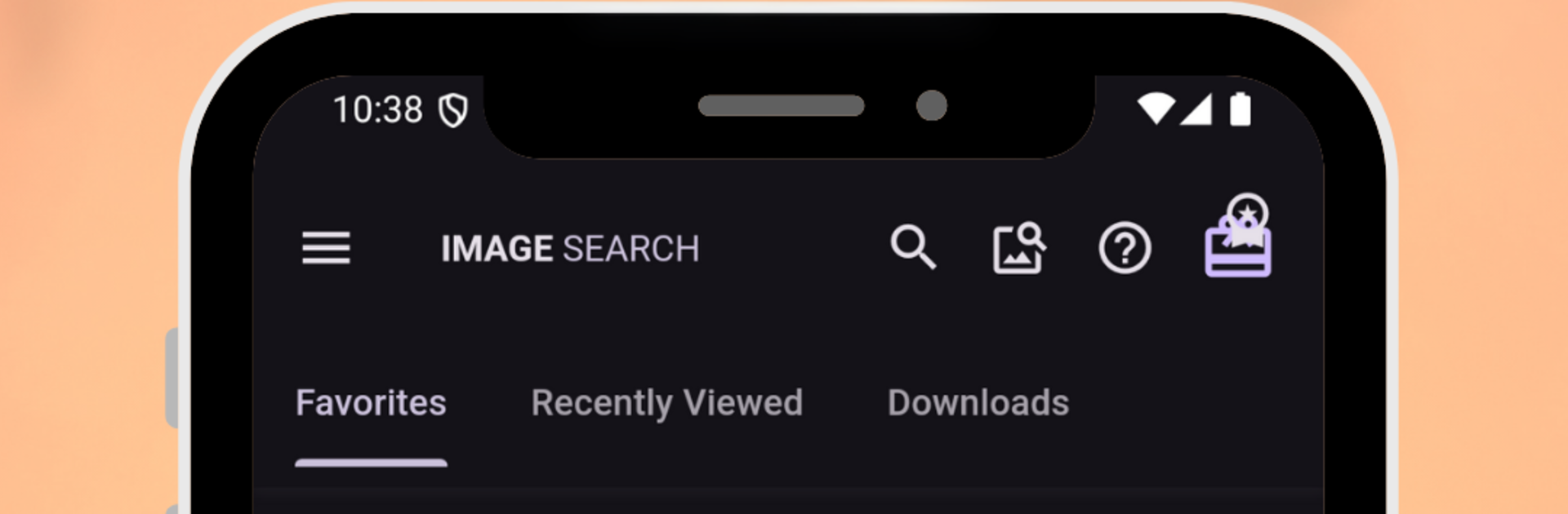
Image Search Pro HD feels like a neat little control center for finding and saving pictures, but without the usual clutter. It opens to clean tabs and a simple bottom bar, so hopping between searches, downloads, and albums is quick. The image cards glide around nicely, themes switch between dark and light without fuss, and layouts adapt well. On a PC with BlueStacks, it behaves like a desktop tool, with extra room for big previews and smoother scrolling, which makes browsing alot more relaxed.

The search is the star. It pulls results from multiple engines, so variety stays strong. Filters for resolution, size, and color help lock in exactly what someone needs, and there are handy collections and trending picks when ideas run dry. Reverse image search is solid too. Drop in a file, take a photo, or paste a link, then it digs up similar images, higher res versions, and the original source more often than not.

Keeping stuff organized is simple. Albums and smart collections keep favorites tidy, recent searches are easy to revisit, and bulk select is there when the gallery gets big. Downloads are one tap, custom folders keep things in place, and setting a wallpaper or sharing to another app is built in. Viewing is smooth, with fullscreen, a quick slideshow, and detailed metadata when needed. There is a paid tier that removes ads, adds bulk downloads and unlimited albums, plus some extra search tools and themes. The app also reminds users to respect image rights, which is worth keeping in mind.

BlueStacks gives you the much-needed freedom to experience your favorite apps on a bigger screen. Get it now.


How to Download and Run Image Search Pro HD Downloader on PC or Mac

  • Download and install BlueStacks on your PC or Mac

  • Complete Google sign-in to access the Play Store, or do it later

  • Look for Image Search Pro HD Downloader in the search bar at the top right corner

  • Click to install Image Search Pro HD Downloader from the search results

  • Complete Google sign-in (if you skipped step 2) to install Image Search Pro HD Downloader

  • Click the Image Search Pro HD Downloader icon on the home screen to start playing

video
Watch Video

Minimum System Requirements

With BlueStacks 5, you can get started on a PC that fulfills the following requirements.

  • Operating System

    Microsoft Windows 7 or above, macOS 11 (Big Sur) or above

  • Processor

    Intel, AMD or Apple Silicon Processor

  • RAM

    at least 4GB

  • HDD

    10GB Free Disk Space

Note:

* You must be an Administrator on your PC. Up to date graphics drivers from Microsoft or the chipset vendor.

Image Search Pro HD Downloader - FAQs

  • How to Run Image Search Pro HD Downloader on Windows PC & Mac?

    Run Image Search Pro HD Downloader on your PC or Mac by following these simple steps.

    • Click on ‘Download Image Search Pro HD Downloader on PC’ to download BlueStacks
    • Install it and log-in to Google Play Store
    • Launch and run the app.
  • Why is BlueStacks the fastest and safest platform to play games on PC?

    BlueStacks respects your privacy and is always safe and secure to use. It does not carry any malware, spyware, or any sort of additional software that could harm your PC.

    It is engineered to optimize speed and performance for a seamless gaming experience.

  • What are Image Search Pro HD Downloader PC requirements?

    Minimum requirement to run Image Search Pro HD Downloader on your PC

    • OS: Microsoft Windows 7 and above:
    • Processor: Intel or AMD Processor:
    • RAM: Your PC must have at least 2GB of RAM. (Note that having 2GB or more disk space is not a substitute for RAM):
    • HDD: 5GB Free Disk Space.
    • You must be an Administrator on your PC.



