




What’s better than using jpgHD AI Photo Restoration by bigjpg.com? Well, try it on a big screen, on your PC or Mac, with BlueStacks to see the difference.
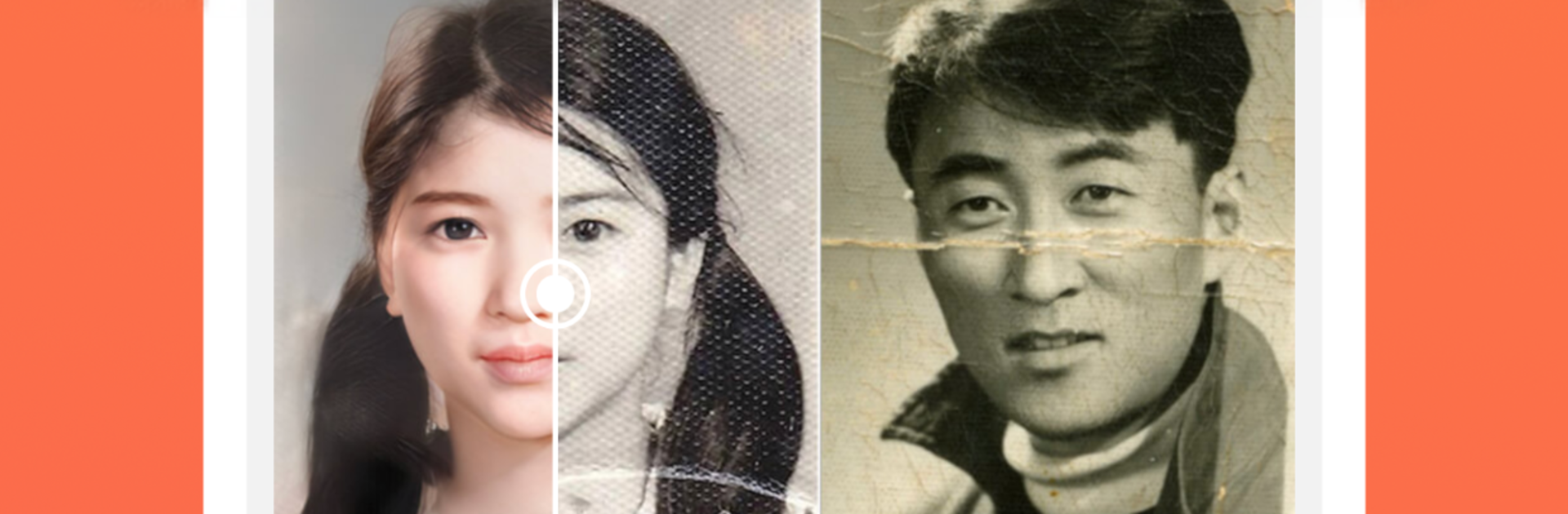
jpgHD AI Photo Restoration is basically a smart fixer for old photos. Drop in a faded or scratched picture and it tries to bring everything back to life without making the image look weird. There are a few clear modes to pick from, like repairing damage, adding color to black and white shots, and a Magic Photo mode that focuses on faces. The results feel clean when kept at normal strength, with scratches toned down, grain reduced, and lines sharper. Colorization is nice too, more natural than cartoony, so old family portraits get some warmth without wild hues. It aims to keep the original detail and avoid that plasticky, oversmoothed look, which stands out a lot.
On a PC with BlueStacks, the workflow feels easy. Bigger screen, simple buttons, quick preview, save the new file, done. It really feels like a tiny one-click studio for people who do not want to learn a full editor. Pick a mode, hit restore, wait a moment, then scrub between before and after to see what changed. Magic Photo is the star for portraits, bringing eyes and skin back in a way that looks believable if the source is decent. Very damaged or very tiny photos will not become perfect, and pushing the effect too hard can make textures look waxy, but for most everyday shots it does a solid job. Great for cleaning up family albums or giving an old snapshot a fresh profile pic glow.
Big screen. Bigger performance. Use BlueStacks on your PC or Mac to run your favorite apps.





