
Nautical Calculator Pro

Nautical Calculator Pro

Tools

| Giacomo Gabriele

Play on PC with BlueStacks or from our cloud

  • Overview
  • How to Download

Page Modified On: October 24, 2025

Run Nautical Calculator Pro on PC or Mac

What’s better than using Nautical Calculator Pro by Giacomo Gabriele? Well, try it on a big screen, on your PC or Mac, with BlueStacks to see the difference.

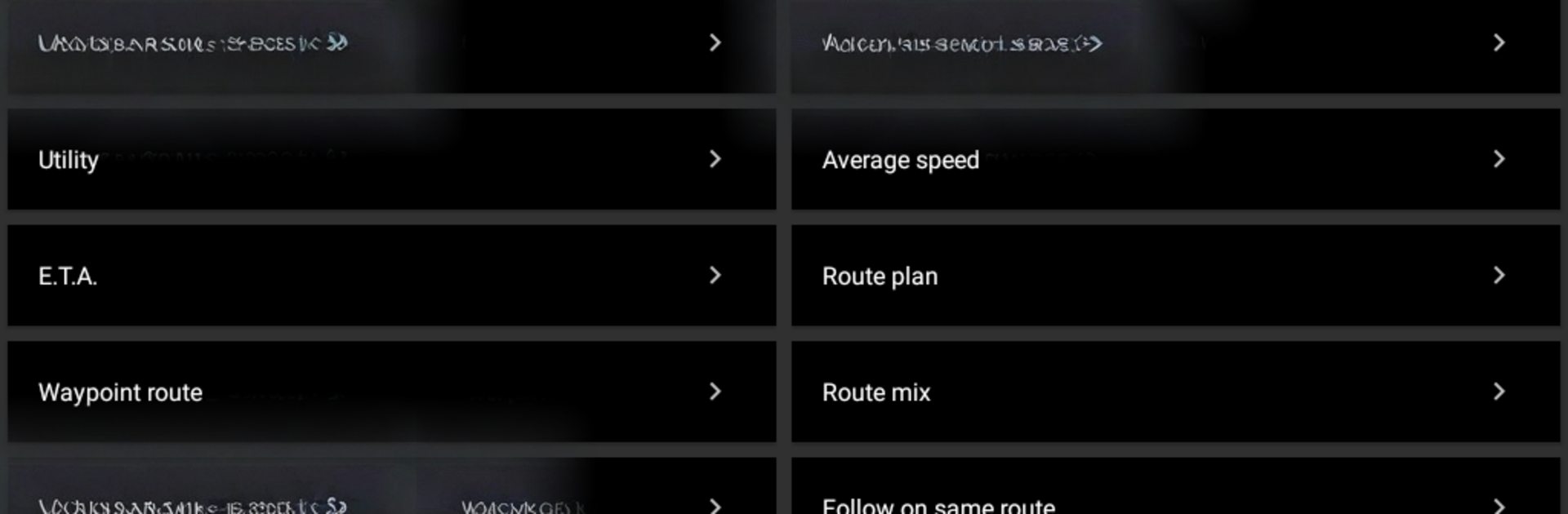
Nautical Calculator Pro feels like a big toolbox for anyone who enjoys real-deal navigation math. It packs route planning with manual waypoints, rhumb line and great circle positions, WGS84 points, average speed and ETA, then keeps going into the good stuff like drift fixes, tidal currents, tides, and under keel clearance. There is a simple world map to sketch out courses across the globe, but it is clearly a visual aid, not a certified chart for actual navigation. What stands out is how many classic techniques live alongside practical day to day tools: ABC tables for azimuth and initial course, a nautical almanac, moon phases, celestial position lines and meridian transit, even amplitude at sunrise and sunset to check compass deviation. Coastal navigation helpers, wheel over calculations, an anchorage tool, a converter, interpolation, draft survey, route correction, rendezvous on opposite headings, and following the same rhumb line route are all in there.

On a PC through BlueStacks, the layout feels easier to read, typing coordinates with a keyboard is quick, and dragging points on the map with a mouse is smooth. The interface is no-frills and a bit dense in places, but that suits a calculator app. It is math heavy, focused, and reliable once someone knows what they want to solve. Great for planning a route, teaching classic methods, or double-checking a plot before heading out.

Switch to BlueStacks and make the most of your apps on your PC or Mac.

How to Download and Run Nautical Calculator Pro on PC or Mac

  • Download and install BlueStacks on your PC or Mac

  • Complete Google sign-in to access the Play Store, or do it later

  • Look for Nautical Calculator Pro in the search bar at the top right corner

  • Click to install Nautical Calculator Pro from the search results

  • Complete Google sign-in (if you skipped step 2) to install Nautical Calculator Pro

  • Click the Nautical Calculator Pro icon on the home screen to start playing

video
Watch Video

Minimum System Requirements

With BlueStacks 5, you can get started on a PC that fulfills the following requirements.

  • Operating System

    Microsoft Windows 7 or above, macOS 11 (Big Sur) or above

  • Processor

    Intel, AMD or Apple Silicon Processor

  • RAM

    at least 4GB

  • HDD

    10GB Free Disk Space

Note:

* You must be an Administrator on your PC. Up to date graphics drivers from Microsoft or the chipset vendor.

Nautical Calculator Pro - FAQs

  • How to Run Nautical Calculator Pro on Windows PC & Mac?

    Run Nautical Calculator Pro on your PC or Mac by following these simple steps.

    • Click on ‘Download Nautical Calculator Pro on PC’ to download BlueStacks
    • Install it and log-in to Google Play Store
    • Launch and run the app.
  • Why is BlueStacks the fastest and safest platform to play games on PC?

    BlueStacks respects your privacy and is always safe and secure to use. It does not carry any malware, spyware, or any sort of additional software that could harm your PC.

    It is engineered to optimize speed and performance for a seamless gaming experience.

  • What are Nautical Calculator Pro PC requirements?

    Minimum requirement to run Nautical Calculator Pro on your PC

    • OS: Microsoft Windows 7 and above:
    • Processor: Intel or AMD Processor:
    • RAM: Your PC must have at least 2GB of RAM. (Note that having 2GB or more disk space is not a substitute for RAM):
    • HDD: 5GB Free Disk Space.
    • You must be an Administrator on your PC.




