



Let BlueStacks turn your PC, Mac, or laptop into the perfect home for NoBlueTick: No Last Read, a fun Tools app from Ahmed Awadallah.
About the App
Wish you could read messages without setting off blue ticks or “last seen” alerts? NoBlueTick: No Last Read keeps your chats private by letting you preview messages from your favorite apps without sending read receipts. It gathers notifications into a clean, distraction‑free place so you can catch up on your time, quietly.
App Features
- Private reading: Open incoming messages invisibly, so no read receipts, check marks, or “last read” signals get sent back.
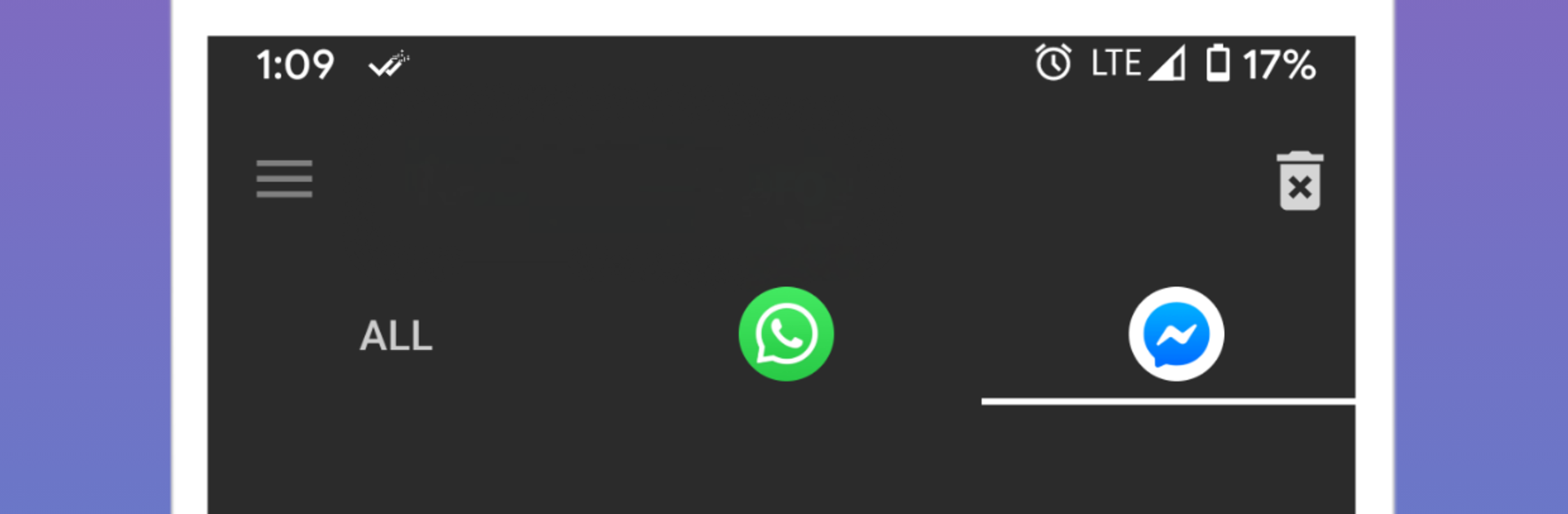
- Unified inbox: See notifications from multiple chat apps in one spot, neatly organized and easy to skim.
- See deleted messages: Missed what someone unsent? If the message hit your notifications, NoBlueTick saves a copy locally so you can still read it later.
- Floating chat heads: Get a small bubble overlay for quick peeks while you’re doing something else; tap to open in NoBlueTick or drag it away to dismiss.
- Per‑app control: Turn NoBlueTick on or off for individual apps—stay invisible where you want, stay standard everywhere else.
- Simple, lightweight design: A clean Tools app by Ahmed Awadallah that’s fast to set up and doesn’t get in your way.
- Local storage, your data: The app doesn’t read encrypted chat databases; it relies on notifications and stores the backup on your device.
- How it works: NoBlueTick reads message content from your notification history. Muted chats or threads you’re actively viewing might not appear, and some Android battery optimizations can interrupt saving—disable them for best reliability.
- Nice on bigger screens too: Prefer checking quietly from your PC? Run NoBlueTick: No Last Read on BlueStacks and keep that discreet inbox handy.
Switch to BlueStacks and make the most of your apps on your PC or Mac.





