

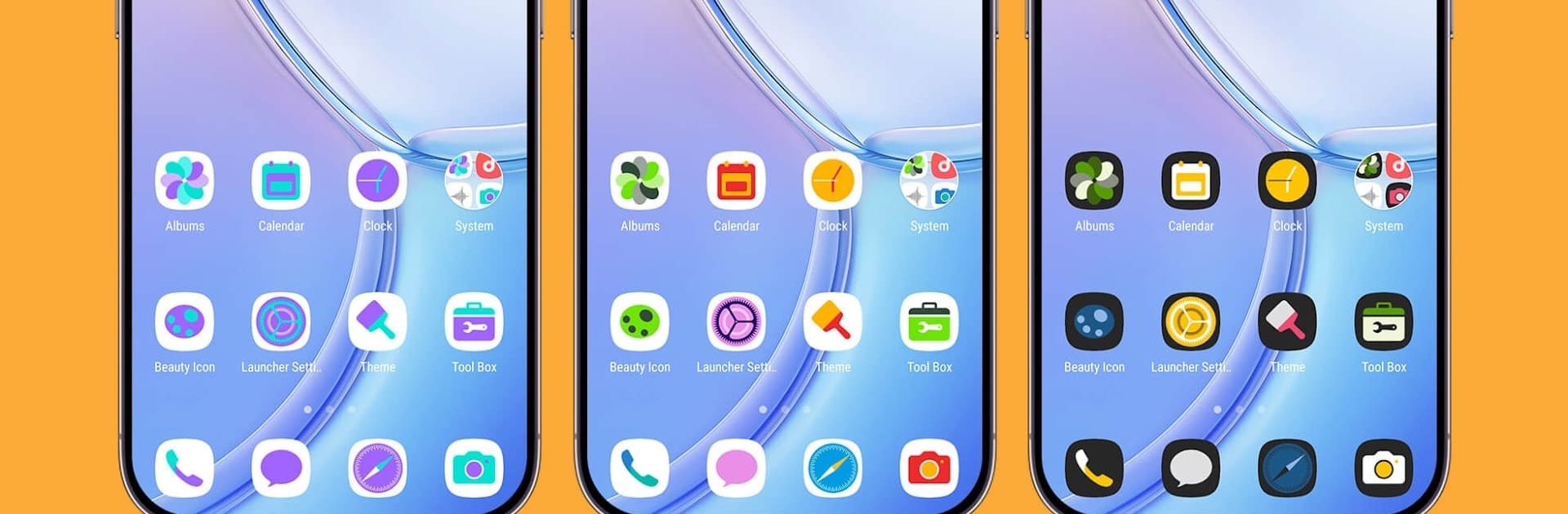


Get freedom from your phone’s obvious limitations. Use Smile Launcher, made by Cool Launcher App Team, a Tools app on your PC or Mac with BlueStacks, and level up your experience.
Smile Launcher feels like one of those apps that makes it easy to change the whole look and feel of an Android device, even if the phone’s a few years old. It’s got a lot of ways to personalize things, with tons of themes, wallpapers that are actually nice, and icon styles that people can swap out depending on what they’re into. There’s also a bunch of little tweaks — change the icons’ shapes, colors, or play with the layout, so everything feels fresh without needing a new phone. For anyone who likes setting things up exactly how they want, it’s full of customization options.
The app also comes with those features you usually see in newer launchers, even if the phone isn’t brand new. Stuff like gesture controls, switching between different drawer styles, or hiding and locking apps for privacy all work smoothly, and the whole thing feels lightweight and quick, even with fancier wallpapers or effects turned on. Trying it out on a computer with BlueStacks works just like on a phone — all the swiping, searching and theme picking feels about the same, just on a different screen. And if someone ever gets bored with how things look, swapping everything around just takes a few taps. It’s good for anyone who likes the idea of making their device feel more personal, with plenty to tinker with but not so much that it gets confusing.
Eager to take your app experience to the next level? Start right away by downloading BlueStacks on your PC or Mac.





