
TeamViewer Assist AR (Pilot)

TeamViewer Assist AR (Pilot)

Tools

| TeamViewer

Play on PC with BlueStacks or from our cloud

  • Overview
  • How to Download

Page Modified On: December 22, 2025

Run TeamViewer Assist AR (Pilot) on PC or Mac

Multitask effortlessly on your PC or Mac as you try out TeamViewer Assist AR (Pilot), a Tools app by TeamViewer on BlueStacks.

About the App

TeamViewer Assist AR (Pilot) lets on‑site teams and remote experts solve real‑world problems together, fast. Just point your camera at the issue and get step‑by‑step visual guidance in real time. It’s an AR-powered Tools app from TeamViewer built for equipment, machinery, and facility work where “show me” beats “tell me.”

App Features

  • Live camera sharing and streaming: Share exactly what you’re seeing so experts can guide you without guesswork or long back‑and‑forths.
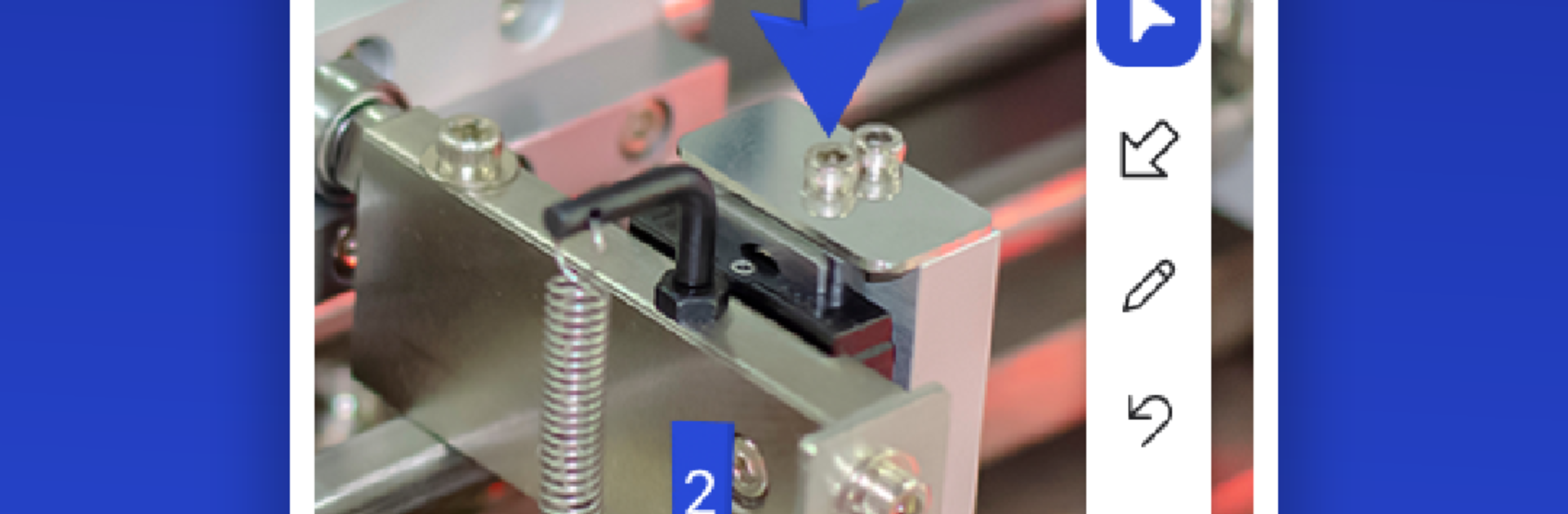
  • Anchored 3D guidance: Drop arrows, highlights, and notes that stick to real objects—even as you move—so instructions stay clear.
  • Real‑time voice built in: Talk it through over crisp HD VoIP, no need to juggle separate call apps.
  • ARCore tracking for stability: ARCore‑based tracking keeps annotations steady and precise when you’re working around complex gear.
  • Training made simple: Record walkthroughs and turn them into quick how‑to videos to onboard teammates or document fixes.
  • Strong session security: Connections use 256‑bit AES encryption with a 2048‑bit RSA key exchange to help keep your sessions protected.
  • Built for field service: Ideal for equipment, machinery, and infrastructure tasks where visual guidance speeds up troubleshooting and reduces downtime.
  • Permission control: Camera access is required to share video. Microphone is optional—use it for audio or recording, and you can switch it off anytime in the app settings.
  • Comfortable desktop view: Prefer a larger screen while coordinating? Running it on BlueStacks can make reviewing details and annotations more comfortable.

Ready to experience TeamViewer Assist AR (Pilot) on a bigger screen, in all its glory? Download BlueStacks now.


How to Download and Run TeamViewer Assist AR (Pilot) on PC or Mac

  • Download and install BlueStacks on your PC or Mac

  • Complete Google sign-in to access the Play Store, or do it later

  • Look for TeamViewer Assist AR (Pilot) in the search bar at the top right corner

  • Click to install TeamViewer Assist AR (Pilot) from the search results

  • Complete Google sign-in (if you skipped step 2) to install TeamViewer Assist AR (Pilot)

  • Click the TeamViewer Assist AR (Pilot) icon on the home screen to start playing

video
Watch Video

Minimum System Requirements

With BlueStacks 5, you can get started on a PC that fulfills the following requirements.

  • Operating System

    Microsoft Windows 7 or above, macOS 11 (Big Sur) or above

  • Processor

    Intel, AMD or Apple Silicon Processor

  • RAM

    at least 4GB

  • HDD

    10GB Free Disk Space

Note:

* You must be an Administrator on your PC. Up to date graphics drivers from Microsoft or the chipset vendor.

TeamViewer Assist AR (Pilot) - FAQs

  • How to Run TeamViewer Assist AR (Pilot) on Windows PC & Mac?

    Run TeamViewer Assist AR (Pilot) on your PC or Mac by following these simple steps.

    • Click on ‘Download TeamViewer Assist AR (Pilot) on PC’ to download BlueStacks
    • Install it and log-in to Google Play Store
    • Launch and run the app.
  • Why is BlueStacks the fastest and safest platform to play games on PC?

    BlueStacks respects your privacy and is always safe and secure to use. It does not carry any malware, spyware, or any sort of additional software that could harm your PC.

    It is engineered to optimize speed and performance for a seamless gaming experience.

  • What are TeamViewer Assist AR (Pilot) PC requirements?

    Minimum requirement to run TeamViewer Assist AR (Pilot) on your PC

    • OS: Microsoft Windows 7 and above:
    • Processor: Intel or AMD Processor:
    • RAM: Your PC must have at least 2GB of RAM. (Note that having 2GB or more disk space is not a substitute for RAM):
    • HDD: 5GB Free Disk Space.
    • You must be an Administrator on your PC.



