
Volume Booster - Sound Booster

Volume Booster - Sound Booster

Tools

| Coocent

Play on PC with BlueStacks or from our cloud

  • Overview
  • How to Download

Page Modified On: November 28, 2025

Run Volume Booster - Sound Booster on PC or Mac

Upgrade your experience. Try Volume Booster – Sound Booster, the fantastic Tools app from Coocent, from the comfort of your laptop, PC, or Mac, only on BlueStacks.

About the App

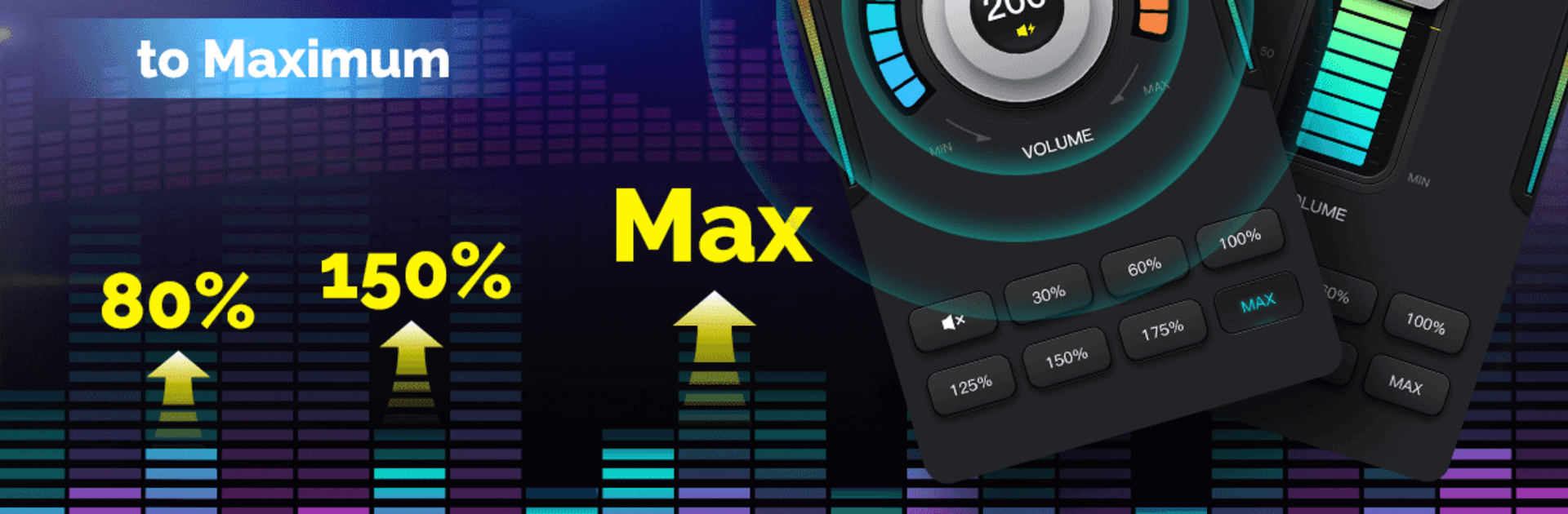
Volume Booster – Sound Booster is your quick fix when your phone just isn’t loud enough. Whether you’re watching a movie, queuing up a playlist, or trying to hear a podcast in a noisy room, it helps push your device’s volume past the usual limit while keeping sound clear. Made by Coocent in the Tools genre, it’s simple, fast, and works seamlessly with your everyday apps. You can even run it on your computer with BlueStacks if you want extra oomph from your laptop speakers.

App Features

  • Instant boost
    Tap once to raise overall volume beyond the system cap so music, videos, and games come through stronger.

  • Works across your audio
    Amplifies sound from media players, streaming apps, webcasts, ringtones, notifications, and alarms—no extra setup.

  • Headphones, speakers, Bluetooth
    Enhances audio whether you’re on your phone’s speaker, wired earbuds, over‑ear headphones, or a Bluetooth speaker.

  • Clearer, richer sound
    Built to amplify without turning everything harsh or muddy, so you get louder audio that still sounds good.

  • Easy volume control
    A straightforward slider lets you fine‑tune the gain and system levels in seconds—no confusing menus.

  • Runs in the background
    Set your preferred boost, switch apps, and keep listening while the app quietly does its thing.

  • Lightweight and fast
    Minimal design that launches quickly and doesn’t get in the way of what you’re doing.

  • Handy for everyday moments
    Great for parties, car audio, audiobooks, game nights, or when your alarm needs extra punch.

  • Play it safe
    Louder is powerful—use moderation to protect your hearing and avoid stressing your speakers.

Ready to experience Volume Booster – Sound Booster on a bigger screen, in all its glory? Download BlueStacks now.


How to Download and Run Volume Booster - Sound Booster on PC or Mac

  • Download and install BlueStacks on your PC or Mac

  • Complete Google sign-in to access the Play Store, or do it later

  • Look for Volume Booster - Sound Booster in the search bar at the top right corner

  • Click to install Volume Booster - Sound Booster from the search results

  • Complete Google sign-in (if you skipped step 2) to install Volume Booster - Sound Booster

  • Click the Volume Booster - Sound Booster icon on the home screen to start playing

video
Watch Video

Minimum System Requirements

With BlueStacks 5, you can get started on a PC that fulfills the following requirements.

  • Operating System

    Microsoft Windows 7 or above, macOS 11 (Big Sur) or above

  • Processor

    Intel, AMD or Apple Silicon Processor

  • RAM

    at least 4GB

  • HDD

    10GB Free Disk Space

Note:

* You must be an Administrator on your PC. Up to date graphics drivers from Microsoft or the chipset vendor.

Volume Booster - Sound Booster - FAQs

  • How to Run Volume Booster - Sound Booster on Windows PC & Mac?

    Run Volume Booster - Sound Booster on your PC or Mac by following these simple steps.

    • Click on ‘Download Volume Booster - Sound Booster on PC’ to download BlueStacks
    • Install it and log-in to Google Play Store
    • Launch and run the app.
  • Why is BlueStacks the fastest and safest platform to play games on PC?

    BlueStacks respects your privacy and is always safe and secure to use. It does not carry any malware, spyware, or any sort of additional software that could harm your PC.

    It is engineered to optimize speed and performance for a seamless gaming experience.

  • What are Volume Booster - Sound Booster PC requirements?

    Minimum requirement to run Volume Booster - Sound Booster on your PC

    • OS: Microsoft Windows 7 and above:
    • Processor: Intel or AMD Processor:
    • RAM: Your PC must have at least 2GB of RAM. (Note that having 2GB or more disk space is not a substitute for RAM):
    • HDD: 5GB Free Disk Space.
    • You must be an Administrator on your PC.



