‎NEXT+‎
‎NEXT+‎

‎NEXT+‎

Video Players & Editors

| HM_support team

Play on PC with BlueStacks or from our cloud

  • Overview
  • How to Download

Page Modified On: August 18, 2026

Run ‎NEXT+‎ on PC or Mac

Multitask effortlessly on your PC or Mac as you try out ‎NEXT+‎, a Video Players & Editors app by HM_support team on BlueStacks.

About the App

‎NEXT+‎ is a straightforward IPTV player built for people who already have their own provider and want a cleaner way to watch. It keeps your playlists tidy, playback smooth, and navigation simple so the content you’re authorized to access is easy to enjoy. As part of the Video Players & Editors genre, it focuses on organization and playback rather than selling or bundling media. Prefer a bigger screen? ‎NEXT+‎ also runs well on BlueStacks.

App Features

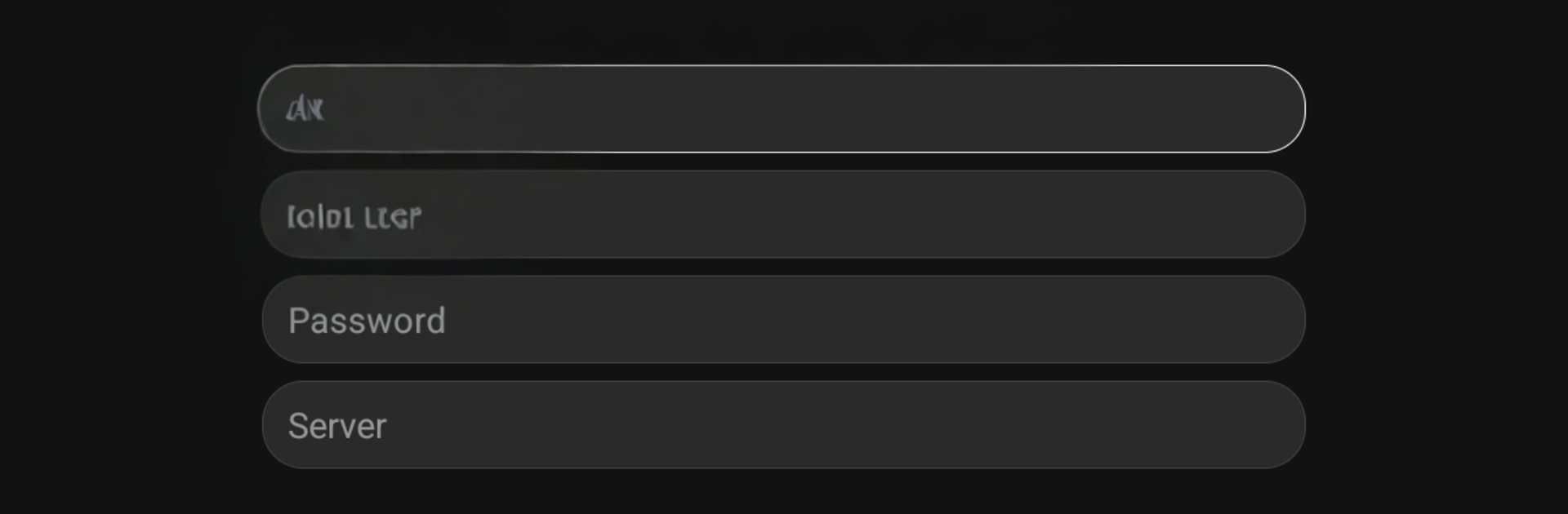
  • Bring your own provider — Sign in with your legal IPTV details: host/server URL, username, and password. Your credentials stay yours.
  • Organized sections — Live TV, Movies, and Series are neatly separated, making it quick to find what you’re in the mood for.
  • Favorites & history — Mark go‑to channels or titles and browse what you’ve watched before without digging around.
  • Continue Watching — Pick up right where you left off, whether it’s a channel, a film, or the next episode.
  • Fast, smooth playback — Enjoy responsive streaming with minimal fuss and a player that stays out of your way.
  • Clean, simple interface — A clutter‑free layout that feels intuitive from the first tap.
  • Multi‑screen support — Flexible viewing across screens and layouts so your setup works the way you do.
  • EPG and catch‑up support — When offered by your provider, see program guides and access available catch‑up content.
  • Player only, no content included — ‎NEXT+‎ doesn’t provide channels, movies, series, playlists, or subscriptions. You’re responsible for adding your own legally authorized sources.

Switch to BlueStacks and make the most of your apps on your PC or Mac.

How to Download and Run ‎NEXT+‎ on PC or Mac

  • Download and install BlueStacks on your PC or Mac

  • Complete Google sign-in to access the Play Store, or do it later

  • Look for ‎NEXT+‎ in the search bar at the top right corner

  • Click to install ‎NEXT+‎ from the search results

  • Complete Google sign-in (if you skipped step 2) to install ‎NEXT+‎

  • Click the ‎NEXT+‎ icon on the home screen to start playing

video
Watch Video

Minimum System Requirements

With BlueStacks 5, you can get started on a PC that fulfills the following requirements.

  • Operating System

    Microsoft Windows 7 or above, macOS 11 (Big Sur) or above

  • Processor

    Intel, AMD or Apple Silicon Processor

  • RAM

    at least 4GB

  • HDD

    10GB Free Disk Space

Note:

* You must be an Administrator on your PC. Up to date graphics drivers from Microsoft or the chipset vendor.

‎NEXT+‎ - FAQs

  • How to Run ‎NEXT+‎ on Windows PC & Mac?

    Run ‎NEXT+‎ on your PC or Mac by following these simple steps.

    • Click on ‘Download ‎NEXT+‎ on PC’ to download BlueStacks
    • Install it and log-in to Google Play Store
    • Launch and run the app.
  • Why is BlueStacks the fastest and safest platform to play games on PC?

    BlueStacks respects your privacy and is always safe and secure to use. It does not carry any malware, spyware, or any sort of additional software that could harm your PC.

    It is engineered to optimize speed and performance for a seamless gaming experience.

  • What are ‎NEXT+‎ PC requirements?

    Minimum requirement to run ‎NEXT+‎ on your PC

    • OS: Microsoft Windows 7 and above:
    • Processor: Intel or AMD Processor:
    • RAM: Your PC must have at least 2GB of RAM. (Note that having 2GB or more disk space is not a substitute for RAM):
    • HDD: 5GB Free Disk Space.
    • You must be an Administrator on your PC.