Samsung DeX Alternative: Why BlueStacks Desktop Is the Replacement Power Users Actually Wanted
If you used Samsung DeX for Windows to run mobile apps on your desktop, you may have noticed Samsung quietly phasing out the DeX for PC app, and now pointing users to Microsoft Phone Link instead.
For checking notifications and copying images between devices, Phone Link works in a pinch. But for productivity enthusiasts and mobile power users who used DeX to turn a PC into a dedicated Android workstation, Phone Link isn’t an upgrade. It’s a compromise.
That gap has opened the door for a better alternative: BlueStacks Desktop. Here is why Phone Link falls short, and why running a full Android desktop directly on your computer is the upgrade DeX users have been waiting for.
The problem with Microsoft Phone Link
Samsung’s recommendation to switch to Phone Link misses what made DeX appealing in the first place:
- It’s app mirroring, not a desktop interface. Phone Link shows your phone’s apps in windows on your PC over a wireless connection. It doesn’t give you a unified desktop workspace designed for keyboard and mouse.
- It depends on your connection. Because the apps run on your phone and are streamed to your PC, performance depends on your Wi-Fi and Bluetooth link, and you may notice delay or stutter while typing or multitasking.
- Your phone does all the work. Keeping your phone connected and running apps for long sessions uses its battery and can make it warm.
Why BlueStacks Desktop is the better successor
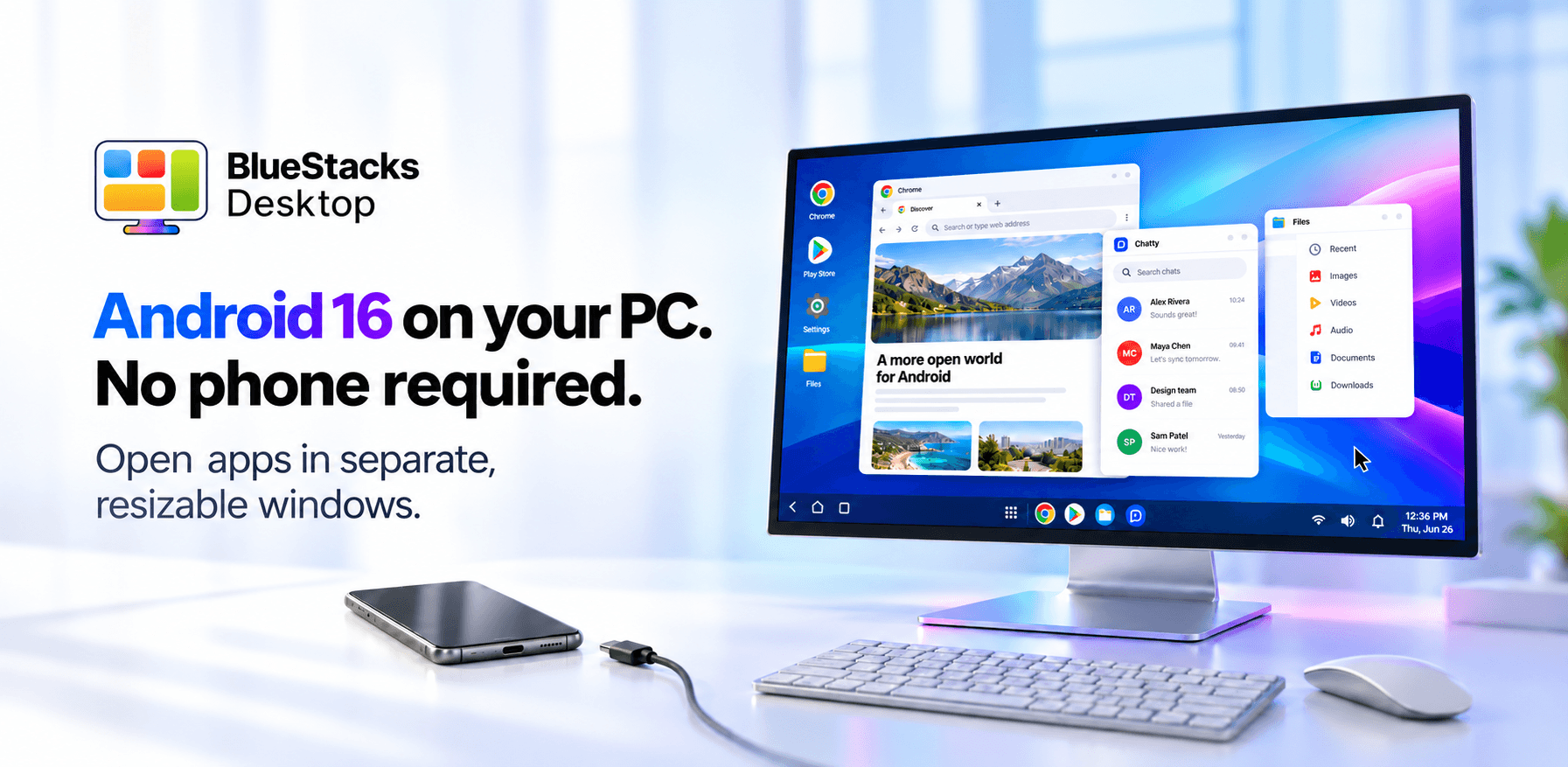
Instead of tethering your smartphone, BlueStacks Desktop turns your computer into an independent, full Android 16 desktop.
1. A true multi-window desktop workspace
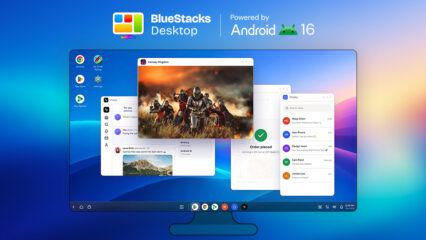
BlueStacks Desktop is built around a real desktop experience. You get freely resizable windows, split screen, mouse and keyboard support, and a taskbar, delivering the cohesive desktop feel that DeX pioneered.
2. Runs on your PC’s hardware, not your phone
Instead of making your phone power two experiences at once, BlueStacks Desktop runs on your PC’s own processor, graphics and memory. No phone is needed, so your phone stays free for calls and messages.
3. No brand lock-in
DeX only works with Samsung Galaxy phones and tablets. BlueStacks Desktop doesn’t need any particular phone: it runs on your Windows PC whether you carry a Galaxy, a Google Pixel, a OnePlus or an iPhone. A Mac version is coming soon.
4. Ready for AI agents
BlueStacks Desktop is also optimized for AI agents such as Claude and Codex, so they can use Android apps and complete tasks for you. Neither DeX nor Phone Link offers this.
Comparison at a glance
| Feature | Samsung DeX for PC (discontinued) | Microsoft Phone Link | BlueStacks Desktop |
| How it works | Desktop view of a connected Samsung phone | Phone apps streamed to your PC | Android 16 running on your PC |
| Interface | Multi-window desktop | Separate floating app windows | Full Android desktop with taskbar, resizable windows and split screen |
| Phone needed | Yes, a Samsung Galaxy device | Yes | No |
| Uses whose hardware | Your phone’s | Your phone’s | Your PC’s |
| Performance | Depends on the phone and connection | Depends on your wireless connection | Runs locally on your PC |
| Works with | Samsung Galaxy devices only | Android phones (and iPhone with limited features) on Windows | Any user on Windows (Mac coming soon) |
| AI agent support | No | No | Yes, optimized for Claude and Codex |
| Price | No longer available | Free | Free |
Samsung dropping DeX for Windows is the end of an era, but you don’t have to settle for screen mirroring.
If your workflow needs Android multitasking with the comfort of a desktop monitor, keyboard and mouse, BlueStacks Desktop isn’t just a replacement. It’s the desktop Android experience we should have had all along.
Ready to reclaim your Android desktop? Visit bluestacksdesktop.com and try it for free