How to Install and Play Annulus on PC with BlueStacks
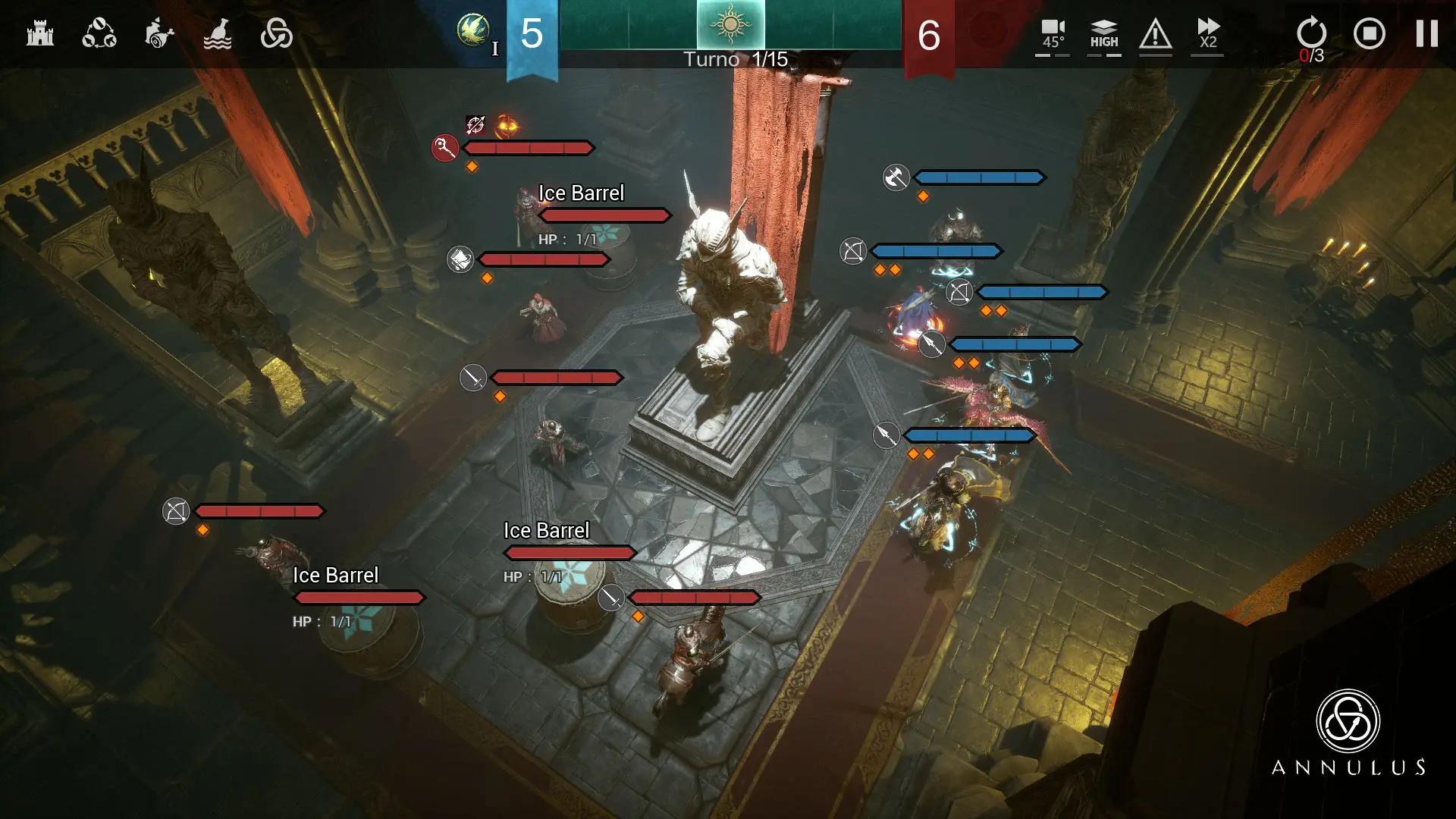

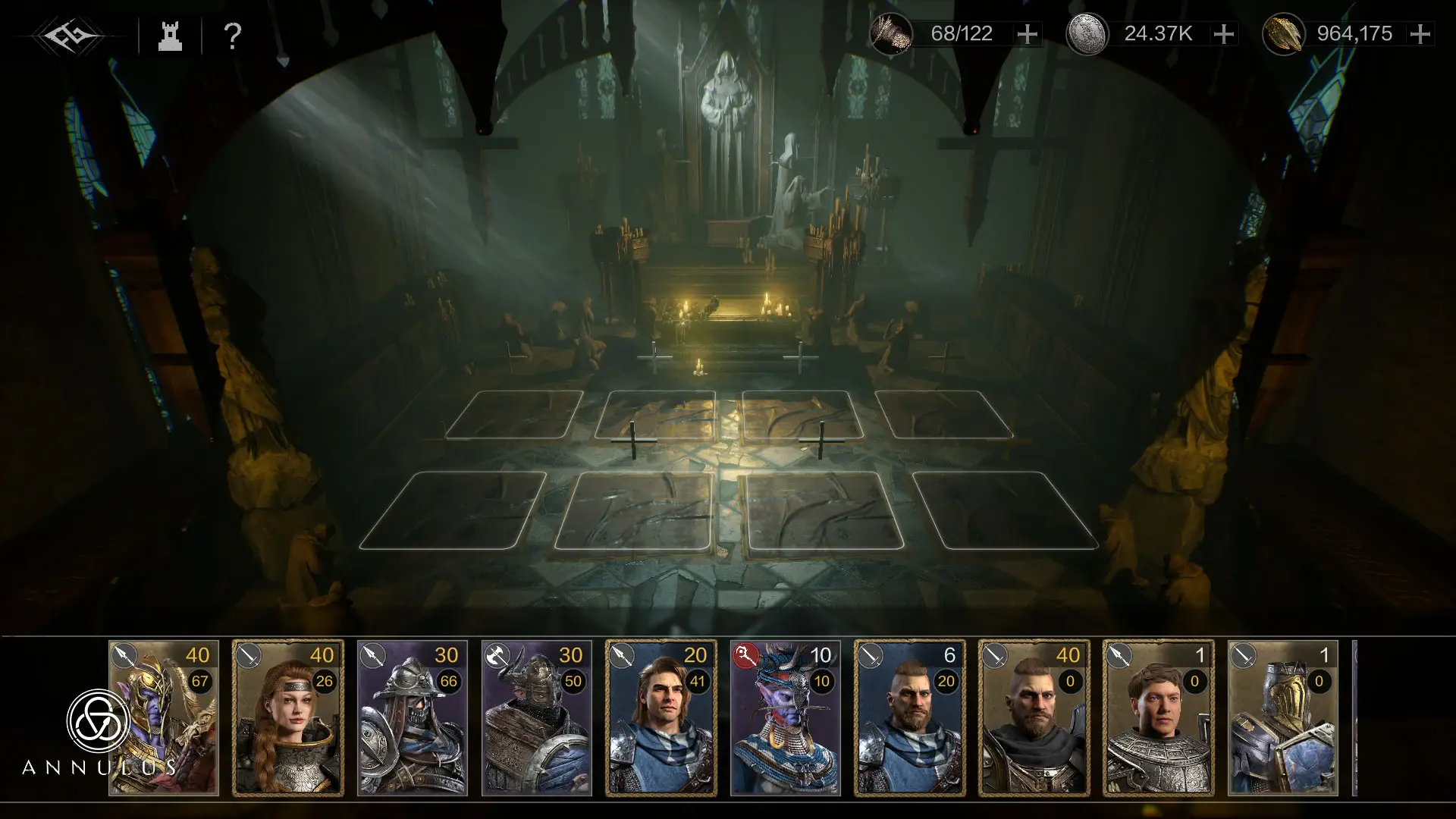
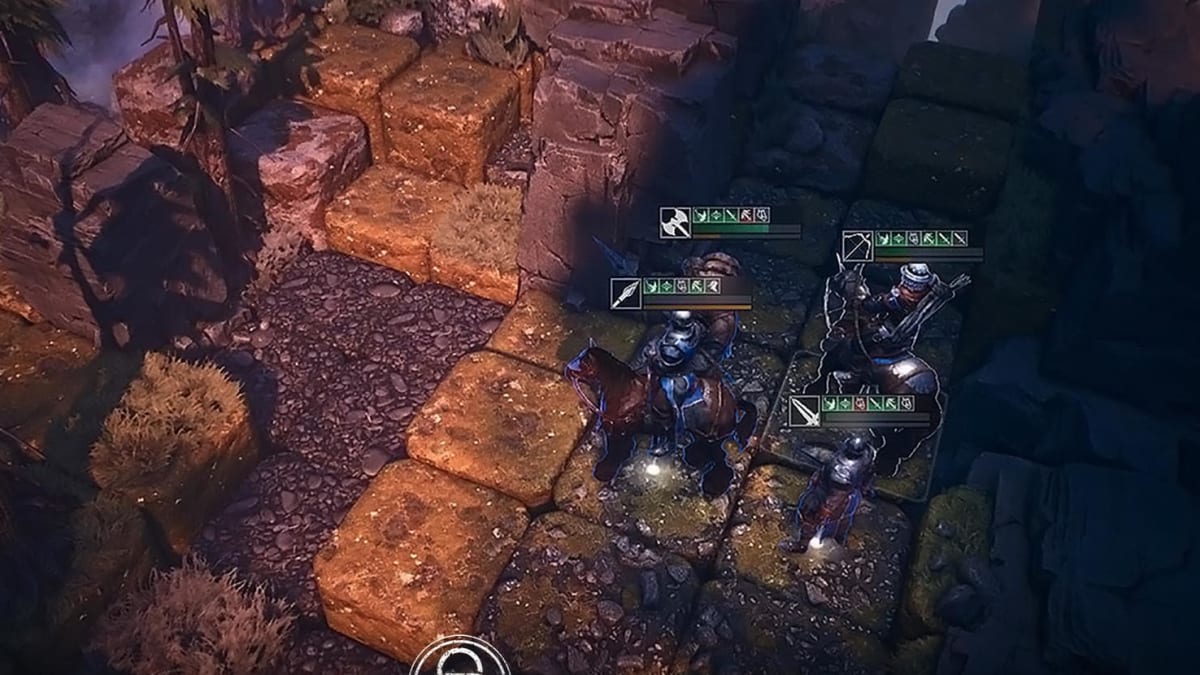
Annulus is a dark fantasy strategy game from NirvanaGame. You play as a mercenary captain trying to survive on the harsh continent of Novisess. Your job is to recruit mercenaries, train them, manage resources, and lead your company through tough tactical battles.
The game is inspired by medieval warfare and uses a dark fantasy style with detailed visuals. Each mercenary, item, and resource has its own traits, so building a strong team takes planning. If you like turn-based battles where each move matters, Annulus gives you many ways to test your strategy.
How to Install Annulus on PC
- Go to the game’s page, and click on the “Play Annulus on PC” button.
- Find the downloaded file in your browser’s downloads section and open it.
- Follow the setup steps to install BlueStacks, then launch it on your PC or Mac.
- Sign in to the Google Play Store, install Annulus, and start playing.
How to Install Annulus on Mac with BlueStacks Air
- Download BlueStacks Air: Go to the game’s page and click on the “Play Annulus on Mac” button to download the installer.
- Install BlueStacks Air: Open the BlueStacksInstaller.pkg file and follow the steps shown on your screen.
- Launch and Sign-In: Open BlueStacks Air from the Launchpad or Applications folder, then sign in with your Google account.
- Install Annulus: Search for Annulus in the Play Store and install it.
- Enjoy Playing: Open the game and begin your journey as a mercenary captain.
Already Have BlueStacks Installed?
- Head to the game’s page, and click on the “Annulus on PC” button.
- Open BlueStacks on your PC or Mac.
- Install Annulus from the BlueStacks Store or the Google Play Store.
- Start playing once the game is ready.
Minimum System Requirements
BlueStacks makes Annulus easier to play on a bigger screen, and you do not need a high-end setup to get started:
- OS: Microsoft Windows 7 and above, macOS 11 (Big Sur) or above
- Processor: Intel, AMD Processor, or Apple Silicon Processor (M1-M4)
- RAM: Your PC or Mac must have at least 4GB of RAM
- Storage: 10GB Free Disk Space
- Permissions: Administrator access on your PC or Mac.
- Graphics drivers: Up-to-date graphics drivers from Microsoft or the chipset vendor.
Annulus is a good pick for players who enjoy slower, smarter battles instead of quick button-mashing. You need to think about where to place your units, how to use their skills, and how to keep your company ready for the next fight. The game also has progression systems where you train mercenaries, improve gear, and build a stronger legion over time.
Also, playing Annulus on PC or Mac with BlueStacks can make the experience more comfortable, especially during tactical battles. A bigger screen helps you see the battlefield better, while keyboard and mouse controls can make it easier to manage your moves, units, and menus. If your phone screen feels too small for strategy games, BlueStacks gives you a better way to play Annulus on your PC or laptop.