Annulus
Annulus

Annulus

Strategy

| NirvanaGame

Play on PC with BlueStacks or from our cloud

Click here to Pre-Register for Annulus
  • Overview
  • Features
  • How to Play

Page Modified On: April 02, 2026

Play Annulus on PC or Mac

Bring your A-game to Annulus, the Strategy game sensation from NirvanaGame. Give your gameplay the much-needed boost with precise game controls, high FPS graphics, and top-tier features on your PC or Mac with BlueStacks.

About the Game

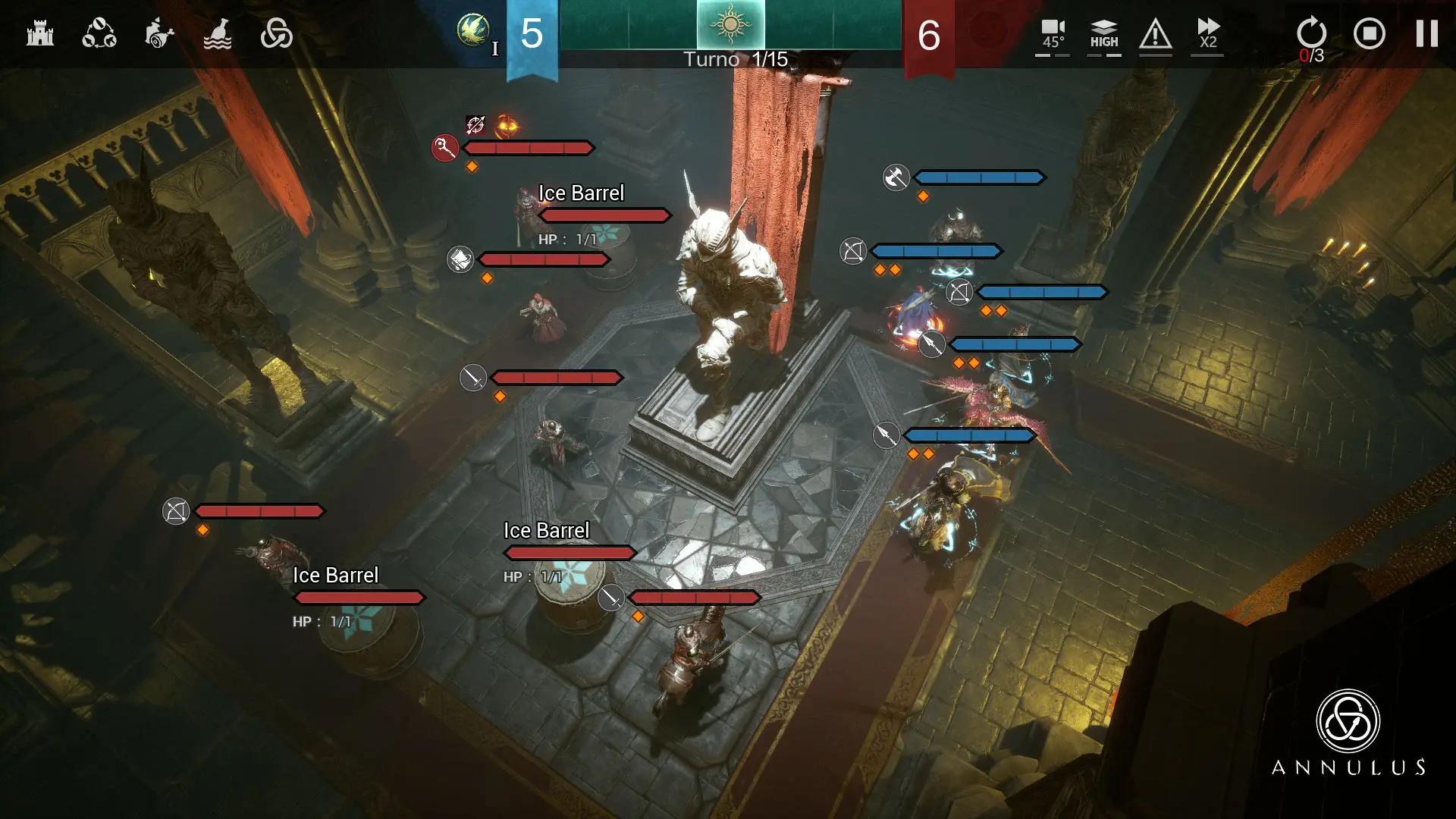
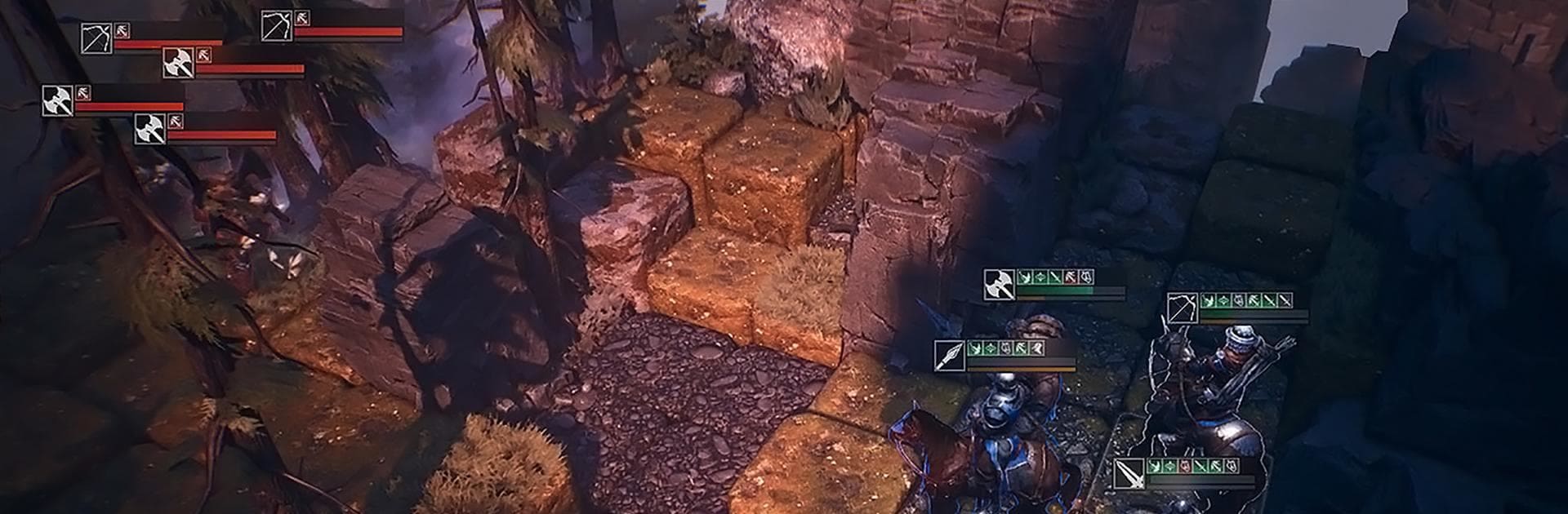
Annulus from NirvanaGame is a dark fantasy Strategy game about leading a battle-worn company through a ruthless land. You’re the mercenary captain calling the shots—recruiting specialists, tuning gear, and outsmarting enemies in tense, tactical encounters. Expect a moody world, hard choices, and fights where every move has weight.

Game Features

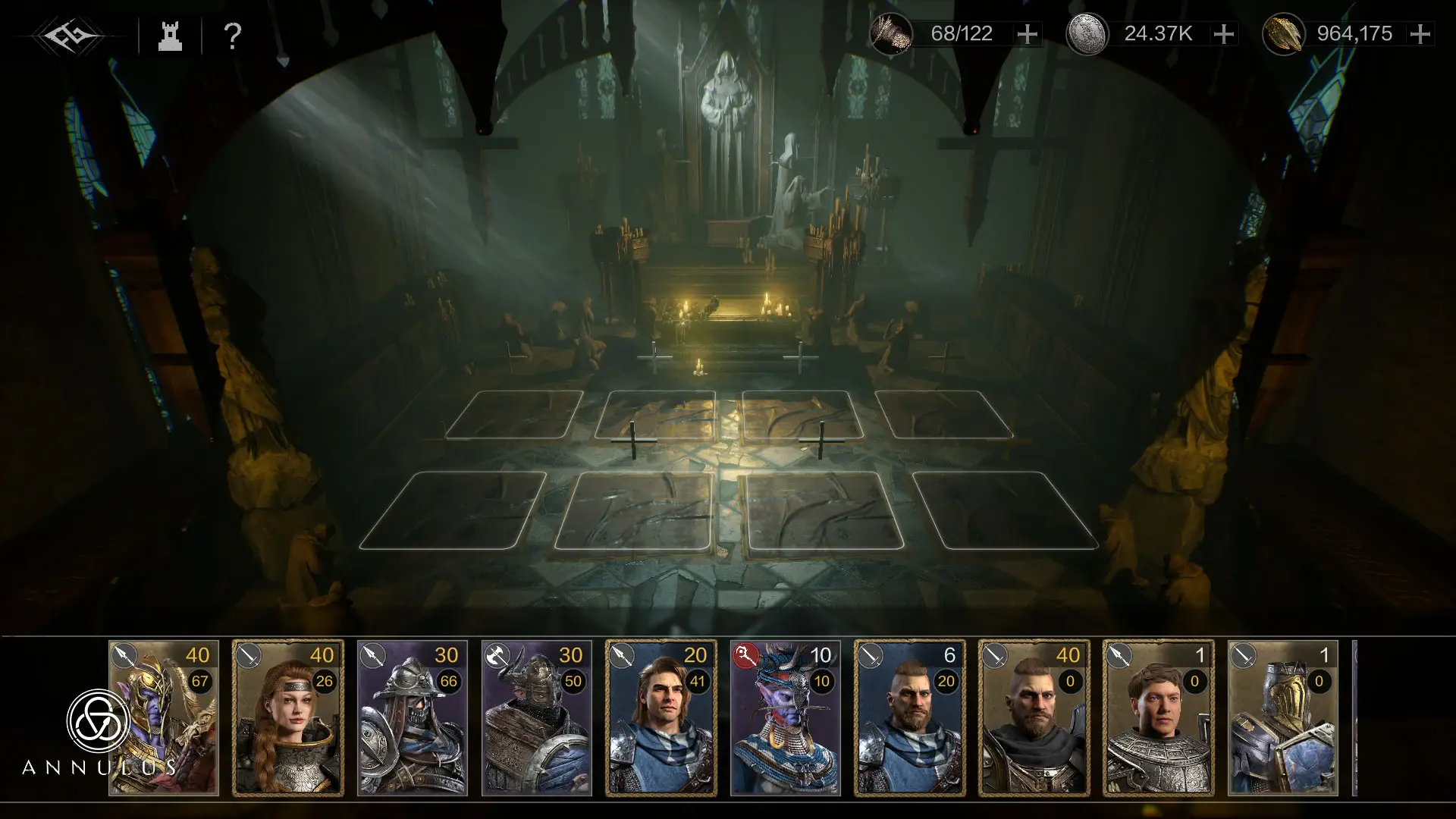
  • Command a mercenary company: Handpick fighters with distinct roles and personalities, then shape them into a squad that fits your style.
  • Tactical battles with teeth: Position carefully, chain abilities, and manage risks—small mistakes bite, but clever plans feel incredible when they click.
  • A harsh, living continent: March across Novisess, take contracts, and clash with factions as pressure mounts from every direction.
  • Meaningful progression: Train units, refine weapons, and unlock synergies that turn a ragtag crew into a disciplined legion.
  • Smart resource play: Juggle supplies, recovery, and marching logistics so your group stays battle-ready when it matters.
  • Rethink a bad call: Use a limited rewind to correct a misplay mid-battle—handy when a perfect turn goes sideways.
  • Distinct weapons and gear: Equip tools with unique traits to craft combos, counters, and niche builds that surprise the enemy.
  • Visual flair with grit: Battles feel grounded and heavy, with richly detailed environments and dramatic effects that sell every clash.
  • Camp upgrades that matter: Expand your roster, open new tasks, and keep your operation sharp for the long haul.
  • Optional subscription perks: Weekly, monthly, and quarterly cards offer steady boosts like faster supply recovery, more quick-buys, an extra mid-fight backtrack or two, and speedier dispatches; manage auto-renew in your store settings.
  • Play comfortably on PC: Prefer mouse and keyboard? Annulus runs smoothly on BlueStacks for precise control during tense showdowns.

Slay your opponents with your epic moves. Play it your way on BlueStacks and dominate the battlefield.
Features

  • Macros

    Skip the boring parts of a game. Play Annulus with Macros and get the edge. Simply record a sequence of commands and execute them at any moment.

  • Multi Instance

    Why limit to one game on your phone when you can play many on your PC? Open multiple instances of Annulus at once with Multi-Instance. Leverage the power of different accounts by doing more.

  • Multi Instance Sync

    Get the best out of Annulus with Multi-Instance Sync. Play the game from different accounts and build your own empire. Use Multi-instance sync to repeat the action in the main BlueStacks instance on all other instances.

  • Eco Mode

    Find the rarest heroes by making multiple summons in Annulus. And while you are at it, reduce your PC’s resource consumption with the Eco Mode. Farm efficiently. Get the best results.

How to Download and Play Annulus on PC or Mac

  • Download and install BlueStacks on your PC or Mac

  • Complete Google sign-in to access the Play Store, or do it later

  • Look for Annulus in the search bar at the top right corner

  • Click to install Annulus from the search results

  • Complete Google sign-in (if you skipped step 2) to install Annulus

  • Click the Annulus icon on the home screen to start playing

video
Watch Video

Minimum System Requirements

With BlueStacks 5, you can get started on a PC that fulfills the following requirements.

  • Operating System

    Microsoft Windows 7 or above, macOS 11 (Big Sur) or above

  • Processor

    Intel, AMD or Apple Silicon Processor

  • RAM

    at least 4GB

  • HDD

    10GB Free Disk Space

Note:

* You must be an Administrator on your PC. Up to date graphics drivers from Microsoft or the chipset vendor.

Exclusive Gaming Content. And More.

Get the latest updates on the BlueStacks Blog.

See More
Annulus

Be among the first to play Annulus on PC

Get notified when the Game launches

Annulus - FAQs

  • How to play Annulus on Windows PC & Mac?

    Play Annulus on your PC or Mac by following these simple steps.

    • Click on 'Play Annulus on PC’ to download BlueStacks
    • Install it and log-in to Google Play Store
    • Launch and play the game.
  • Why is BlueStacks the fastest and safest platform to play games on PC?

    BlueStacks respects your privacy and is always safe and secure to use. It does not carry any malware, spyware, or any sort of additional software that could harm your PC.

    It is engineered to optimize speed and performance for a seamless gaming experience.

  • What are Annulus PC requirements?

    Minimum requirement to run Annulus on your PC

    • OS: Microsoft Windows 7 or above MacOS 11 (Big Sur) or above
    • Processor: Intel, AMD or Apple Silicon Processor
    • RAM: Your PC must have at least 4GB of RAM. (Note that having 4GB or more disk space is not a substitute for RAM)
    • HDD: 10GB Free Disk Space.
    • You must be an Administrator on your PC.