How to Install and Play Car Parking Multiplayer 2 on PC with BlueStacks
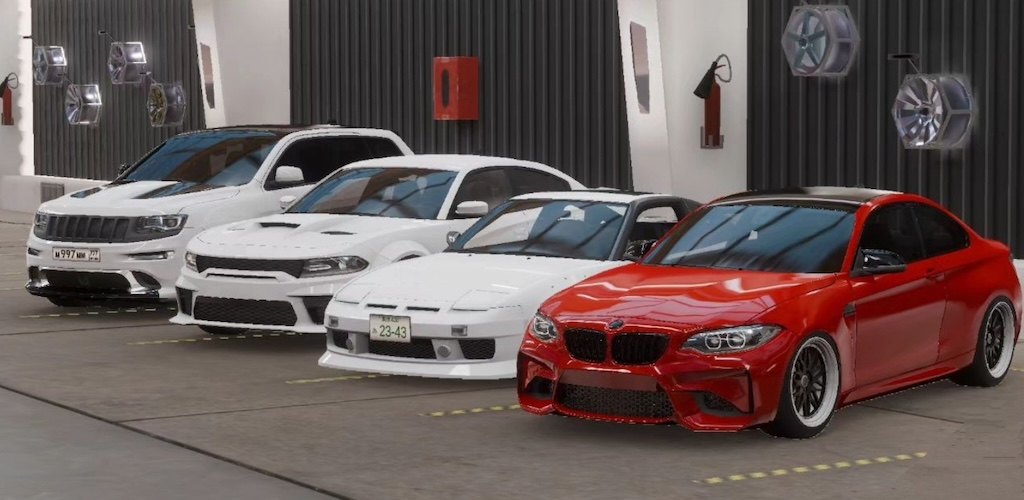
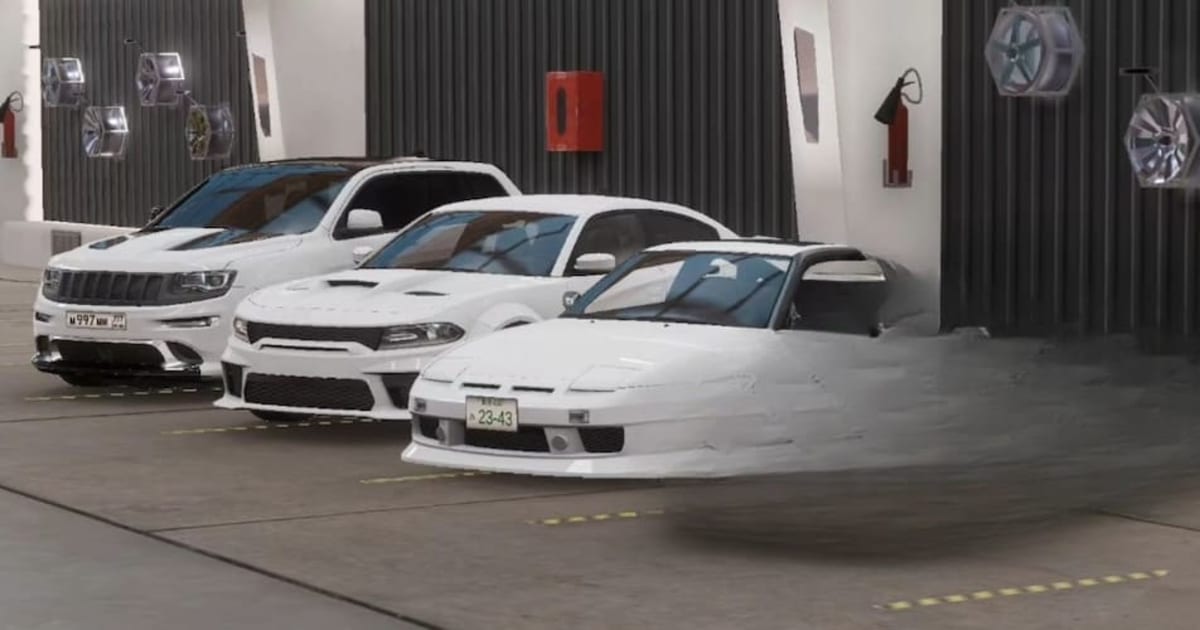
Car Parking Multiplayer 2 is a driving simulation game from olzhass where parking is just one part of the fun. You can drive around an open world, race other players, exchange cars, and change how your vehicle looks and handles. The map includes gas stations, car services, and buildings with interiors.
If you enjoy careful driving, there are 82 parking and driving challenges to try. You can also use a manual gearbox with a clutch, keep track of your fuel, and adjust your suspension. Police, taxi, drone, and drag racing modes give you different ways to spend time behind the wheel.
How to Install Car Parking Multiplayer 2 on PC
- Visit the game’s page and click “Play Car Parking Multiplayer 2 on PC.”
- Open the downloaded installer from your browser’s downloads section.
- Install BlueStacks by following the instructions, then launch it on your PC.
- Sign in to the Google Play Store, install Car Parking Multiplayer 2, and start playing.
How to Install Car Parking Multiplayer 2 on Mac with BlueStacks Air
- Get BlueStacks Air: Head to the game’s page and click “Play Car Parking Multiplayer 2 on Mac.”
- Install the App Player: Double-click BlueStacksInstaller.pkg and follow the wizard to complete setup.
- Open and Sign In: Launch BlueStacks Air from Launchpad or Applications. Sign in with your Google account to access the Play Store.
- Download the Game: Search for Car Parking Multiplayer 2 by olzhass and install it.
- Take Your First Drive: Launch the game after installation and get familiar with the controls.
Already Have BlueStacks? Add the Game
- Open the game’s page and click “Car Parking Multiplayer 2 on PC.”
- Start BlueStacks on PC or Mac.
- Install Car Parking Multiplayer 2 from the BlueStacks Store or Google Play Store.
- Select the game’s icon to begin.
Minimum System Requirements
Your computer needs to meet these minimum requirements:
- OS: Microsoft Windows 7 or above; macOS 11 (Big Sur) or above.
- Processor: Intel or AMD on Windows; Apple Silicon M1-M4 on Mac.
- RAM: At least 4GB on Windows or 8GB on Mac.
- Storage: At least 5GB free on Windows or 12GB on Mac, plus room for the game.
- Permissions: Administrator access on your PC.
- Graphics Drivers: Updated graphics drivers from Microsoft or your hardware manufacturer.
Car Parking Multiplayer 2 suits anyone who enjoys driving challenges and customizing cars. Practice parking first to learn your car’s handling, then try racing with friends. Use the livery editor to personalize your favorite vehicle.
On PC, BlueStacks lets you play Car Parking Multiplayer 2 with keyboard and mouse controls on a bigger screen. Customize the keys for steering, braking, and other actions to make driving feel comfortable. Adjust graphics settings to suit your computer, especially if you’re playing on a shared or older laptop.