How to Install and Play Dark Fantasy on PC with BlueStacks
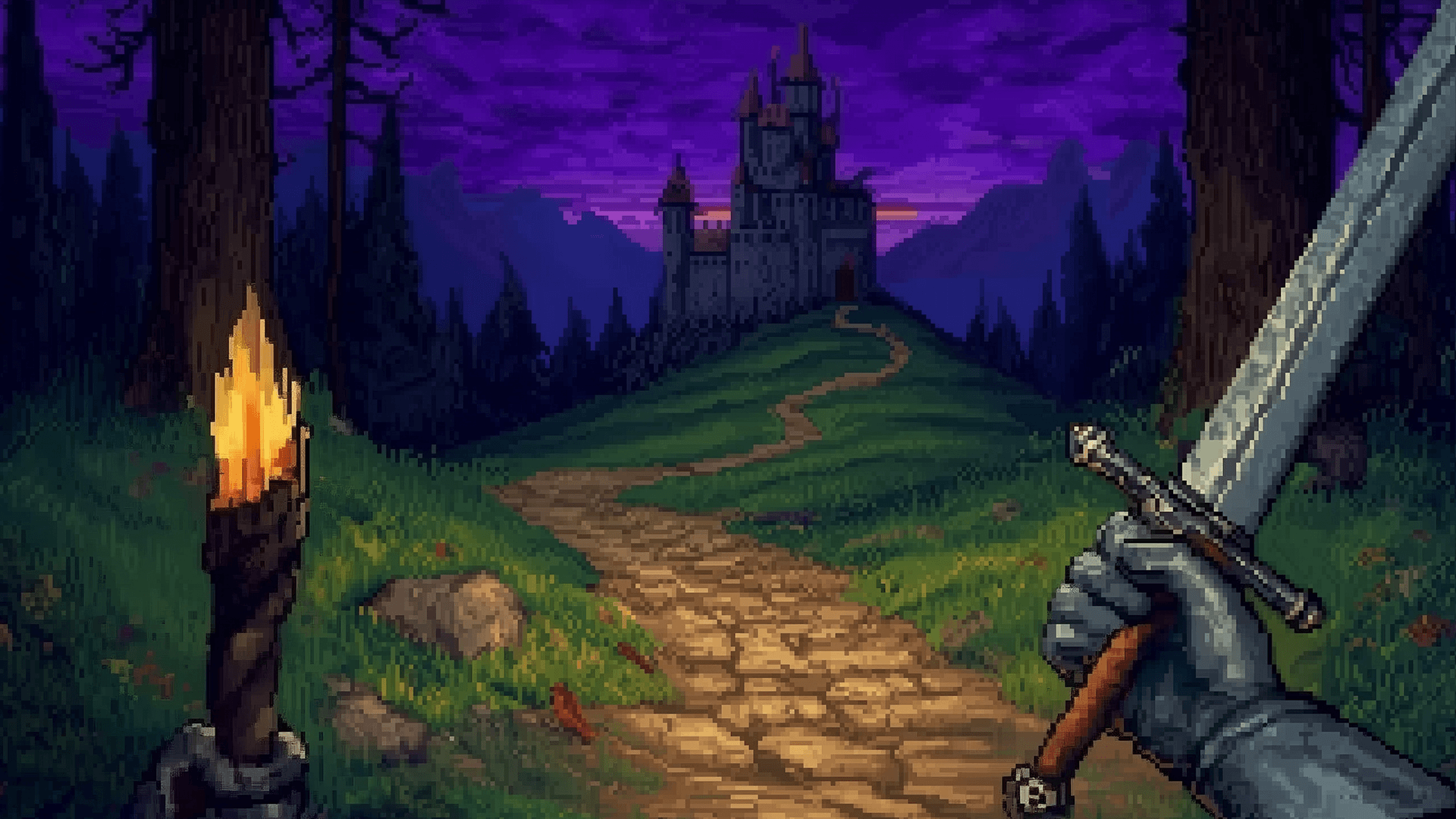
Dark Fantasy is a story-driven adventure RPG set in a medieval world where knights face dangerous sorcerers and ancient forces. Players pick a class, such as warrior, mage, or rogue, and step into a first-person journey full of combat, quests, and story choices. Every decision moves the story forward and changes how events unfold. This lets players shape their own path through battles, conversations, and missions.
Combat mixes melee attacks, ranged weapons, and magic spells, which gives each class a different style of play. Warriors rely on swords and axes up close, mages use spells to damage enemies or protect themselves, and rogues move fast with crossbows and stealth skills.
How to Install Dark Fantasy on PC
- Go to the game’s page and click the “Play Dark Fantasy on PC” button.
- Find the setup file in your browser’s downloads list and open it.
- Follow the steps to install BlueStacks, then start it on your PC or Mac.
- Sign in to the Google Play Store, install the game, and begin playing.
How to Install Dark Fantasy on Mac with BlueStacks Air
- Download BlueStacks Air: Visit the game’s page and click the “Play Dark Fantasy on Mac” button to get the installer.
- Install BlueStacks Air: Double-click the BlueStacksInstaller.pkg file and follow the setup steps.
- Launch and Sign-In: Open BlueStacks Air from Launchpad or the Applications folder and log in with your Google account.
- Install Dark Fantasy: Look for Dark Fantasy in the Play Store and install it.
- Enjoy Playing!: Open the game and jump into the adventure.
Quick Setup for Existing BlueStacks Users
- Go to the game’s page and click the “Dark Fantasy on PC” button.
- Open BlueStacks on your PC or Mac.
- Install the game from the BlueStacks Store or Google Play Store.
- Start playing right away.
Minimum System Requirements
BlueStacks runs games like Dark Fantasy smoothly on most everyday computers with the following setup:
- OS: Microsoft Windows 7 or higher, macOS 11 (Big Sur) or higher
- Processor: Intel, AMD, or Apple Silicon processors (M1–M4)
- RAM: At least 4GB memory
- Storage: 10GB free disk space
- Permissions: Administrator access
- Graphics Drivers: Updated drivers from Microsoft or your chipset provider
Dark Fantasy is a great choice for players who enjoy story games with action combat and role-playing elements. It works well for solo sessions where you can take your time reading dialogue, picking choices, and planning your next move. It also suits short play breaks, as quests can be completed in small steps. Young gamers who like fantasy stories, class-based gameplay, and character growth will feel right at home.
Playing Dark Fantasy on BlueStacks gives you better control with a keyboard and mouse, which makes aiming, moving, and combat easier than on a phone screen. The bigger display shows more detail during fights and conversations, and smoother performance keeps the action flowing without slowdowns during busy scenes.