How to Install and Play E.D.E.N The Last Line on PC with BlueStacks


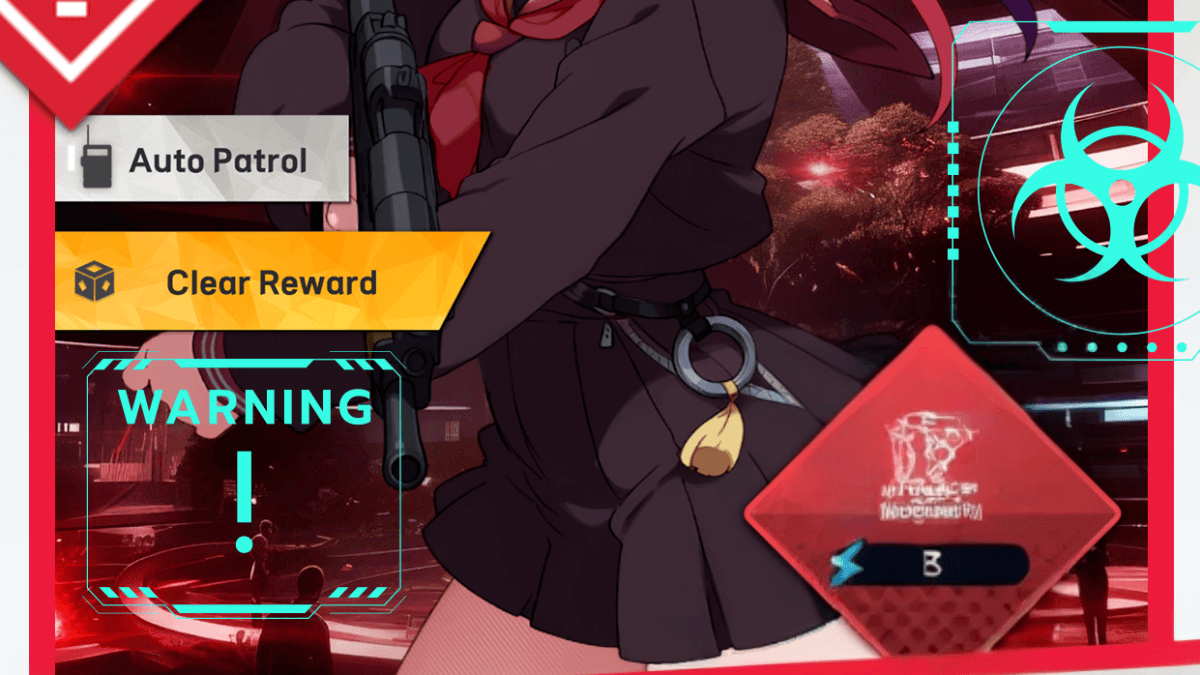
E.D.E.N : The Last Line is an arcade game where you take charge as a Commander leading a group of powerful girls in a fight to protect humanity. The story takes place after a major disaster, where only a small part of the world remains safe. Your job is to guide your team, choose the right skills, and react quickly during battles.
Each character has a different role, such as attacker, support, or sniper, so your choices matter in every fight. The game mixes fast combat with a deeper story, which gives you both action and emotional moments as you learn more about your team.
How to Install E.D.E.N : The Last Line on PC
- Head to the game’s page and click the “Play E.D.E.N : The Last Line on PC” button.
- Download the installer file and open it from your browser.
- Install BlueStacks and launch it once the setup is done.
- Log in to the Google Play Store, install E.D.E.N : The Last Line, and jump right into the action.
How to Install E.D.E.N : The Last Line on Mac with BlueStacks Air
- Download BlueStacks Air: Visit the game’s page and click the “Play E.D.E.N : The Last Line on Mac” button to get the file.
- Run the Installer: Open the BlueStacksInstaller.pkg file and follow the on-screen steps.
- Sign In: Launch BlueStacks Air from Applications or Launchpad and log in with your Google account.
- Install E.D.E.N : The Last Line: Search for E.D.E.N : The Last Line in the Play Store and install it.
- Start Playing: Open the game and begin your journey as Commander.
Already Using BlueStacks? Start Faster
- Visit the game’s page and press the “E.D.E.N : The Last Line on PC” button.
- Open BlueStacks on your device.
- Install the game directly from the BlueStacks Store or Google Play Store.
- Launch E.D.E.N : The Last Line and begin playing instantly.
Minimum System Requirements
BlueStacks runs smoothly on most modern computers, so you don’t need a high-end setup to enjoy E.D.E.N : The Last Line:
- Operating System: Windows 7 or newer, macOS 11 (Big Sur) or newer
- Processor: Intel, AMD, or Apple Silicon (M1–M4)
- RAM: At least 4GB
- Storage: 10GB of free space
- Permissions: Administrator access
- Graphic Drivers: Updated drivers from Microsoft or your hardware provider
E.D.E.N : The Last Line is a great pick for players who enjoy fast battles with a mix of strategy. And it works well for solo play when you want a quick session, but also for longer play when you want to improve your team. You can spend time setting up your squad, upgrading gear, and building better combinations between characters.
Playing E.D.E.N : The Last Line on PC or Mac with BlueStacks makes everything feel smoother and easier to control. You get a bigger screen to see all the action clearly, and using a keyboard and mouse helps you react faster during intense moments. So whether you are playing for a few minutes or longer sessions, the experience feels more comfortable and fun.