How to Install and Play God Rivals: RPG Roguelike on PC with BlueStacks
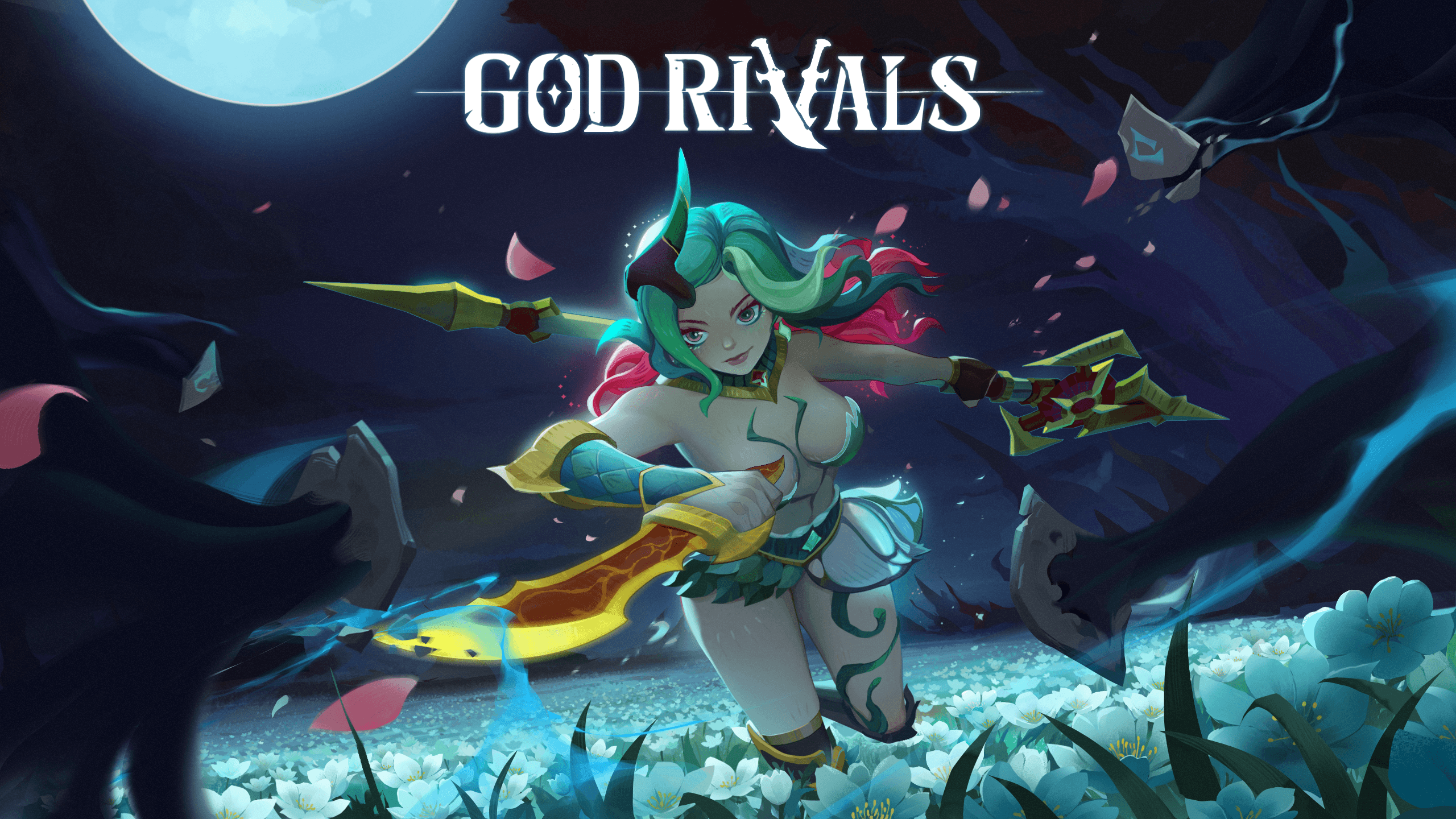
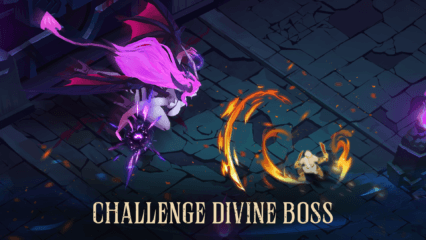
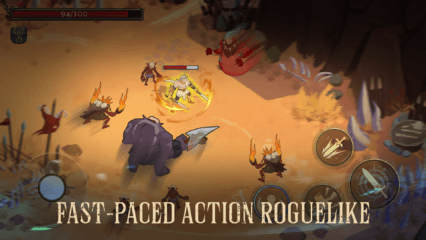
God Rivals: RPG Roguelike is a fast action game where every run feels different. You step into a dark world filled with monsters, traps, and powerful enemies that test your skills. Each time you play, you build your character in a new way, choosing upgrades and abilities that shape your style.
Some runs may feel easy, while others can get intense very quickly. That’s what makes the game exciting. You need quick reactions, smart choices, and a bit of luck to survive longer and beat stronger bosses.
How to Install God Rivals: RPG Roguelike on PC
- Head to the game’s page and press the “Play God Rivals: RPG Roguelike on PC” button.
- Once the file downloads, open it from your browser.
- Install BlueStacks and launch it on your PC or Mac.
- Log in to the Google Play Store, install God Rivals: RPG Roguelike, and jump right in.
How to Install God Rivals: RPG Roguelike on Mac with BlueStacks Air
- Download BlueStacks Air: Visit the game’s page and click the “Play God Rivals: RPG Roguelike on Mac” button to get the installer.
- Install BlueStacks Air: Open the BlueStacksInstaller.pkg file and follow the steps shown on your screen.
- Launch and Sign-In: Open BlueStacks Air from Launchpad or Applications and sign in with your Google account.
- Install God Rivals: RPG Roguelike: Search for God Rivals: RPG Roguelike in the Play Store and install it.
- Start Playing: Open the game and begin your adventure.
Already Using BlueStacks? Here’s What to Do
- Go to the game’s page and click the “God Rivals: RPG Roguelike on PC” button.
- Open BlueStacks on your PC or Mac.
- Install the game through the BlueStacks Store or Google Play Store.
- Launch God Rivals: RPG Roguelike and start playing.
Minimum System Requirements
You don’t need a powerful setup to run games like God Rivals: RPG Roguelike with BlueStacks. Here’s what you need:
- OS: Microsoft Windows 7 or newer, macOS 11 (Big Sur) or newer
- Processor: Intel, AMD, or Apple Silicon (M1–M4)
- RAM: At least 4GB
- Storage: 10GB free space
- Permissions: Administrator access
- Graphics: Updated drivers from Microsoft or your hardware provider
God Rivals: RPG Roguelike is great for players who enjoy quick action and constant challenge. You can play for a few minutes or spend hours trying to beat your best run. And because every attempt is different, the game stays fun even after many tries. You can test new builds, try different strategies, and improve your skills over time.
Playing God Rivals: RPG Roguelike on PC or Mac with BlueStacks gives you more control and a clearer view of everything on screen. You can use your keyboard and mouse for better movement and faster reactions. And the bigger screen makes it easier to spot enemies and avoid attacks. This setup helps you play longer without feeling tired and enjoy every run more.