How to Install and Play Jurassic World™: The Game on PC with BlueStacks

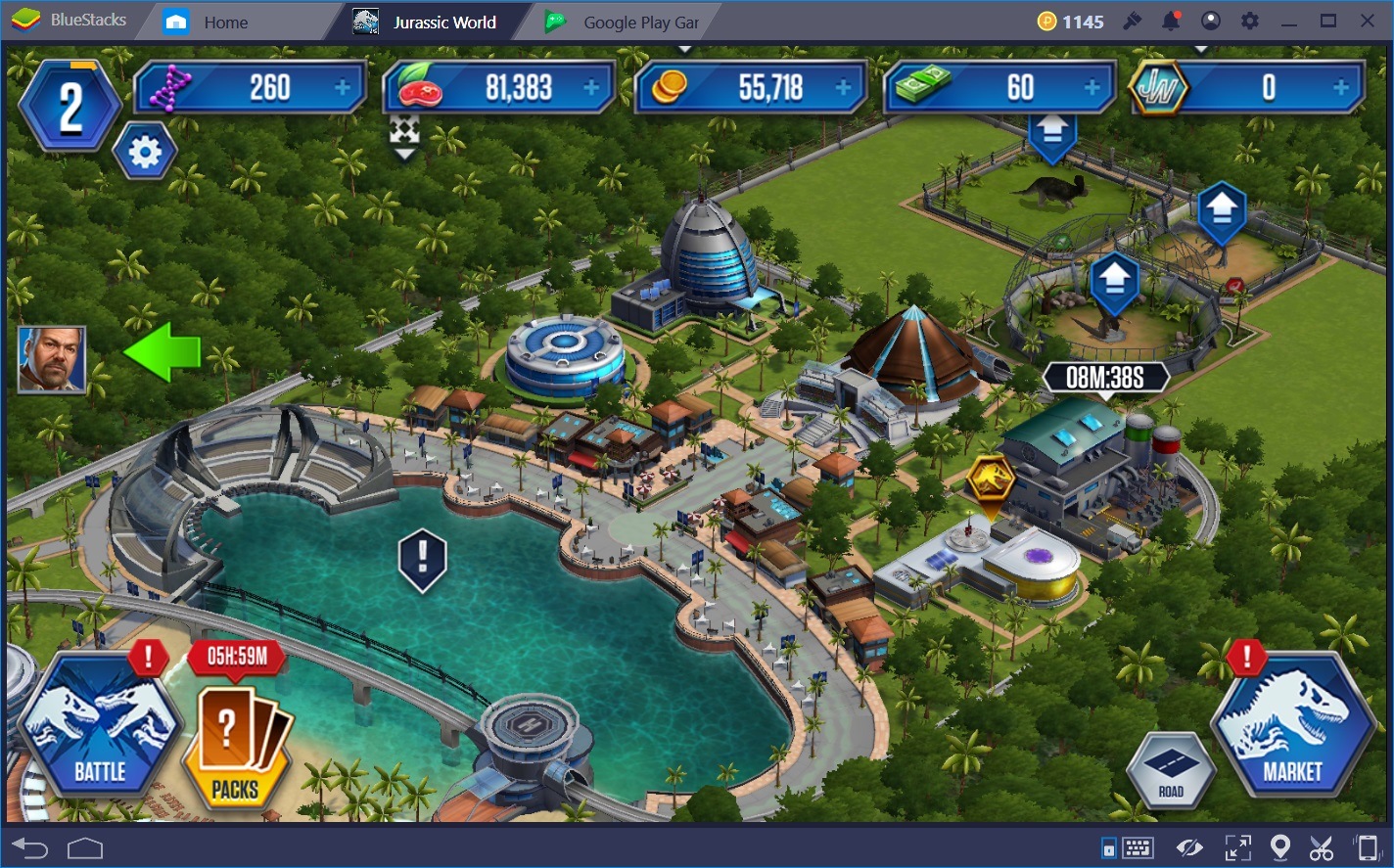
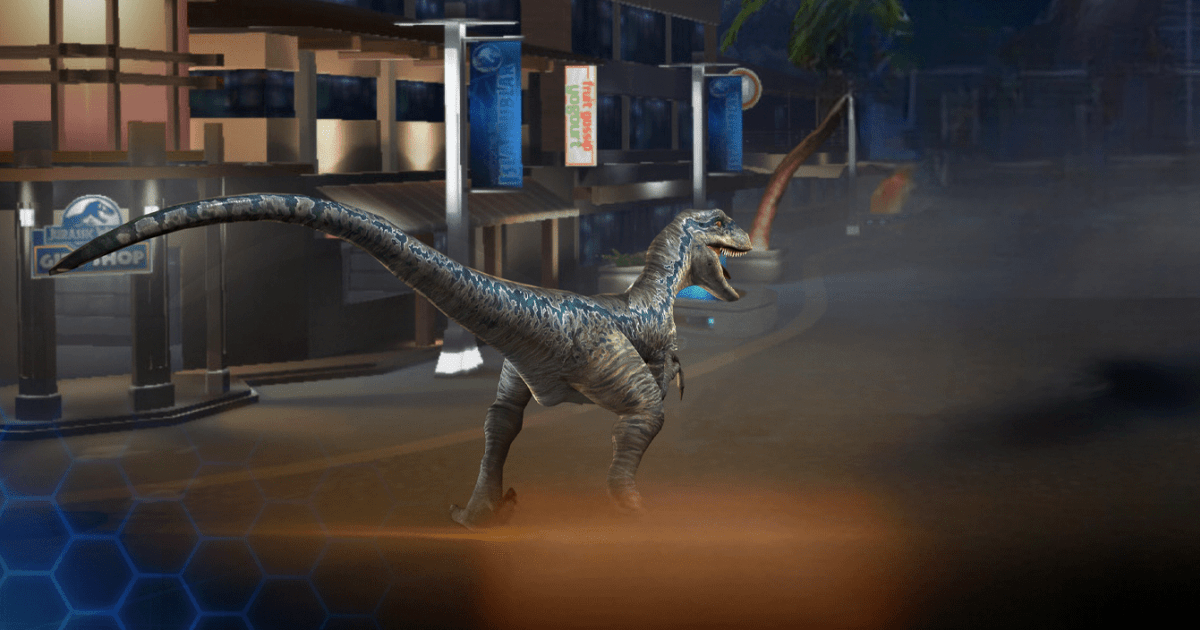
Jurassic World™: The Game is a simulation game that takes you back to Isla Nublar, where you can create a park filled with prehistoric creatures. Collect, hatch, feed, and evolve more than 300 dinosaurs while building habitats, attractions, and landscapes inspired by the Jurassic World film.
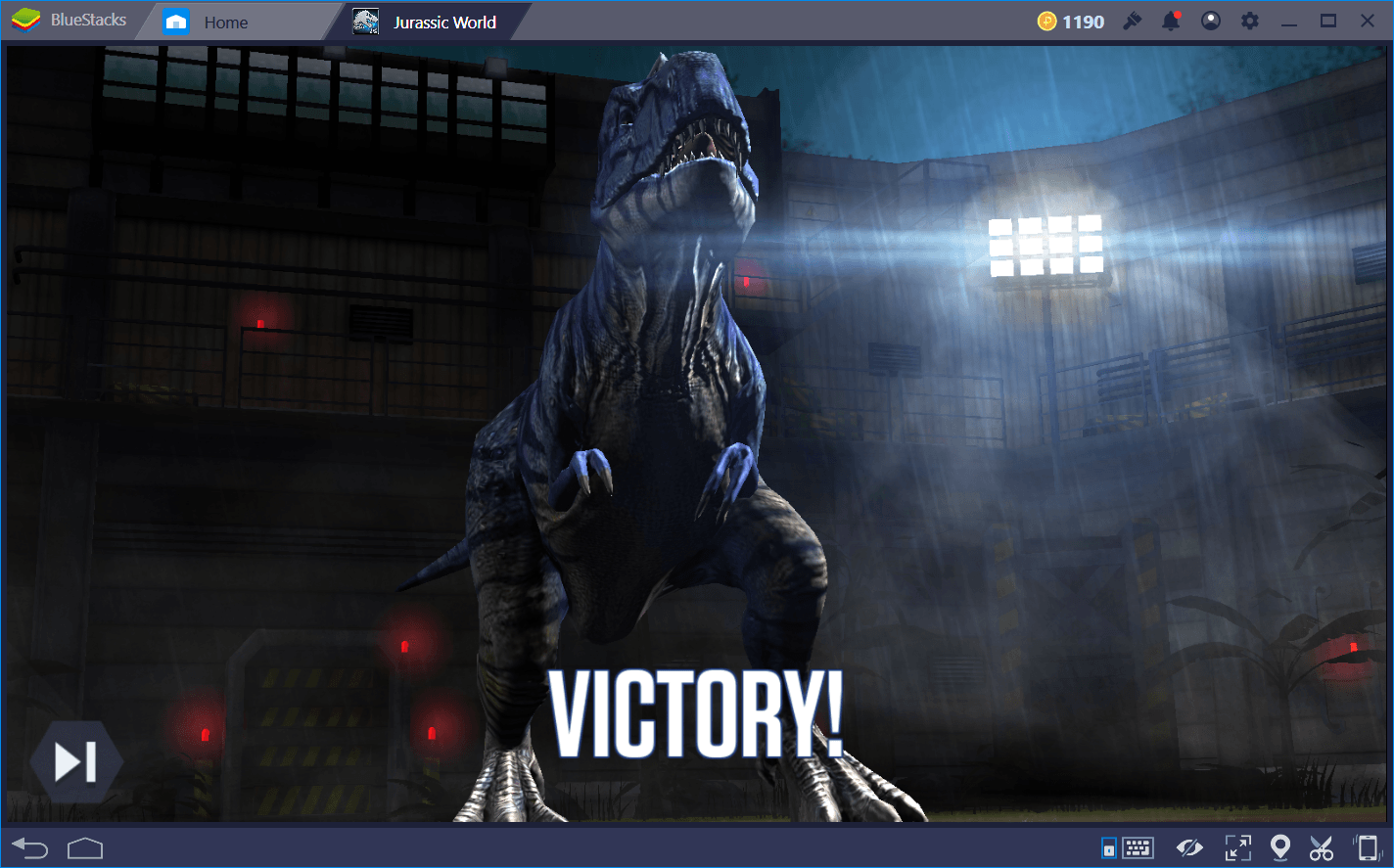
Your dinosaurs can also enter exciting battles against other opponents. Choosing the right creatures and planning each move will help your team win. Owen, Claire, and other familiar characters appear during missions and storylines. You can also open card packs and collect daily rewards such as coins, DNA, and other useful resources.
How to Install Jurassic World™: The Game on PC
- Visit the game’s page and select the “Play Jurassic World™: The Game on PC” button.
- Find the downloaded installer in your browser’s downloads section and open it.
- Complete the BlueStacks installation, and then launch it on your computer.
- Log in to the Google Play Store, install Jurassic World™: The Game, and begin playing.
How to Install Jurassic World™: The Game on Mac with BlueStacks Air
- Get BlueStacks Air: Open the game’s page and press the “Play Jurassic World™: The Game on Mac” button to download the installer.
- Complete the Installation: Double-click the BlueStacksInstaller.pkg file and follow the instructions shown on your screen.
- Open BlueStacks Air: Launch it from the Applications folder or Launchpad, and then sign in with your Google account.
- Find the Game: Search for Jurassic World™: The Game in the Play Store and install it.
- Enter the Park: Open Jurassic World™: The Game after installation and start building your dinosaur collection.
Already Using BlueStacks? Follow These Steps
- Head to the game’s page and click the “Jurassic World™: The Game on PC” button.
- Open BlueStacks on your PC or Mac.
- Download the game through the BlueStacks Store or Google Play Store.
- Launch Jurassic World™: The Game and start playing.
Minimum System Requirements
You can run Jurassic World™: The Game through BlueStacks on many modern and older computers that meet these basic requirements:
- OS: Microsoft Windows 7 or later, or macOS 11 (Big Sur) or later
- Processor: Intel, AMD, or Apple Silicon processor (M1–M4)
- RAM: At least 4GB of RAM
- Storage: 10GB of free disk space
- Permissions: Administrator access on your PC or Mac
- Graphics Drivers: Current drivers from Microsoft or your chipset manufacturer
Jurassic World™: The Game is a fun choice for players who like dinosaurs, park-building games, and tactical battles. You can spend time arranging buildings, caring for your creatures, completing missions, or preparing a powerful Arena team. Daily rewards and limited-time activities also give you reasons to return regularly. Since progress involves several different resources, planning how you spend coins and DNA can help your park grow steadily.
Playing Jurassic World™: The Game on PC or Mac with BlueStacks gives you more room to view your park and its many habitats. Keyboard and mouse controls can make it easier to move around, select buildings, and manage your dinosaurs. The bigger screen also helps you follow battles and enjoy the creature designs in greater detail.