How to Install and Play Solar Smash 2D on PC with BlueStacks
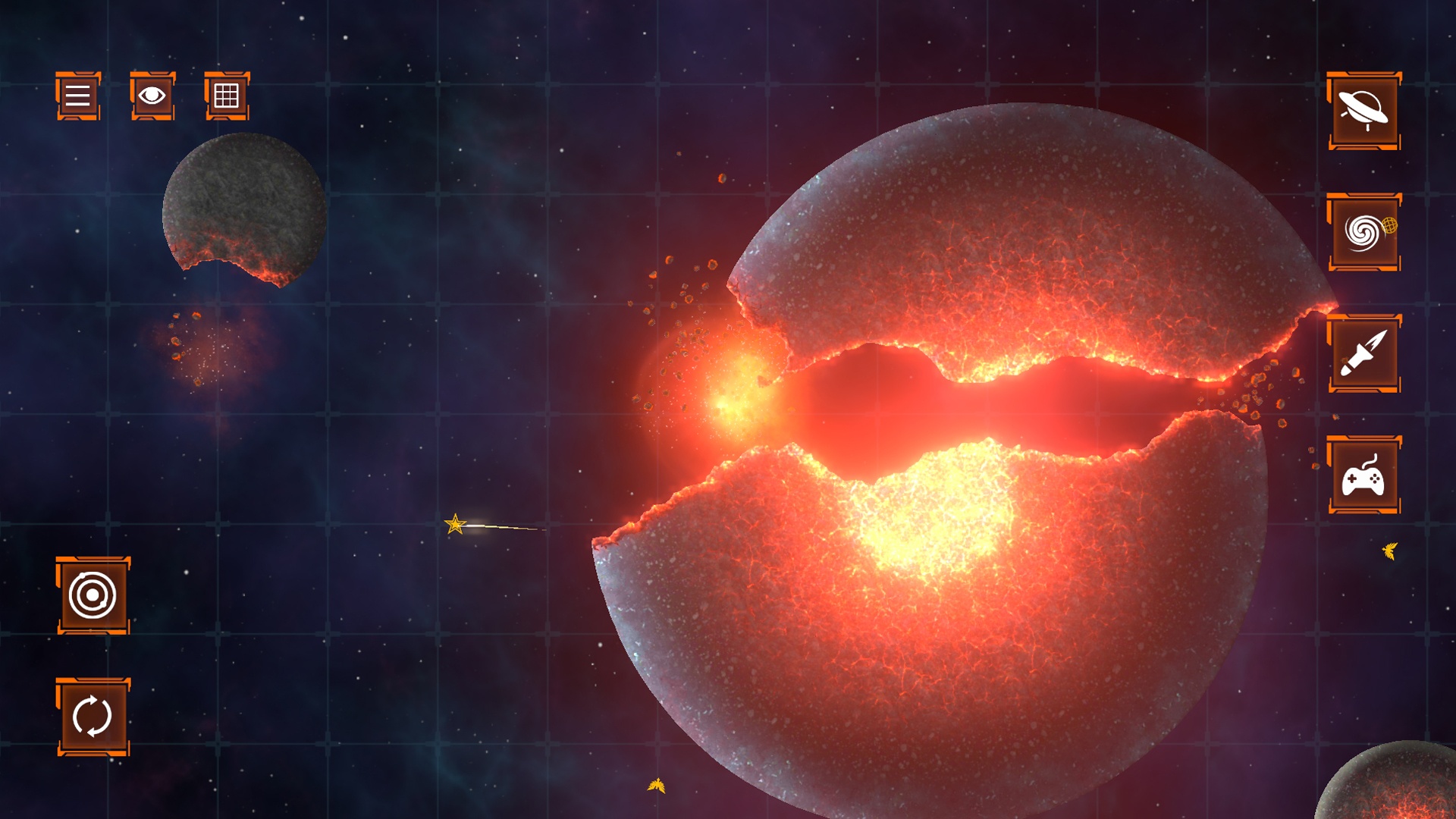
Solar Smash 2D is a simulation game from Paradyme Games that lets you turn space into your own testing ground. You can break planets apart and watch the pieces float around, each moving on its own. You can also add spaceships, take control of them, and set up large space battles.
This spin-off of Solar Smash uses a 2D view and gives you tools to try different ideas. Want to see what happens to a strangely shaped planet? Draw one yourself and start experimenting. You can spend a session flying a ship or simply watching how the planets and debris react.
How to Install Solar Smash 2D on PC
- Visit the game’s page and click “Play Solar Smash 2D on PC.”
- Open your browser’s downloads section and run the installer.
- Follow the setup instructions to install BlueStacks, then launch it on your PC.
- Sign in to the Google Play Store, install Solar Smash 2D: Destroy Planet, and launch the game.
How to Install Solar Smash 2D on Mac with BlueStacks Air
- Download BlueStacks Air: Open the game’s page and click “Play Solar Smash 2D on Mac” to get the installer.
- Complete the Setup: Double-click BlueStacksInstaller.pkg and follow the wizard to install BlueStacks Air.
- Launch and Sign In: Open BlueStacks Air through Launchpad or Applications. Sign in with your Google account to access the Play Store.
- Add Solar Smash 2D: Search for Solar Smash 2D: Destroy Planet by Paradyme Games and install it.
- Start Experimenting: Open the installed game and try its sandbox tools.
Have BlueStacks Installed? Start Here
- Go to the game’s page and click “Solar Smash 2D on PC.”
- Launch BlueStacks on Windows or BlueStacks Air on your Mac.
- Install Solar Smash 2D through the BlueStacks Store or Google Play Store.
- Click the game’s home screen icon to begin playing.
Minimum System Requirements
Check these minimum requirements for BlueStacks 5 on Windows and BlueStacks Air on Mac:
- OS: Microsoft Windows 7 or above; macOS 11 (Big Sur) or above.
- Processor: Intel or AMD on Windows; Apple Silicon M1-M4 on Mac.
- RAM: At least 4GB on Windows or 8GB on Mac.
- Storage: At least 5GB free on Windows or 12GB on Mac, plus space for the game.
- Permissions: Administrator access on your PC.
- Graphics Drivers: Updated Windows graphics drivers from Microsoft or your hardware manufacturer.
Windows 7 and Windows 8 support BlueStacks versions 5.21.300 and earlier. Current releases require Windows 10 or above.
Solar Smash 2D suits players who enjoy building and experimenting. Try a simple planet shape, then experiment with different designs. Add ships gradually to follow the action. Control a spacecraft to join the battle yourself.
Playing Solar Smash 2D on PC or Mac with BlueStacks gives you a bigger view of your space experiments. Use the mouse to draw planets and select tools, then customize keyboard controls to suit your play style. Close unused apps on a shared computer to leave more resources available for the game.