How to Install and Play Stranger Heroes on PC with BlueStacks
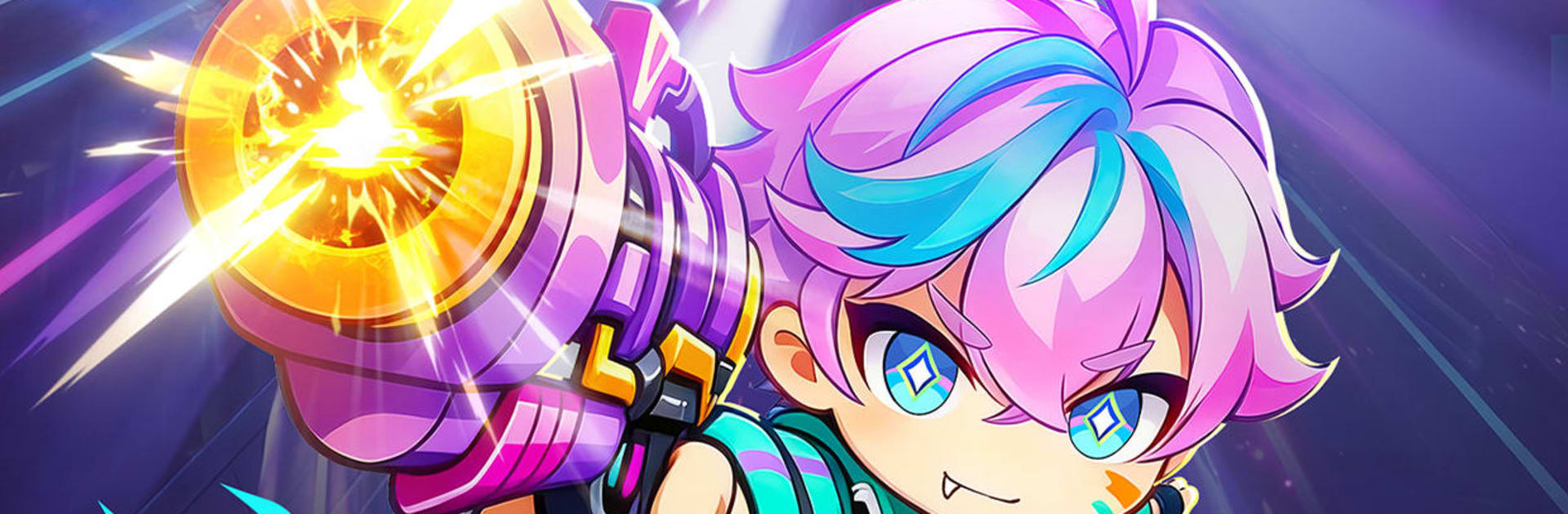

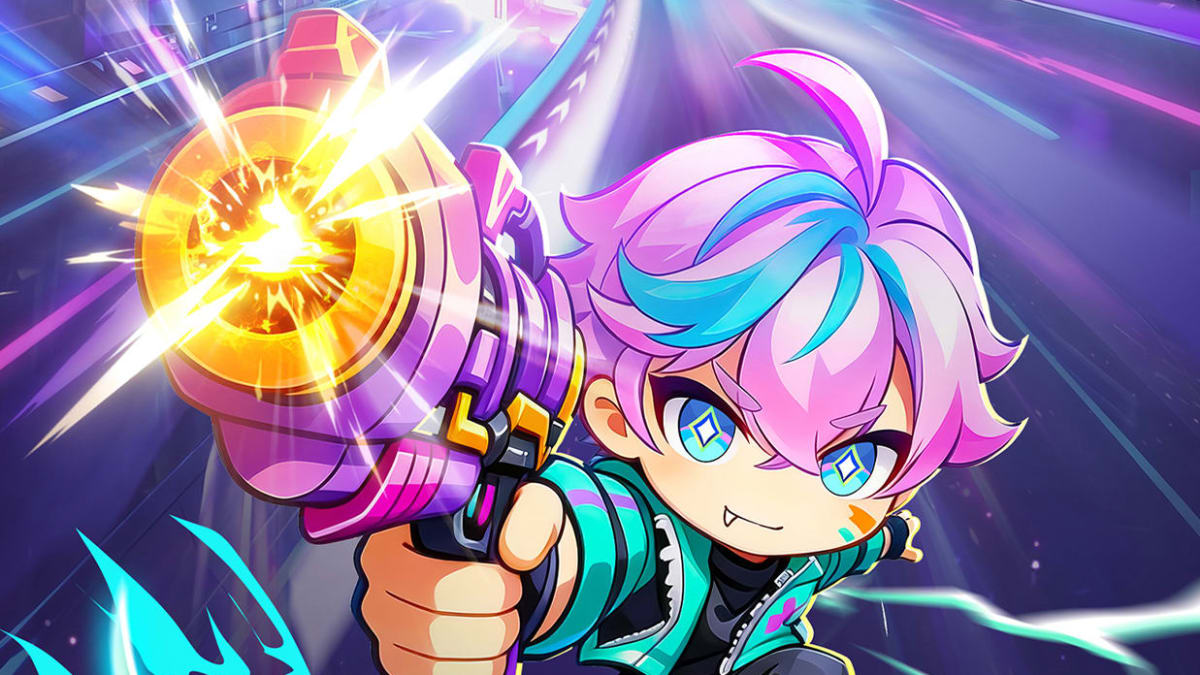
Stranger Heroes is a strategy game set in a bright cyberpunk future filled with cyborgs, neon cities, and strange enemies. You build a team of heroes, defend your base, and fight through tower defense battles with roguelike twists. Each match can give you random talents and skill effects, so your squad can feel different from one run to the next.
The game also includes AFK-style growth, auto battle, and cyber base building. This gives you ways to upgrade your heroes, unlock facilities, place defenses, and push farther into its futuristic world.
How to Install Stranger Heroes on PC
- Go to the game’s page, and click on the “Play Stranger Heroes on PC” button.
- Find the downloaded file in your browser’s downloads section and open it.
- Follow the setup steps to install BlueStacks, then launch it on your PC or Mac.
- Sign in to the Google Play Store, install Stranger Heroes, and start playing.
How to Install Stranger Heroes on Mac with BlueStacks Air
- Download BlueStacks Air: Go to the game’s page and click on the “Play Stranger Heroes on Mac” button to get the installer.
- Install BlueStacks Air: Open the BlueStacksInstaller.pkg file and follow the steps on your screen.
- Launch and Sign-In: Open BlueStacks Air from Launchpad or the Applications folder. Then sign in with your Google account to use the Play Store.
- Install Stranger Heroes: Search for Stranger Heroes in the Play Store and install it.
- Enjoy Playing: Open the game and jump into your first cyber tower defense battle.
Already Have BlueStacks? Here’s How to Start Faster
- Go to the game’s page, and click on the “Stranger Heroes on PC” button.
- Open BlueStacks on your PC or Mac.
- Install Stranger Heroes from the BlueStacks Store or Google Play Store.
- Start Playing!
Minimum System Requirements
BlueStacks can run games like Stranger Heroes on many PCs and Macs, as long as your device meets these basic needs:
- OS: Microsoft Windows 7 and above, macOS 11 (Big Sur) or above
- Processor: Intel, AMD Processor, or Apple Silicon Processor (M1-M4)
- RAM: Your PC or Mac must have at least 4GB of RAM
- Storage: 10GB Free Disk Space
- Permissions: Administrator access on your PC or Mac.
- Graphics drivers: Up-to-date graphics drivers from Microsoft or the chipset vendor.
Stranger Heroes is a good pick for players who like strategy games with fast battles and lots of team-building choices. You can test different heroes, try new talents, place defenses, and see which setup helps you survive more waves. Since each match can bring new skill effects, it gives you a reason to keep testing new builds instead of using the same plan every time.
Also, playing Stranger Heroes on PC or Mac with BlueStacks can make the game easier to manage, especially if you prefer a larger screen instead of a small phone display. Keyboard and mouse controls can also help when you need to check your squad, place defenses, and move through menus. If your phone battery drains fast or your screen feels too small, BlueStacks gives you a more comfortable way to play Stranger Heroes on your PC or laptop.