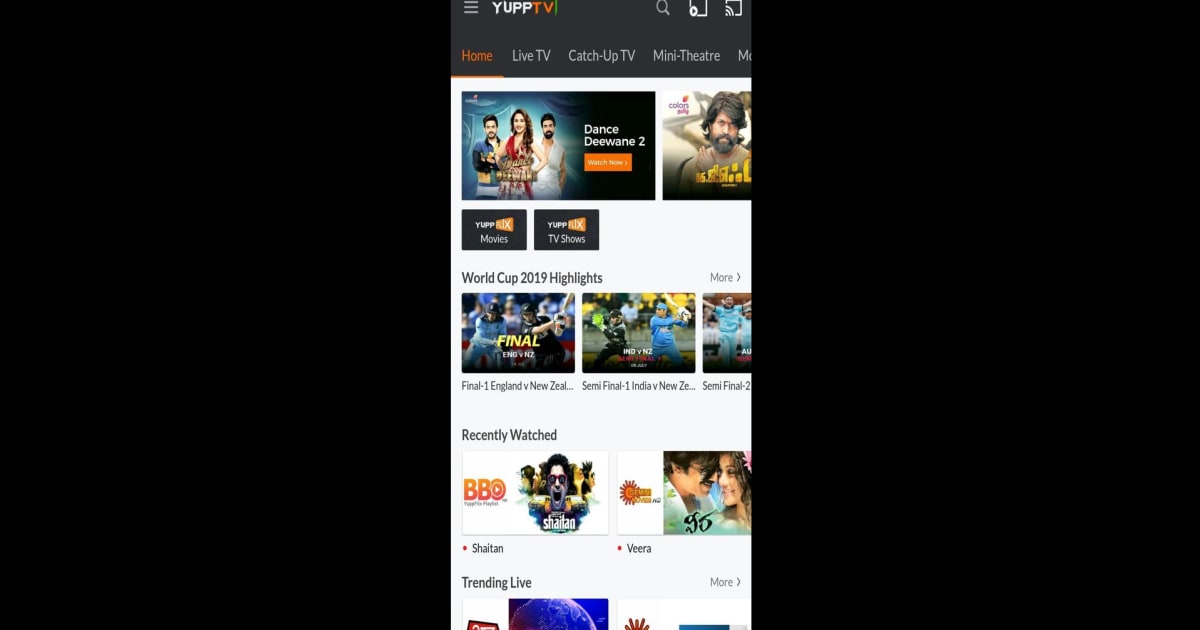
How to Install and Run YuppTV LiveTV, IPL 2026 Live on PC with BlueStacks


YuppTV LiveTV, IPL 2026 Live is a popular streaming app where you can watch live TV, movies, and sports in one place. It gives access to hundreds of Indian TV channels in different languages like Hindi, Tamil, Telugu, and more.
And for cricket fans, it includes live coverage of IPL 2026, so you can follow matches as they happen. You can also watch highlights if you miss any big moments. This entertainment app makes it easy to enjoy shows, news, and sports anytime.
How to Install YuppTV LiveTV, IPL 2026 Live on PC
- Visit the app’s page and press the “Run YuppTV LiveTV, IPL 2026 Live on PC” button.
- Download the setup file and open it from your browser’s downloads.
- Install BlueStacks and wait for it to launch on your computer.
- Log in to the Google Play Store, install YuppTV LiveTV, IPL 2026 Live, and start watching.
How to Install YuppTV LiveTV, IPL 2026 Live on Mac with BlueStacks Air
- Get the Installer: Head to the app page and click the “Run YuppTV LiveTV, IPL 2026 Live on Mac” button.
- Install BlueStacks Air: Open the BlueStacksInstaller.pkg file and follow the steps shown on screen.
- Open and Sign In: Launch BlueStacks Air from your Applications folder and sign in with your Google account.
- Install the App: Find YuppTV LiveTV, IPL 2026 Live in the Play Store and install it.
- Start Watching: Open the app and enjoy your favorite shows and matches.
Already Have BlueStacks Installed?
- Go to the app page and click the “YuppTV LiveTV, IPL 2026 Live on PC” button.
- Open BlueStacks on your PC or Mac.
- Install the app through the Play Store or BlueStacks Store.
- Launch it and begin streaming right away.
Minimum System Requirements
To run this app smoothly on your PC or Mac, your system should meet these basic needs:
- OS: Microsoft Windows 7 or newer, macOS 11 (Big Sur) or newer
- Processor: Intel, AMD, or Apple Silicon (M1–M4)
- RAM: At least 4GB
- Storage: 10GB free space
- Permissions: Administrator access required
- Graphics: Updated drivers from Microsoft or your hardware provider
YuppTV LiveTV, IPL 2026 Live is great for anyone who enjoys watching TV and sports without switching between apps. You can catch live cricket matches, follow news updates, or relax with movies and shows in different languages. It works well for solo viewing, but it’s also fun to watch big matches with friends or family on a larger screen.
And using YuppTV LiveTV, IPL 2026 Live on PC or Mac with BlueStacks makes watching more comfortable. You get a bigger screen, smoother video, and easy control with your keyboard and mouse. That makes it simpler to switch channels and enjoy matches without dealing with a small phone display.