Watch IPL 2026 Live on YuppTV Using BlueStacks


If you want a simple way to watch IPL 2026 live on your computer, YuppTV makes it possible without needing a TV setup. The platform offers access to live cricket, including IPL matches, along with a wide range of Indian TV channels across different genres.

While the app is mainly designed for mobile devices, using it on PC with BlueStacks creates a much more comfortable viewing setup. Instead of being limited to a small screen, you can enjoy matches on a larger display with smoother playback and fewer interruptions.
What You Get with YuppTV
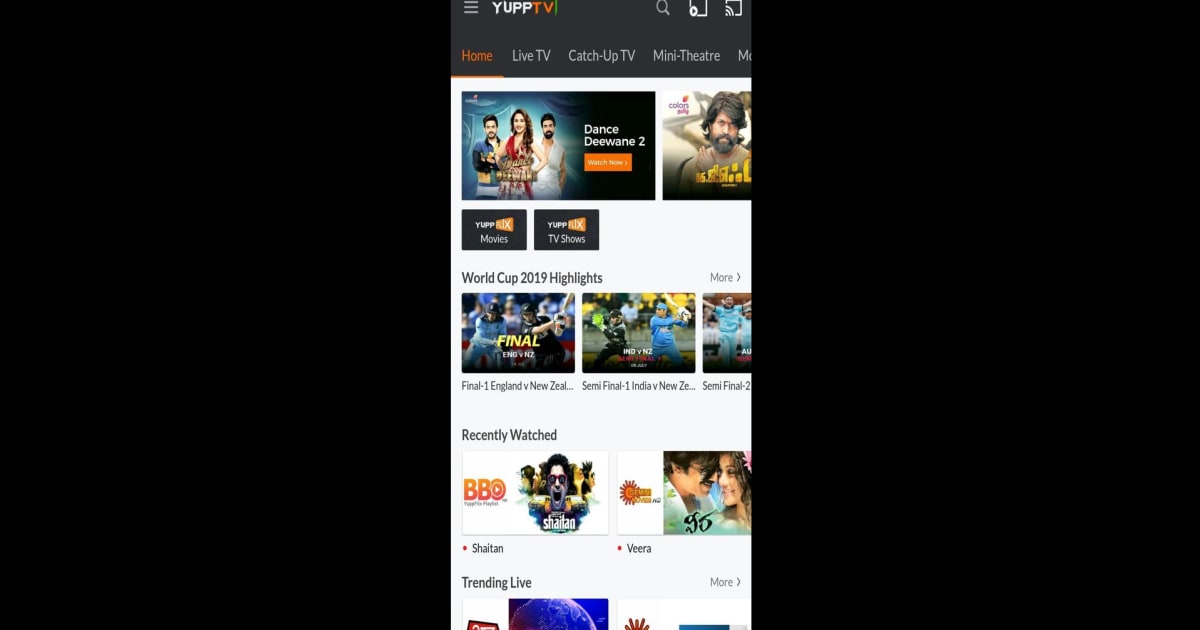
YuppTV combines live sports, TV channels, and on-demand content into a single platform. It offers access to hundreds of channels across Hindi, Tamil, Telugu, Malayalam, and more, along with movies and catch-up TV features that let you revisit recent broadcasts.
For IPL 2026, the platform provides live streaming through supported sports networks like Willow TV in certain regions. This means you can follow matches in real time without switching between multiple apps or services. Beyond cricket, the variety of entertainment content also makes it useful outside of match hours, especially if you prefer regional programming.
How to Watch IPL 2026 on PC with BlueStacks
Getting started with YuppTV on PC is straightforward when using BlueStacks. After installing the emulator, you can access the Google Play Store just like on a phone. From there, search for YuppTV, install it, and log in with your account.

Once inside the app, head to the live TV or sports section to find IPL 2026 streams. The interface works the same as it does on mobile, so navigation feels familiar. The difference comes from the experience itself—watching on a larger screen makes it easier to follow gameplay, especially during long matches or intense moments.
Watching YuppTV on BlueStacks Feels Better
Using BlueStacks changes how you experience YuppTV. The most noticeable upgrade is the screen size, which makes a big difference for live sports like cricket where visibility matters. You can keep track of player movement, score updates, and match details more clearly compared to a phone.
Performance is another key advantage. On PC, you avoid common mobile issues like battery drain or overheating during long streaming sessions. BlueStacks also allows you to multitask easily, so you can keep the match running while browsing, chatting, or working in the background. This flexibility makes it a more practical option for regular viewing.

YuppTV is a reliable option for watching IPL 2026 live, especially if you want access to both sports and regional entertainment in one place. When combined with BlueStacks, the experience becomes more convenient and comfortable, giving you a better way to follow matches on a larger screen without interruptions.