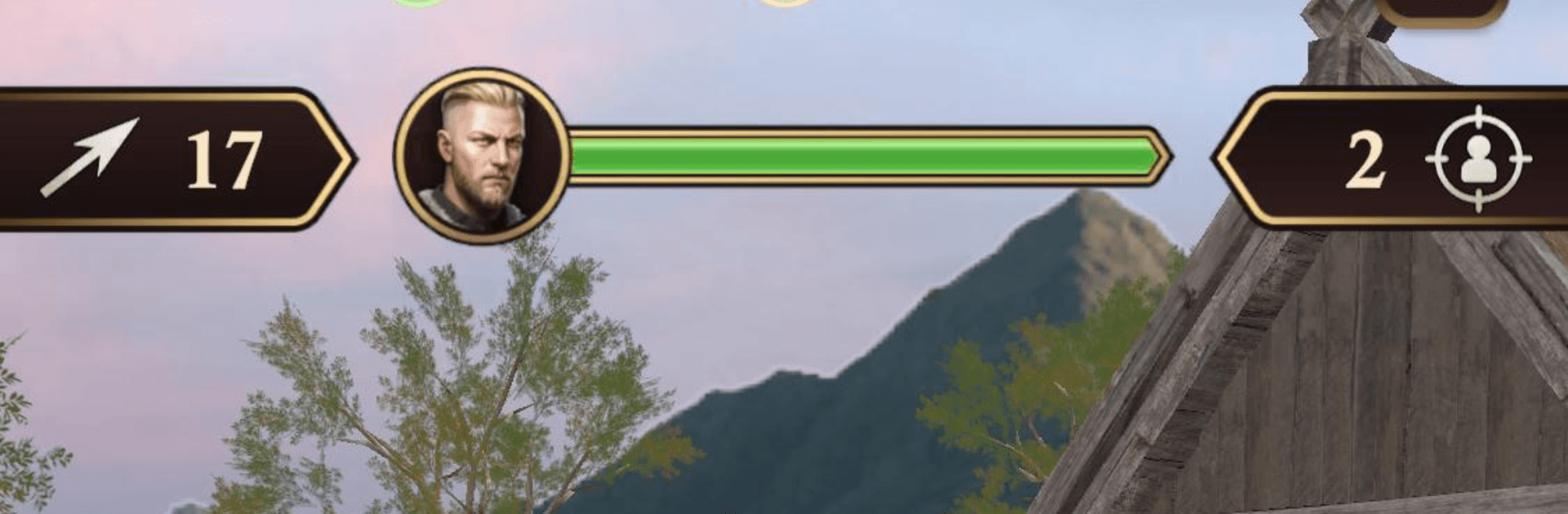
Archer Knight: The Savior

Archer Knight: The Savior

Action

| Tribom Games

Play on PC with BlueStacks or from our cloud

  • Overview
  • Game Features
  • How to Play

Page Modified On: August 14, 2026

Play Archer Knight: The Savior on PC or Mac

Explore a whole new adventure with Archer Knight: The Savior, a Action game created by Tribom Games. Experience great gameplay with BlueStacks, the most popular gaming platform to play Android games on your PC or Mac.

About the Game

Archer Knight: The Savior is an Action game about staying unseen, lining up the perfect shot, and slipping away before the alarm sounds. You move through a tense medieval world on story-led missions, helping folks across the realm while uncovering what’s stirring up all this trouble. Prefer playing on a bigger screen with crisp aiming? It runs nicely on PC with BlueStacks.

Game Features

  • Tactical Archery: Make every arrow count with precise aim, careful timing, and smart angles that turn a single shot into a clean takedown.
  • Stealth That Matters: Hug cover, peek around obstacles, and use shadows to avoid patrols. If they spot you, things get messy fast.
  • Story-Paced Missions: Take on objectives that push the tale forward—assist villagers, work with commanders and alchemists, and follow the trail to the heart of the threat.
  • Varied Battlegrounds: Slip through ancient castles, dense forests, dark caves, high mountain paths, enemy strongholds, and hidden camps—each with its own sightlines and hazards.
  • Enemies With Teeth: Deal with different guard types and aggressive fighters who defend key areas, react to noise, and won’t hesitate to rush you.
  • Memorable Boss Fights: Face powerful foes that force you to read patterns, use cover smartly, and pick your moment to strike.
  • Smart Positioning: Set up shots from safe angles, control distance, and use the environment to split groups or bypass them entirely.
  • Mission Progression: Clear objectives to unlock tougher challenges and new areas, testing your stealth and accuracy as the stakes rise.
  • Smooth, Satisfying Controls: Snappy movement and responsive shooting keep every encounter tight and readable.
  • Playable Offline: Take on missions whenever you want, no connection required.

Ready to top the leaderboard? We bet you do. Let precise controls and sharp visuals optimized on BlueStacks lead you to victory.


Game Features

Enhancements

  • Macros
  • Multi Instance
  • Multi Instance Sync
  • Eco Mode
  • Enhancements
Macros

Macros

Skip the boring parts of a game. Play Archer Knight: The Savior with Macros and get the edge. Simply record a sequence of commands and execute them at any moment.
Multi Instance

Multi Instance

Why limit to one game on your phone when you can play many on your PC? Open multiple instances of Archer Knight: The Savior at once with Multi-Instance. Leverage the power of different accounts by doing more.
Multi Instance Sync

Multi Instance Sync

Get the best out of Archer Knight: The Savior with Multi-Instance Sync. Play the game from different accounts and build your own empire. Use Multi-instance sync to repeat the action in the main BlueStacks instance on all other instances.
Eco Mode

Eco Mode

Find the rarest heroes by making multiple summons in Archer Knight: The Savior. And while you are at it, reduce your PC’s resource consumption with the Eco Mode. Farm efficiently. Get the best results.
Read More

How to Download and Play Archer Knight: The Savior on PC or Mac

  • Download and install BlueStacks on your PC or Mac

  • Complete Google sign-in to access the Play Store, or do it later

  • Look for Archer Knight: The Savior in the search bar at the top right corner

  • Click to install Archer Knight: The Savior from the search results

  • Complete Google sign-in (if you skipped step 2) to install Archer Knight: The Savior

  • Click the Archer Knight: The Savior icon on the home screen to start playing

video
Watch Video

Minimum System Requirements

With BlueStacks 5, you can get started on a PC that fulfills the following requirements.

  • Operating System

    Microsoft Windows 7 or above, macOS 11 (Big Sur) or above

  • Processor

    Intel, AMD or Apple Silicon Processor

  • RAM

    at least 4GB

  • HDD

    10GB Free Disk Space

Note:

* You must be an Administrator on your PC. Up to date graphics drivers from Microsoft or the chipset vendor.

Archer Knight: The Savior - FAQs

  • How to play Archer Knight: The Savior on Windows PC & Mac?

    Play Archer Knight: The Savior on your PC or Mac by following these simple steps.

    • Click on 'Play Archer Knight: The Savior on PC’ to download BlueStacks
    • Install it and log-in to Google Play Store
    • Launch and play the game.
  • Why is BlueStacks the fastest and safest platform to play games on PC?

    BlueStacks respects your privacy and is always safe and secure to use. It does not carry any malware, spyware, or any sort of additional software that could harm your PC.

    It is engineered to optimize speed and performance for a seamless gaming experience.

  • What are Archer Knight: The Savior PC requirements?

    Minimum requirement to run Archer Knight: The Savior on your PC

    • OS: Microsoft Windows 7 or above MacOS 11 (Big Sur) or above
    • Processor: Intel, AMD or Apple Silicon Processor
    • RAM: Your PC must have at least 4GB of RAM. (Note that having 4GB or more disk space is not a substitute for RAM)
    • HDD: 10GB Free Disk Space.
    • You must be an Administrator on your PC.