Grand Outlaws - RP Life Online

Grand Outlaws - RP Life Online

Action

| Azur Interactive Games Limited

Play on PC with BlueStacks or from our cloud

  • Overview
  • Game Features
  • How to Play

Page Modified On: October 21, 2026

Play Grand Outlaws - RP Life Online on PC or Mac

Grand Outlaws – RP Life Online brings the Action genre to life, and throws up exciting challenges for gamers. Developed by Azur Interactive Games Limited, this Android game is best experienced on BlueStacks, the World’s #1 app player for PC and Mac users.

About the Game

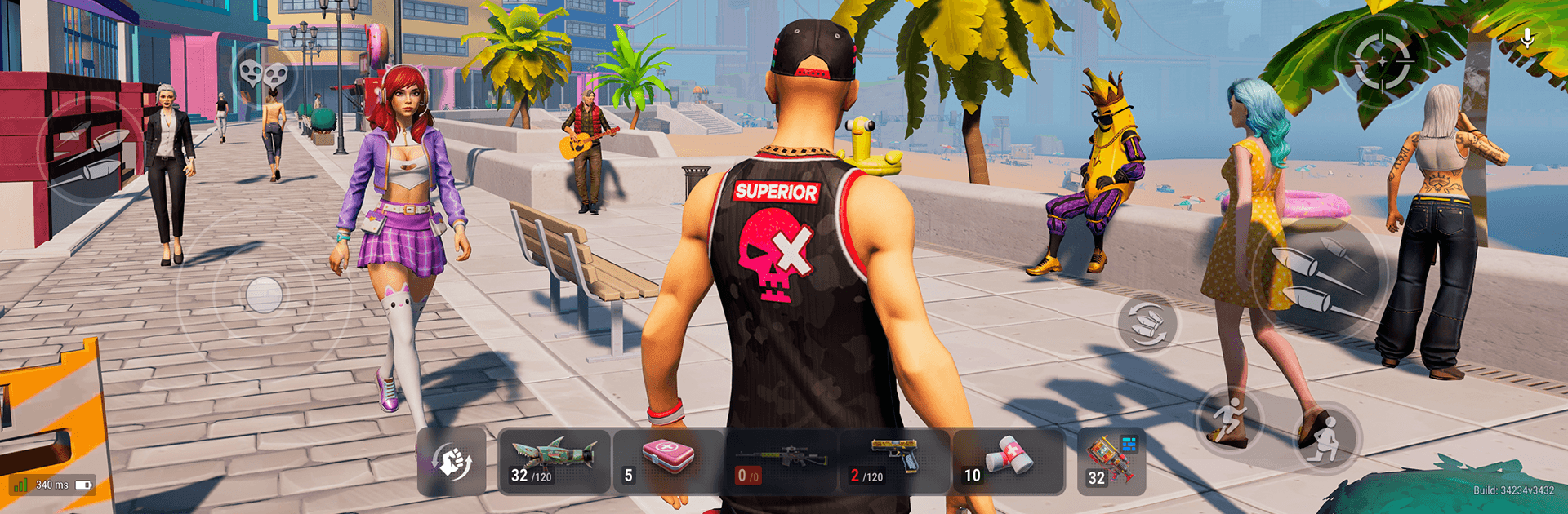
Grand Outlaws – RP Life Online is an Action sandbox where your choices—and your crew—shape everything. It blends ruthless firefights, white-knuckle chases, and player-driven roleplay across a sprawling city split between two distinct islands. Prefer a bigger view and tighter aiming? It also feels great on PC with BlueStacks.

Game Features

  • Living Online City: Step into a shared world where real players fill the streets, carve turf, and spark chaos.
  • Two Distinct Islands: Build a name in laid-back suburbs or chase glory in the high-rise core—your path, your rules.
  • Skill-First Combat: No crutches here; crisp aim, smart movement, and fast decisions win PvP gunfights.
  • Adrenaline Modes: Roam for open-world PvP, jump into standoff shootouts, or drop into battle royale showdowns.
  • Deep Gun Variety: Pistols, shotguns, and snipers each handle differently, rewarding practice and good positioning.
  • Authentic Driving: Weighty physics, sharp drifts, and breakneck pursuits turn every getaway into a story.
  • Full Ride Customization: Swap paints, wheels, and style to craft a look that actually matches your play.
  • Heists and Challenges: Take on missions that stack cash, reputation, and a few enemies along the way.
  • Crew Up or Go Solo: Form alliances for big plays—or run lone wolf and keep all the spoils.
  • Racing Events: Test your build and reflexes in competitive sprints against real opponents.
  • Fair Progression: Earn better vehicles and fresh opportunities through skill, hustle, and consistent play.

Start your journey now. Download the game on BlueStacks, invite your friends, and march on a new adventure.

Game Features

Enhancements

  • Macros
  • Multi Instance
  • Multi Instance Sync
  • Eco Mode
  • Enhancements
Macros

Macros

Skip the boring parts of a game. Play Grand Outlaws - RP Life Online with Macros and get the edge. Simply record a sequence of commands and execute them at any moment.
Multi Instance

Multi Instance

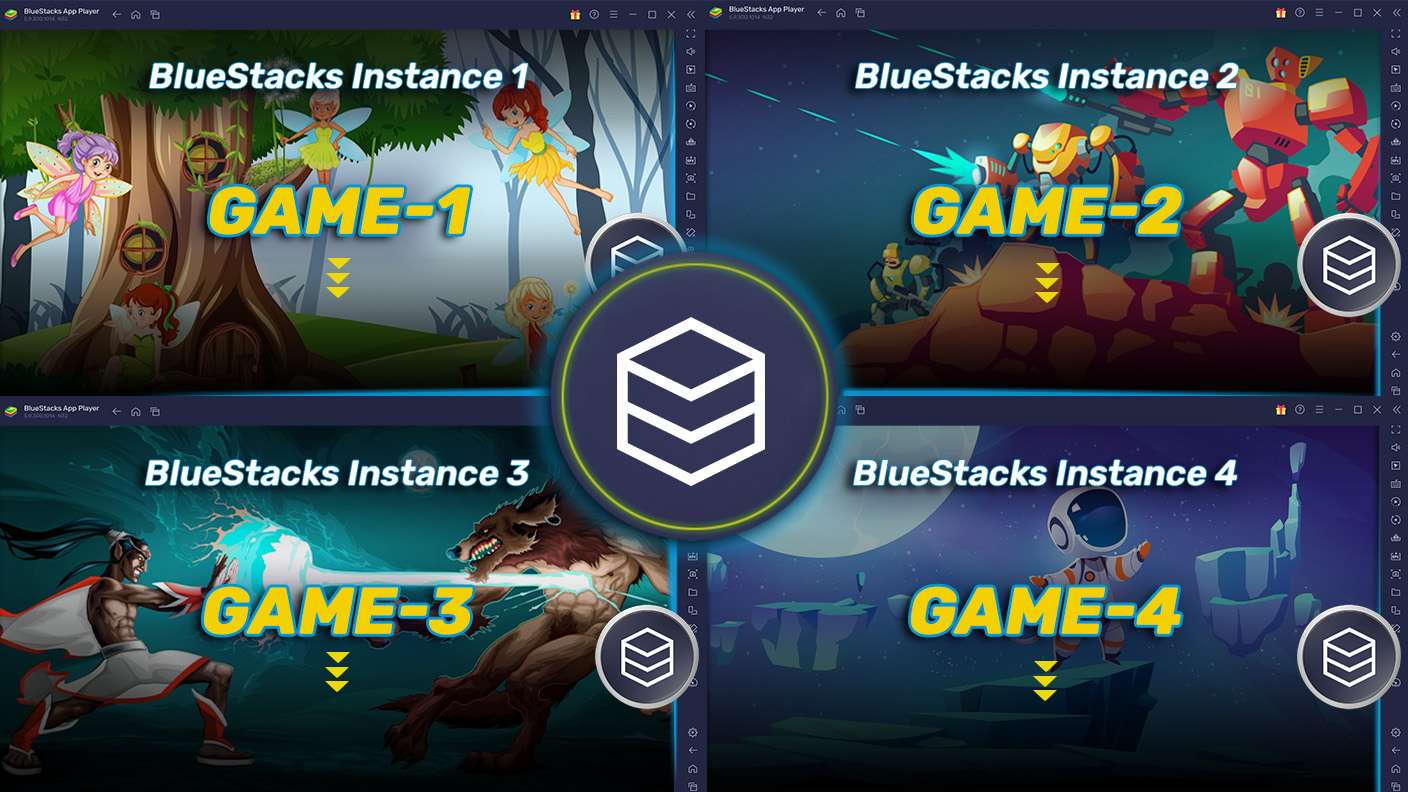
Why limit to one game on your phone when you can play many on your PC? Open multiple instances of Grand Outlaws - RP Life Online at once with Multi-Instance. Leverage the power of different accounts by doing more.
Multi Instance Sync

Multi Instance Sync

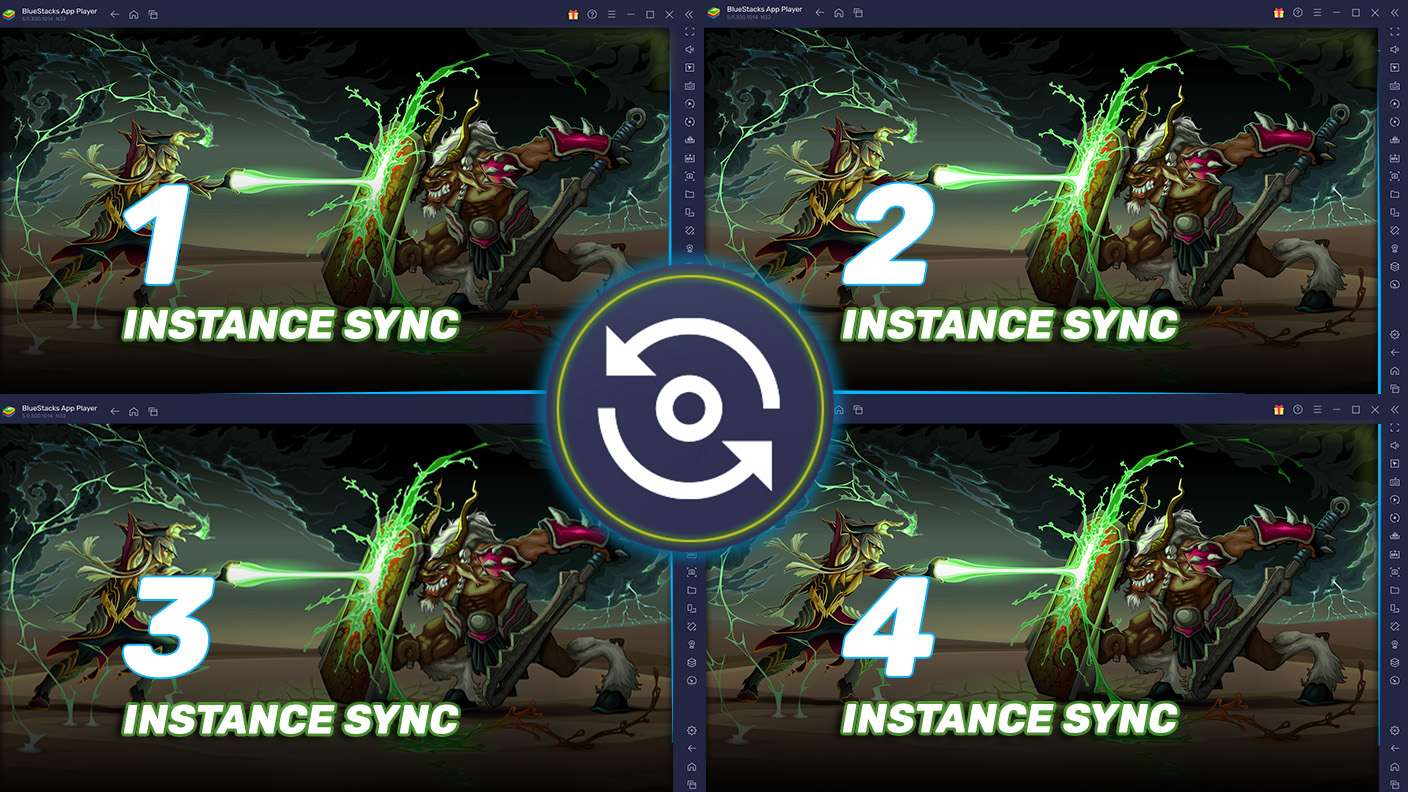
Get the best out of Grand Outlaws - RP Life Online with Multi-Instance Sync. Play the game from different accounts and build your own empire. Use Multi-instance sync to repeat the action in the main BlueStacks instance on all other instances.
Eco Mode

Eco Mode

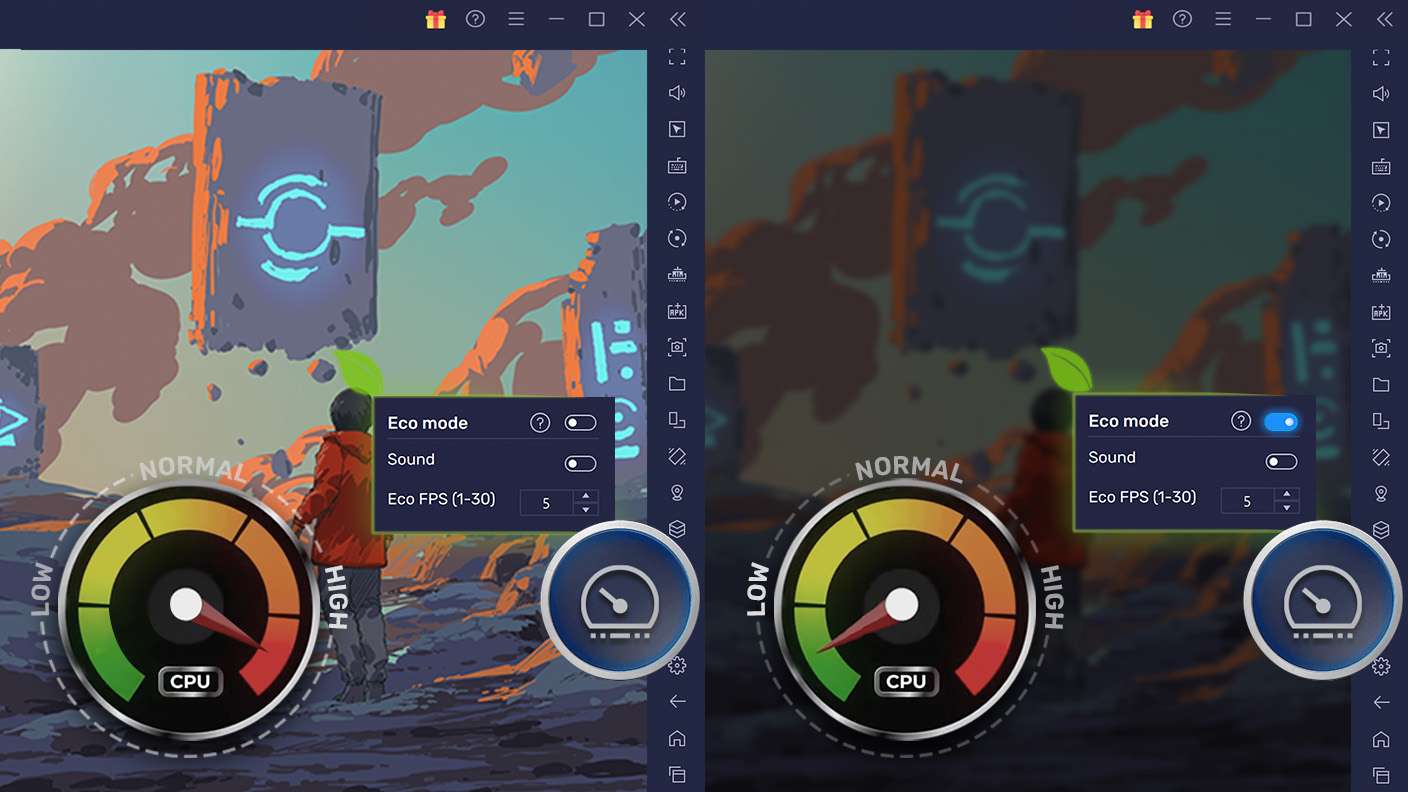
Find the rarest heroes by making multiple summons in Grand Outlaws - RP Life Online. And while you are at it, reduce your PC’s resource consumption with the Eco Mode. Farm efficiently. Get the best results.
Read More

How to Download and Play Grand Outlaws - RP Life Online on PC or Mac

  • Download and install BlueStacks on your PC or Mac

  • Complete Google sign-in to access the Play Store, or do it later

  • Look for Grand Outlaws - RP Life Online in the search bar at the top right corner

  • Click to install Grand Outlaws - RP Life Online from the search results

  • Complete Google sign-in (if you skipped step 2) to install Grand Outlaws - RP Life Online

  • Click the Grand Outlaws - RP Life Online icon on the home screen to start playing

video
Watch Video

Minimum System Requirements

With BlueStacks 5, you can get started on a PC that fulfills the following requirements.

  • Operating System

    Microsoft Windows 7 or above, macOS 11 (Big Sur) or above

  • Processor

    Intel, AMD or Apple Silicon Processor

  • RAM

    at least 4GB

  • HDD

    10GB Free Disk Space

Note:

* You must be an Administrator on your PC. Up to date graphics drivers from Microsoft or the chipset vendor.

Grand Outlaws - RP Life Online - FAQs

  • How to play Grand Outlaws - RP Life Online on Windows PC & Mac?

    Play Grand Outlaws - RP Life Online on your PC or Mac by following these simple steps.

    • Click on 'Play Grand Outlaws - RP Life Online on PC’ to download BlueStacks
    • Install it and log-in to Google Play Store
    • Launch and play the game.
  • Why is BlueStacks the fastest and safest platform to play games on PC?

    BlueStacks respects your privacy and is always safe and secure to use. It does not carry any malware, spyware, or any sort of additional software that could harm your PC.

    It is engineered to optimize speed and performance for a seamless gaming experience.

  • What are Grand Outlaws - RP Life Online PC requirements?

    Minimum requirement to run Grand Outlaws - RP Life Online on your PC

    • OS: Microsoft Windows 7 or above MacOS 11 (Big Sur) or above
    • Processor: Intel, AMD or Apple Silicon Processor
    • RAM: Your PC must have at least 4GB of RAM. (Note that having 4GB or more disk space is not a substitute for RAM)
    • HDD: 10GB Free Disk Space.
    • You must be an Administrator on your PC.